安装 filebeat-7.9.3(与Elasticsearch版本一致)
考虑到Elasticsearch 比较费硬盘空间,所以目前项目中只上传error的日志。详细日志还是去具体服务器查看(没有专门运维)
普通安装:
- 上传并解压filebeat-7.9.3-linux-x86_64.tar.gz,
- 修改 filebeat.yml,
- 启动 ./filebeat -c filebeat.yml -e
Docker 安装
docker pull elastic/filebeat:7.9.3
将 filebeat.yml 文件传到linux 服务器 /opt/filebeat 目录中
filebeat.inputs:
# Each - is an input. Most options can be set at the input level, so
# you can use different inputs for various configurations.
# Below are the input specific configurations.
- type: log
  enabled: true
  paths:
    - /opt/logs/ai_api_dev/*.log
    # - /opt/logs/ai_api_dev/*error*.log # 只看error
    #- D:\Projects\logs\*.log
  fields:
    # 额外添加的字段
    project-name: ai_api_dev
  exclude_lines: ['DEBUG']
  tags: ["ai_api_dev"]
- type: log
  enabled: true
  paths:
    - /opt/logs/ai_schedule_dev/*.log
  fields:
    project-name: ai_ecgreport_schedule_dev
  exclude_lines: ['DEBUG']
  tags: ["ai_schedule_dev"]
# ---------------------------- Elasticsearch Output ----------------------------
output.elasticsearch:
  # Array of hosts to connect to.
  hosts: ["172.16.3.61:9200"]
  indices:
    - index: "ai_api_dev_%{[agent.version]}-%{+yyyy.MM.dd}"
      when.contains:
        tags: "ai_api_dev"
    - index: "ai_schedule_dev_%{[agent.version]}-%{+yyyy.MM.dd}"
      when.contains:
        tags: "ai_schedule_dev"

processors:
  - drop_fields:
      fields: ['agent']
      when.contains:
        tags: "ai_api_dev"
  - drop_fields:
      fields: ['agent']
      when.contains:
        tags: "ai_schedule_dev"
文件权限 755 ,不能是777,否则会报
Exiting: error loading config file: config file ("filebeat.yml") can only be writable by the owner but the permissions are "-rwxrwxrwx" (to fix the permissions use: 'chmod go-w /usr/share/filebeat/filebeat.yml')
#运行
docker run --name filebeat --restart always --privileged=true -d \
  -v /opt/filebeat/logs/:/logs/ \
  -v /opt/filebeat/filebeat.yml:/usr/share/filebeat/filebeat.yml   \
  -v /data/tenant/service/:/data/tenant/service \
  -v /opt/logs/:/opt/logs/ \
  elastic/filebeat:7.9.3
#查看日志
docker logs --tail=100 -f d69
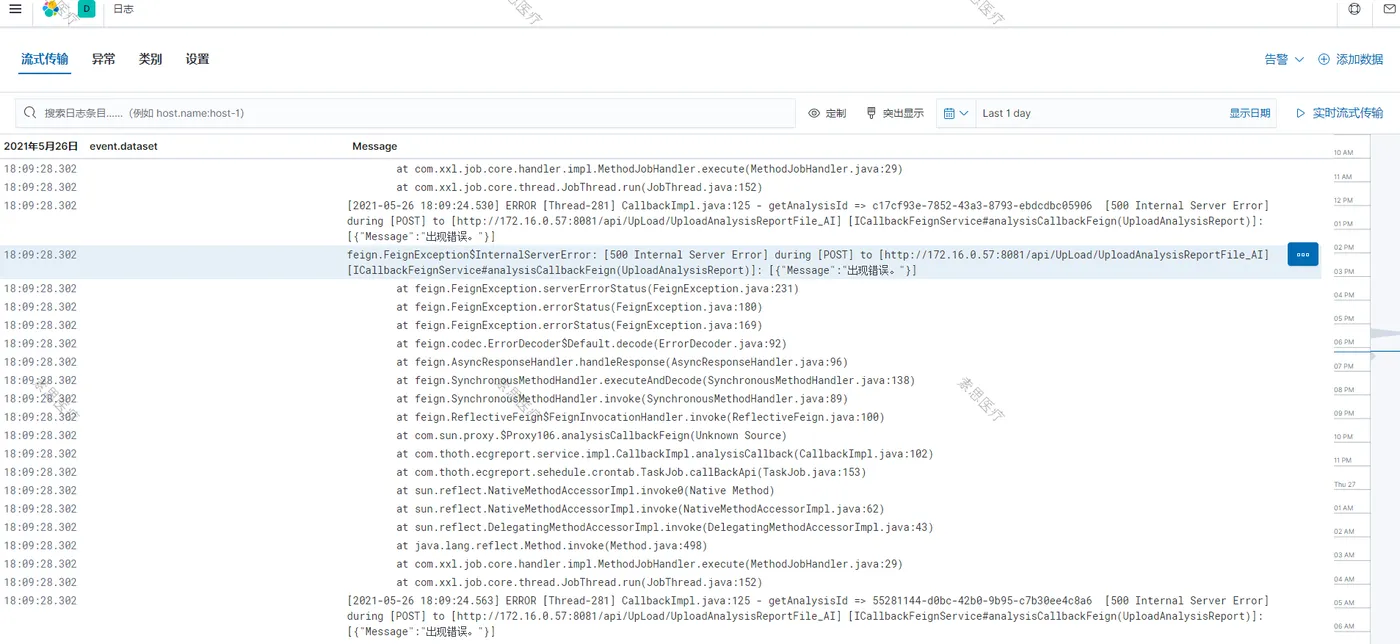
Observability => 日志