一、信息收集
1.端口扫描
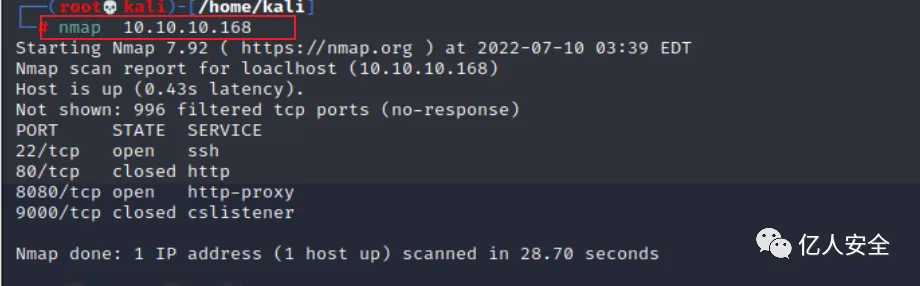
使用nmap进行端口扫描,发现其开放了22、80、8080、9000端口。
访问其8080端口,发现是一个web界面。
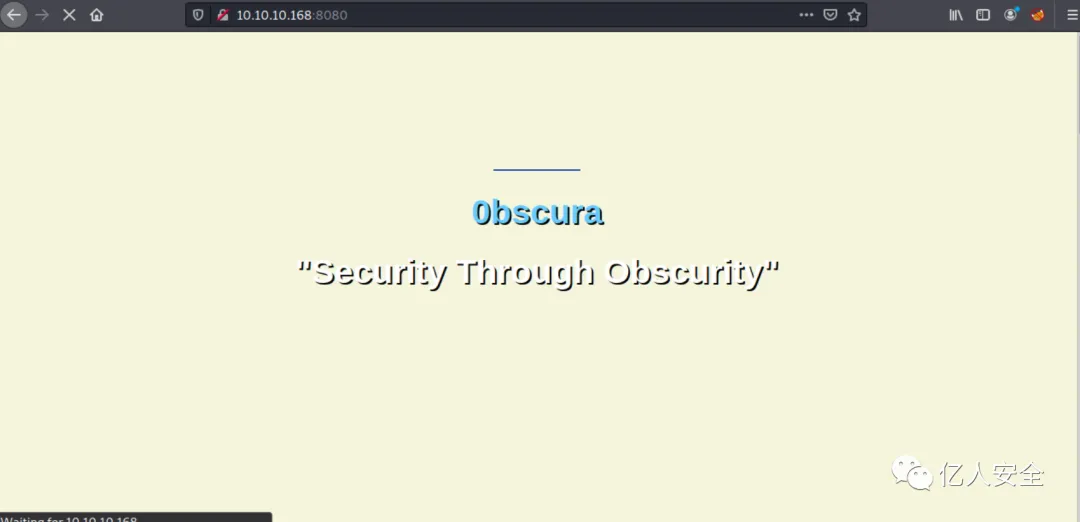
浏览页面内容,提升有一些提示。
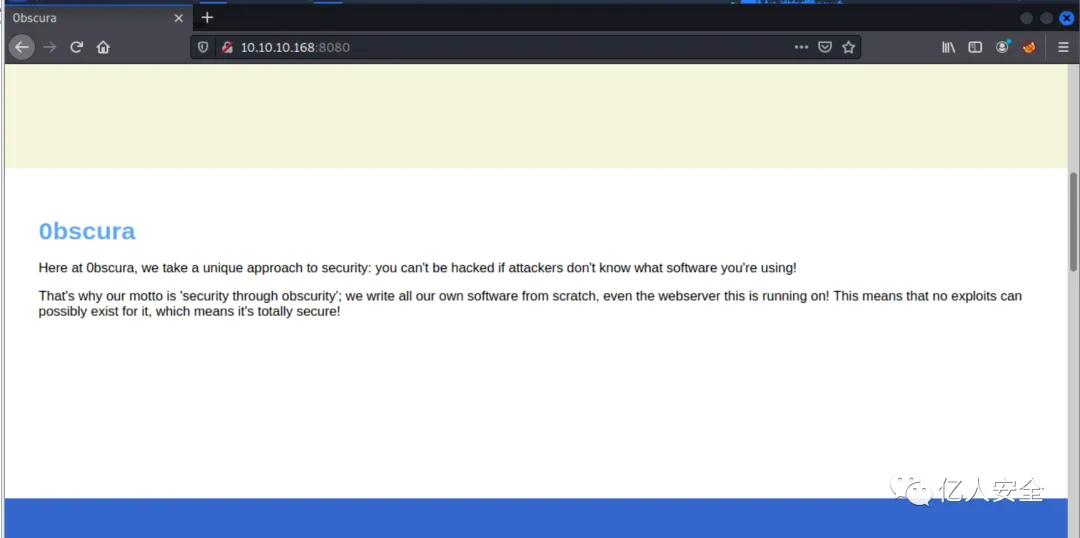
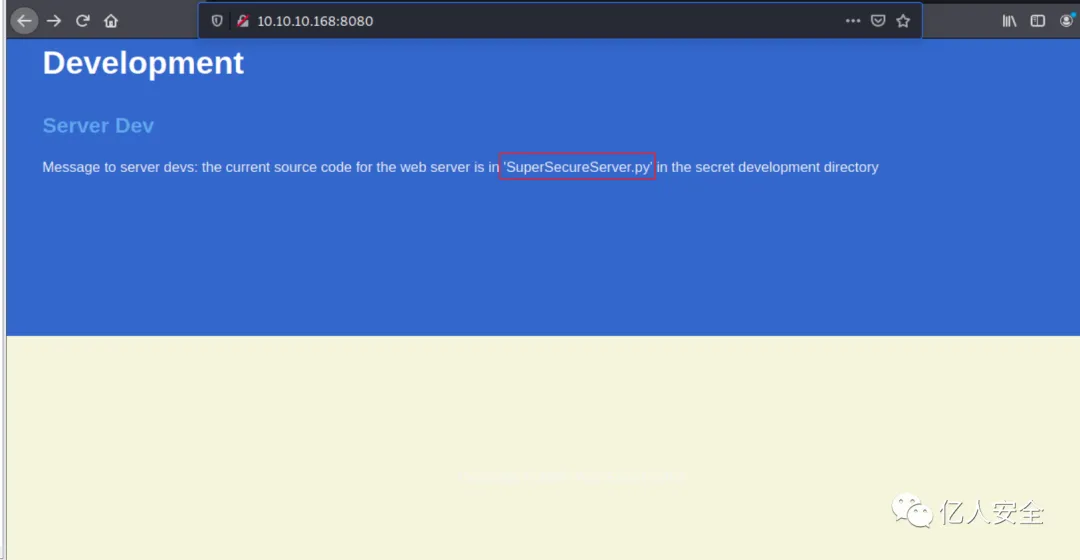
提示存在一个py脚本,访问看看。
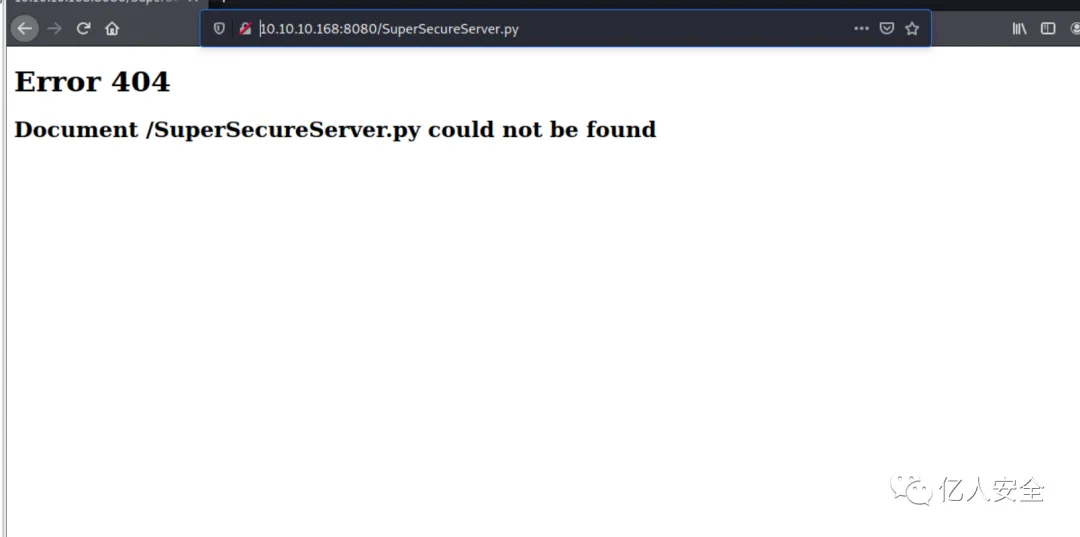
发现提示是404
2.目录爆破
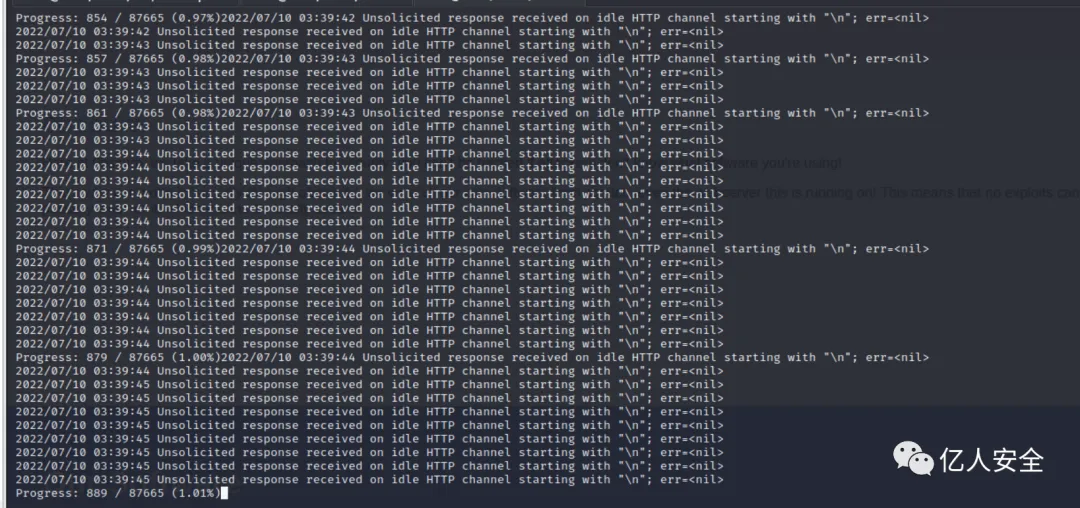
使用gobuster进行目录爆破。
gobuster dir -u http://10.10.10.168:8080 -w /usr/share/wordlists/dirbuster/directory-list-2.3-small.txt ,发现都是404.
3.使用wfuzz进行fuzz
由于我们不知道文件存放在那个具体路径下,所以将使用wfuzzurl 来定位http://10.10.10.168:8080/FUZZ/SuperSecureServer.py其路径。
wfuzz -c-w /usr/share/dirbuster/wordlists/directory-list-2.3-small.txt -u http://10.10.10.168:8080/FUZZ/SuperSecureServer.py --hl 6 --hw 367
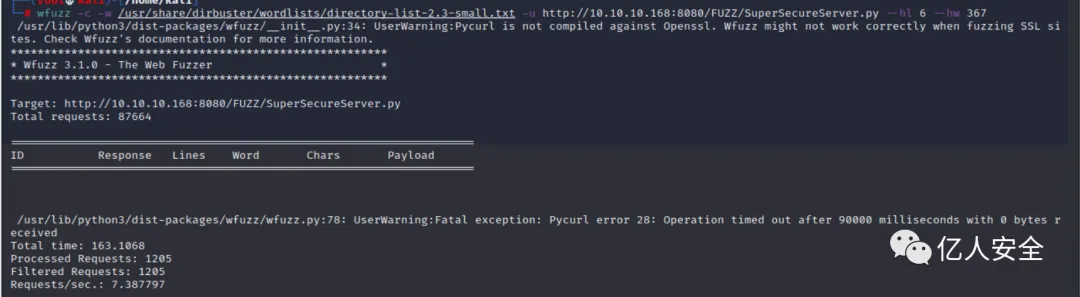
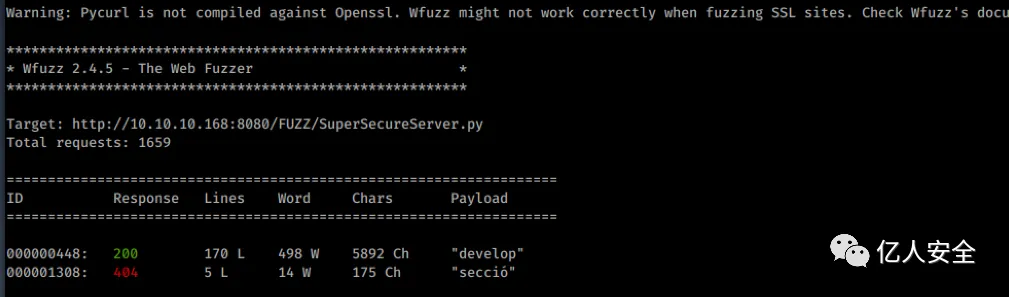
发现它在/developer目录之下。
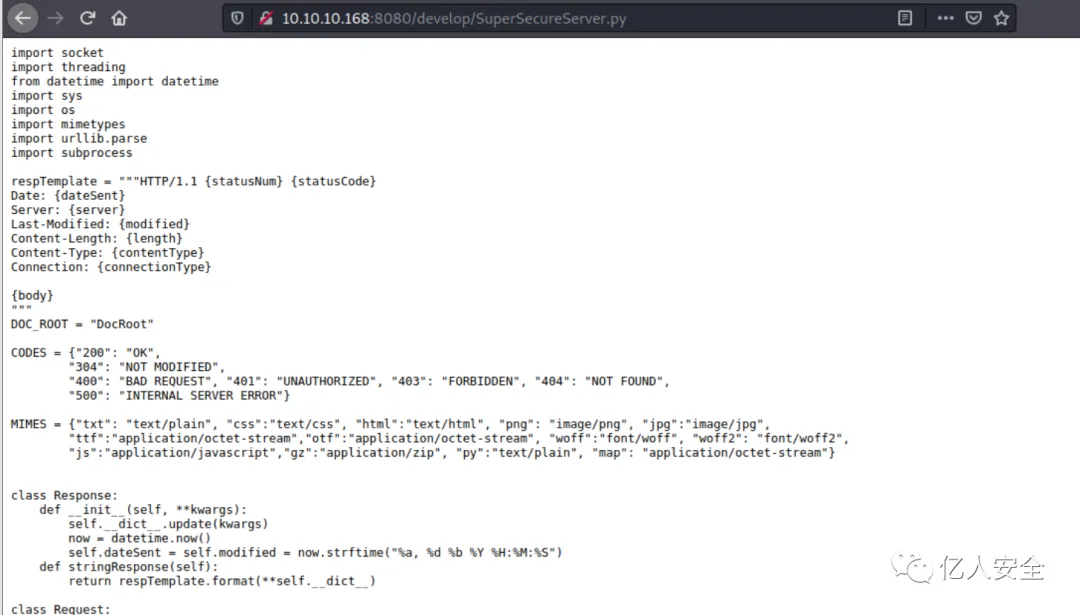
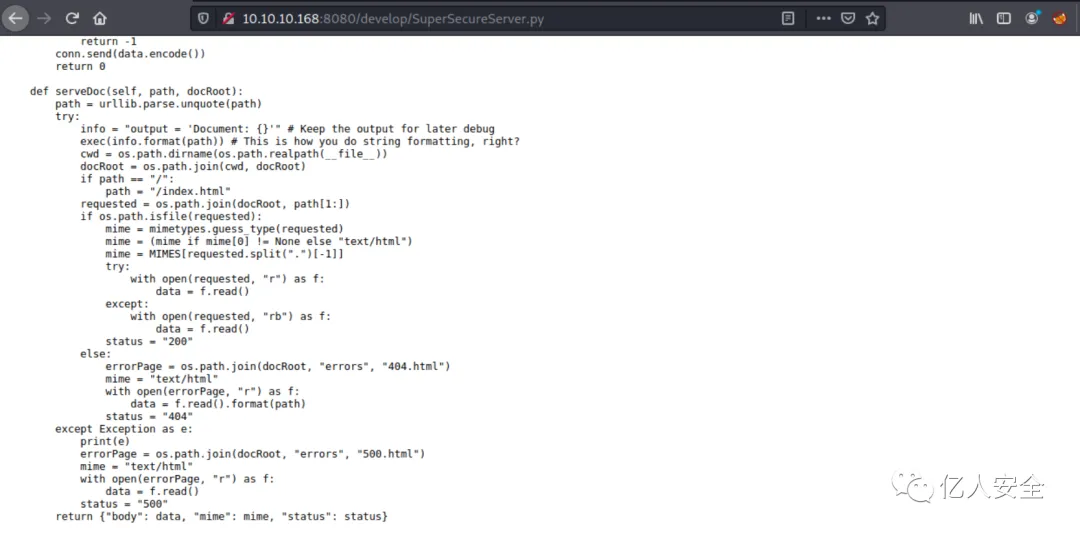
访问看看。成功看到脚本内容。
4.代码分析
将源码copy出来,然后进行分析。
import socket
import threading
from datetime import datetime
import sys
import os
import mimetypes
import urllib.parse
import subprocess
respTemplate = """HTTP/1.1 {statusNum} {statusCode}
Date: {dateSent}
Server: {server}
Last-Modified: {modified}
Content-Length: {length}
Content-Type: {contentType}
Connection: {connectionType}
{body}
"""
DOC_ROOT = "DocRoot"
CODES = {"200": "OK",
        "304": "NOT MODIFIED",
        "400": "BAD REQUEST", "401": "UNAUTHORIZED", "403": "FORBIDDEN", "404": "NOT FOUND",
        "500": "INTERNAL SERVER ERROR"}
MIMES = {"txt": "text/plain", "css":"text/css", "html":"text/html", "png": "image/png", "jpg":"image/jpg",
        "ttf":"application/octet-stream","otf":"application/octet-stream", "woff":"font/woff", "woff2": "font/woff2",
        "js":"application/javascript","gz":"application/zip", "py":"text/plain", "map": "application/octet-stream"}
class Response:
    def __init__(self, **kwargs):
        self.__dict__.update(kwargs)
        now = datetime.now()
        self.dateSent = self.modified = now.strftime("%a, %d %b %Y %H:%M:%S")
    def stringResponse(self):
        return respTemplate.format(**self.__dict__)
class Request:
    def __init__(self, request):
        self.good = True
        try:
            request = self.parseRequest(request)
            self.method = request["method"]
            self.doc = request["doc"]
            self.vers = request["vers"]
            self.header = request["header"]
            self.body = request["body"]
        except:
            self.good = False
    def parseRequest(self, request):
        req = request.strip("\r").split("\n")
        method,doc,vers = req[0].split(" ")
        header = req[1:-3]
        body = req[-1]
        headerDict = {}
        for param in header:
            pos = param.find(": ")
            key, val = param[:pos], param[pos+2:]
            headerDict.update({key: val})
        return {"method": method, "doc": doc, "vers": vers, "header": headerDict, "body": body}
class Server:
    def __init__(self, host, port):
        self.host = host
        self.port = port
        self.sock = socket.socket(socket.AF_INET, socket.SOCK_STREAM)
        self.sock.setsockopt(socket.SOL_SOCKET, socket.SO_REUSEADDR, 1)
        self.sock.bind((self.host, self.port))
    def listen(self):
        self.sock.listen(5)
        while True:
            client, address = self.sock.accept()
            client.settimeout(60)
            threading.Thread(target = self.listenToClient,args = (client,address)).start()
    def listenToClient(self, client, address):
        size = 1024
        while True:
            try:
                data = client.recv(size)
                if data:
                    # Set the response to echo back the received data
                    req = Request(data.decode())
                    self.handleRequest(req, client, address)
                    client.shutdown()
                    client.close()
                else:
                    raise error('Client disconnected')
            except:
                client.close()
                return False
    def handleRequest(self, request, conn, address):
        if request.good:
#            try:
                # print(str(request.method) + " " + str(request.doc), end=' ')
                # print("from {0}".format(address[0]))
#            except Exception as e:
#                print(e)
            document = self.serveDoc(request.doc, DOC_ROOT)
            statusNum=document["status"]
        else:
            document = self.serveDoc("/errors/400.html", DOC_ROOT)
            statusNum="400"
        body = document["body"]
        statusCode=CODES[statusNum]
        dateSent = ""
        server = "BadHTTPServer"
        modified = ""
        length = len(body)
        contentType = document["mime"] # Try and identify MIME type from string
        connectionType = "Closed"
        resp = Response(
        statusNum=statusNum, statusCode=statusCode,
        dateSent = dateSent, server = server,
        modified = modified, length = length,
        contentType = contentType, connectionType = connectionType,
        body = body
        )
        data = resp.stringResponse()
        if not data:
            return -1
        conn.send(data.encode())
        return 0
    def serveDoc(self, path, docRoot):
        path = urllib.parse.unquote(path)
        try:
            info = "output = 'Document: {}'" # Keep the output for later debug
            exec(info.format(path)) # This is how you do string formatting, right?
            cwd = os.path.dirname(os.path.realpath(__file__))
            docRoot = os.path.join(cwd, docRoot)
            if path == "/":
                path = "/index.html"
            requested = os.path.join(docRoot, path[1:])
            if os.path.isfile(requested):
                mime = mimetypes.guess_type(requested)
                mime = (mime if mime[0] != None else "text/html")
                mime = MIMES[requested.split(".")[-1]]
                try:
                    with open(requested, "r") as f:
                        data = f.read()
                except:
                    with open(requested, "rb") as f:
                        data = f.read()
                status = "200"
            else:
                errorPage = os.path.join(docRoot, "errors", "404.html")
                mime = "text/html"
                with open(errorPage, "r") as f:
                    data = f.read().format(path)
                status = "404"
        except Exception as e:
            print(e)
            errorPage = os.path.join(docRoot, "errors", "500.html")
            mime = "text/html"
            with open(errorPage, "r") as f:
                data = f.read()
            status = "500"
        return {"body": data, "mime": mime, "status": status}
在翻译源码过程中,第一眼就看到了注释的地方。就想到了exec函数。
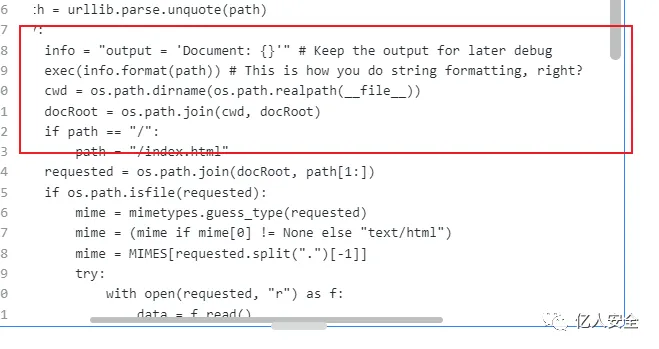
根据 This is how you do string formatting, right?,的意思:不,这不是您进行字符串格式化的方式。path将用户输入 ( )传递给exec总是很危险的。我开始翻阅代码,看看是否可以控制path它何时进入serveDoc.
def handleRequest(self, request, conn, address):
    if request.good:
        document = self.serveDoc(request.doc, DOC_ROOT)
        statusNum=document["status"]
    else:
        document = self.serveDoc("/errors/400.html", DOC_ROOT)
        statusNum="400"
    body = document["body"]
还有这句注释:Set the response to echo back the received data,然后开始读源码。如果这request.good为真,我会失去控制,path被硬编码为"/errors/400.html".
handleRequest从以下位置调用listenToClient:
def listenToClient(self, client, address):
    size = 1024
    while True:
        try:
            data = client.recv(size)
            if data:
                # Set the response to echo back the received data
                req = Request(data.decode())
                self.handleRequest(req, client, address)
                client.shutdown()
                client.close()
            else:
                raise error('Client disconnected')
        except:
            client.close()
            return False
这是一个循环,它接收数据,处理成一个Request对象,然后调用handleRequest ,条件就是该Request对象.good是真,并且.doc是我的测试代码。
该类Request将数据转换为对象__init__:
class Request:
    def __init__(self, request):
        self.good = True
        try:
            request = self.parseRequest(request)
            self.method = request["method"]
            self.doc = request["doc"]
            self.vers = request["vers"]
            self.header = request["header"]
            self.body = request["body"]
        except:
            self.good = False
    def parseRequest(self, request):
        req = request.strip("\r").split("\n")
        method,doc,vers = req[0].split(" ")
        header = req[1:-3]
        body = req[-1]
        headerDict = {}
        for param in header:
            pos = param.find(": ")
            key, val = param[:pos], param[pos+2:]
            headerDict.update({key: val})
        return {"method": method, "doc": doc, "vers": vers, "header": headerDict, "body": body}
只要数据具有带有 url、版本、标题和正文等正常格式,它就会返回self.good = True. 而且,这doc就是 url 字符串中的内容,是可控的。