一、Ubuntu安装git软件
1、安装git和ssh
|
1
2
|
wangpeng@ubuntu:~$
sudo
apt
install
git
wangpeng@ubuntu:~$
sudo
apt
install
ssh
|
2、配置git用户信息
|
1
2
|
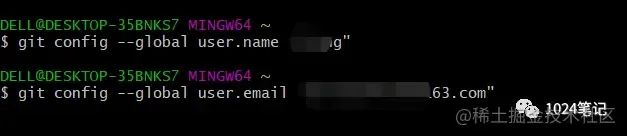
wangpeng@ubuntu:~$ git config --global user.name
"wangpengtai"
wangpeng@ubuntu:~$ git config --global user.email
"wangpengtai@163.com"
|
注意:
|
1
2
3
4
5
6
7
8
|
wangpeng@ubuntu:~
/devops
$ git commit -m
"add centos6_security.sh"
*** Please tell me
who
you are.
Run
git config --global user.email
"you@example.com"
git config --global user.name
"Your Name"
to
set
your account's default identity.
Omit --global to
set
the identity only
in
this repository.
fatal: unable to auto-detect email address (got
'wangpeng@ubuntu.(none)'
)
|
不配置这会提示的!告诉你使用方法。
二、Ubunu本地创建ssh密钥
|
1
|
wangpeng@ubuntu:~$
ls
-al
|
查看下有没有.ssh文件,Ubuntu新系统不带ssh,所以没有,手动创建一个或者ssh连接一台服务器,建立一下连结就行了。
|
1
|
wangpeng@ubuntu:~$
ssh
-keygen -t rsa -C
"wangpengtai@163.com"
|
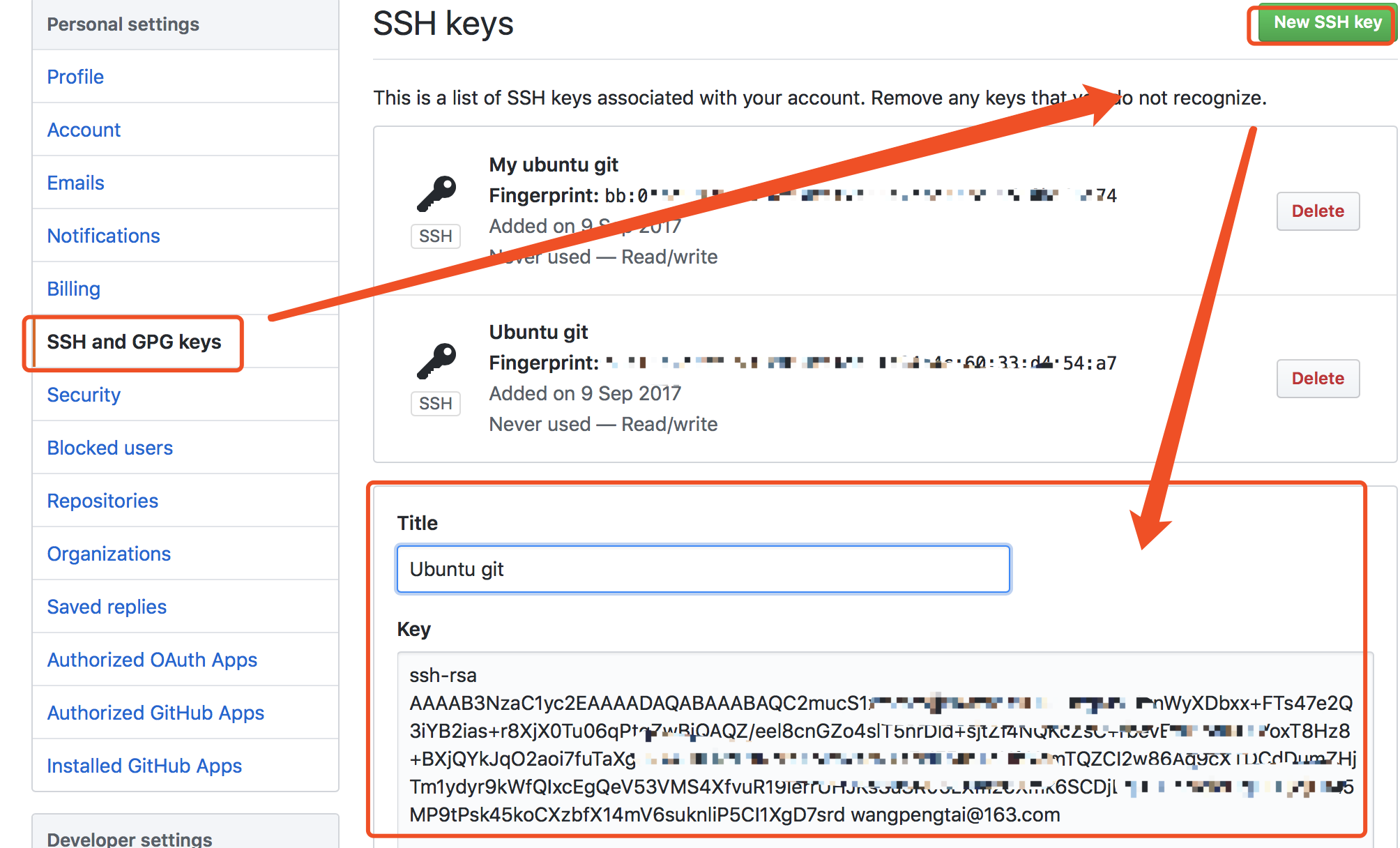
一直回车下去,在.ssh文件夹中找到id_rsa.pub,将其内容拷贝下来。
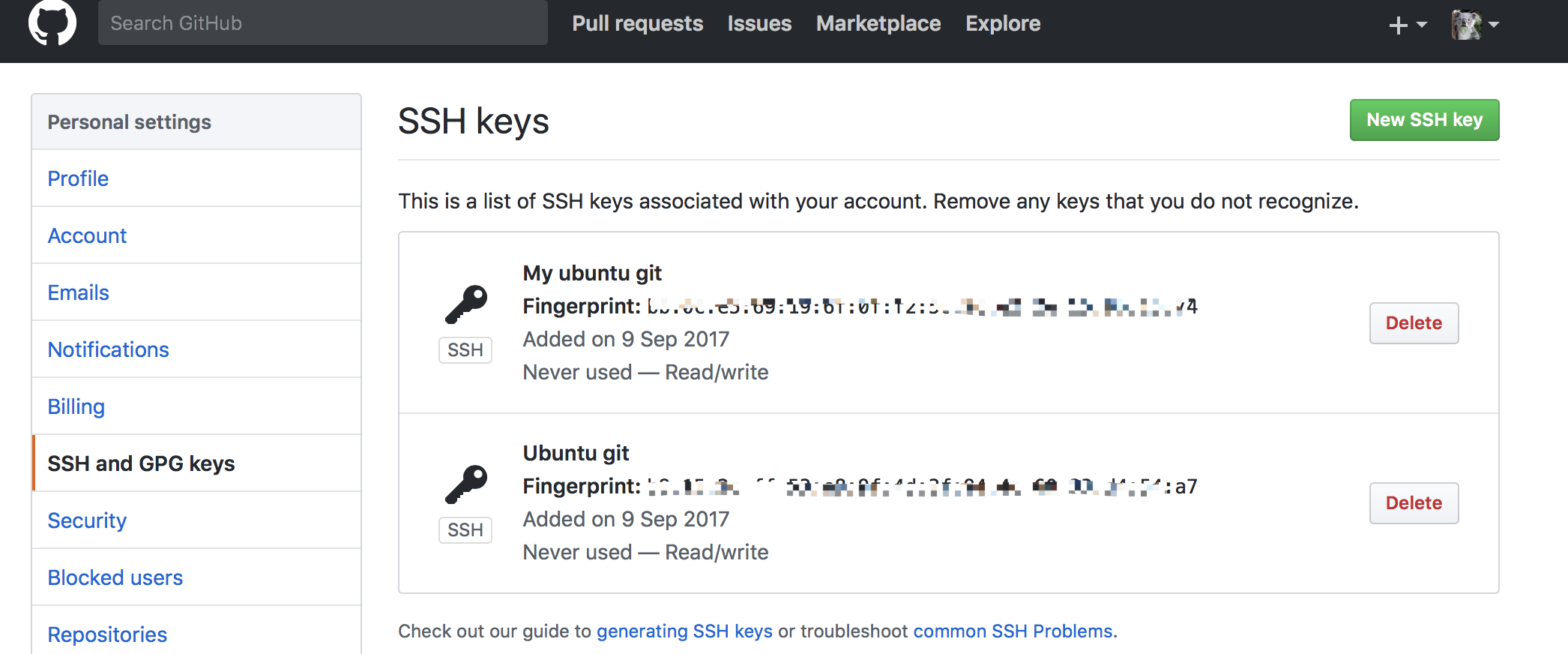
 三、github上添加ssh key密钥
四、将github上的库克隆到本地
1、下载远程仓库
仓库可以新建一个,现在有现成的不弄了。
|
1
|
wangpeng@ubuntu:~$ git clone git@github.com:wangpengtai
/devops
.git
|
首次建立连接需要确认来自github连接的信息。
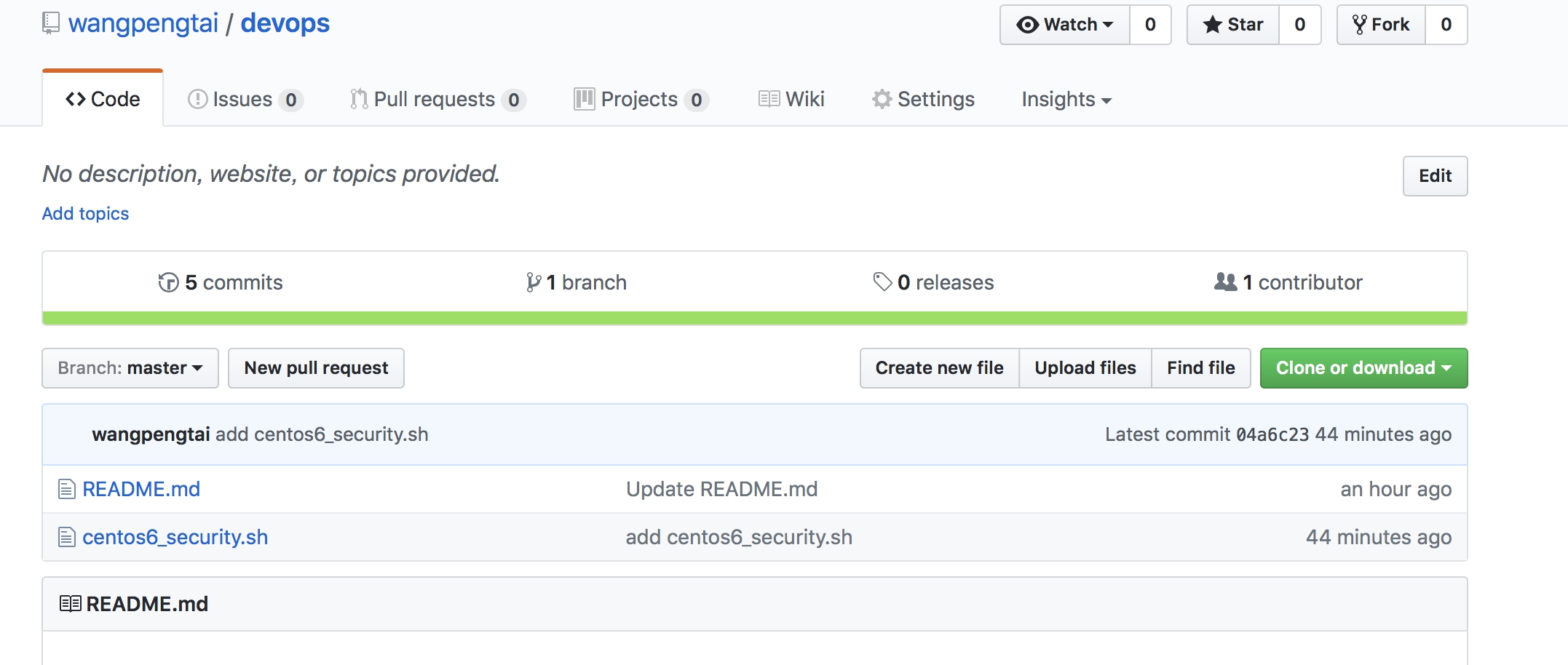
2、本地代码推送到github
|
1
2
3
4
|
wangpeng@ubuntu:~
/devops
$ git add centos6_security.sh
wangpeng@ubuntu:~
/devops
$ git commit -m
"add centos6_security.sh"
wangpeng@ubuntu:~
/devops
$ git commit -m
"add centos6_security.sh"
wangpeng@ubuntu:~
/devops
$ git push origin master
|
本文转自 wangpengtai 51CTO博客,原文链接:http://blog.51cto.com/wangpengtai/1964031,如需转载请自行联系原作者