Navigation menus and buttons with CSS styling are being used in almost every website. There are a lot of techniques to utilize and a good developer should have some basic knowledge about them all.
Below you will find a lot of tutorials each teaching you something different and appropriate. You will also find quite lot CSS3 tutorials, because CSS3 offered features are being used more and more and you should practise them too.
Menus
1. Bulletproof CSS Sliding Doors
In this tutorial author shows you solution how to preclude common problems with implementations.

2. CSS Sliding Door Using Only One Image
In this tutorial, author will show you how to code the navigation bar using only 1 image.
3. CSS Dropdown Menu Tutorial
Learn how to create simple horizontal CSS dropdown and popout menu.
4. Pure CSS Menu With Infinite Sub Menus Tutorial
Today we are going to cover how to build a pure CSS menu with infinite sub menus; an area of CSS that is seldom talked about, poorly written or misconceived. This pure CSS menu with infinite sub menus technique makes use of CSS2 selectors so it will not work in IE6 and below without help from JavaScript.
5. Pure CSS Vertical Menu
Following this tutorial you are going to build the second most common menu navigation, the vertical navigation menu. Here you are going to be using only pure CSS and un-ordered lists to create your vertical navigation menu with three levels of pop outs. This version of the vertical navigation menu will work in IE5, IE6, IE7 and IE8 as well as FF and Safari.
6. Horizontal Menus That Grow on You
In this quick tutorial, author is going to discuss how to create a neat little menu effect. You’re going to create a horizontal row of boxes containing link text. When you move the mouse over one of these boxes, it’s going to get taller and the text larger and bold.
7. Advanced CSS Menu
This tutorial will show you how to slice up the menu design (step by step) and put them together with CSS. Most of you probably know how to code a horizontal or vertical CSS list menu. Now let’s take it to the next level — code an advanced (un-typical) list menu utilizing the CSS position property.
8. Horizontal Subnav with CSS
Learn how to create simple submenu with CSS and a touch of jQuery for IE6.
9. Advanced CSS Menu Trick
This tutorial will teach you how to create powerful and solid navigation. What you want to do here, is instead of simply altering the state of the navigation item the user is currently rolling over, we want to alter the non navigation items as well.
10. How to Create a CSS Menu Using Image Sprites
Follow these steps to build your own modern navigation bar design, starting with the initial steps in Photoshop to flesh out the design, then moving on to constructing the HTML and styling with the CSS image sprite technique.
11. CSS Graphic Menu With Rollovers
3 part tutorial showing you how to make clean, nice vertical menu using Adobe Photoshop, then slice your web graphic and finally code website menu using unordered lists, and valid xHTML/CSS.
12. CSS Dock Menu
If you are a big Mac fan, you will love this CSS dock menu. It is using Jquery library and Fisheye component from Interface and some great looking icons. Here author will show you how to implement it to your web page.
13. Vertical CSS Menu With a ‘Behavior’ File
In this tutorial you will build a vertical CSS menu with rollover submenu’s. This menu will be written in CSS and HTML, and will use a so-called ‘behavior’ file.
14. CSS Vertical Navigation with Teaser
Learn how to code simple vertical menu a simple way to display some teaser information for your vertical navigation.
15. CSS Sprite Navigation Tutorial
This tutorial teaches how to build a css navigation using sprite images. With the mobile web becoming more important than ever before, load time and the size of a web site are some of the biggest factors to consider when developing a site for mobile users.
16. CSS3 Dropdown Menu
Learn how to create Mac-like multi-level dropdown menu that author’s created using border-radius, box-shadow, and text-shadow. It renders perfect on Firefox, Safari and Chrome.
17. Create an Advanced CSS Menu Using the Hover and Position Properties
Starting with a photoshop file and finishing with semantic HTML and CSS, you’ll be creating an advanced CSS navigation menu using its :hover and position properties.
18. Create Vimeo-like Top Navigation
Learn how to re-create Vimeo style dropdown menu. The menu drops down when you hover over the search box and it offers you different search options that you can choose and narrow your search. The base for this tutorial is simple CSS drop down menu based on unordered list
19. Sexy Drop Down Menu w/ jQuery & CSS
In this tutorial author would like to go over how to create a sexy drop down menu that can also degrade gracefully.
20. How to Create Dropdown CSS Menu
This CSS menu will have submenus and will use the web-techniques HTML, CSS and the “whatever:hover” behavior file to make things work in Firefox and IE6+.
21. CSS Overlapping Tabs Menu
In this tutorial you’re going to learn to create a simple, yet cool menu with overlapping tabs.
22. Rounded corner CSS navigation bar with jQuery
First, check out how to Turn your HTML list into a navigation bar with CSS. Then this tutorial will show you how to add some nice round corner effect to your anchor elements with jQuery. And yes, you will be doing this without using any image.
23. Simple CSS Vertical Menus
In this tutorial you will learn the basics of creating simple vertical menus for your website using only HTML and CSS.
24. CSS Navigation Rollovers With Drop-downs
First read Super Fantastic CSS Navigation Image Rollovers, then come back to this tutorial and learn how to code your images into working CSS menu.
25. Navigation Bar With Tabs Using CSS and Sliding Doors Effect
Read short explanation about how to use PHP URL variables to set a tab “active” when the relative page is loaded.
26. Simple CSS Vertical Menu Digg-like
This tutorial explains how to implement a simple vertical menu digg-like using CSS and javascript to show/hide sub-menu.
27. jQuery Style Menu With CSS3
In this tutorial you will learn how to create an animated sliding vertical menu using CSS3 without any JavaScript.
28. Apple’s Navigation Bar Using Only CSS
Following this article you are going to learn how to make the toolbar below, using nothing but HTML and CSS.
29. Create a Slick Menu using CSS3
In this article I am trying to mimic the navigation menu in Dragon Interactive website using only CSS (no images, no JavaScript).
30. Create Windows 7 Start Menu Using CSS3 Only
Test CSS3 offered opportunities and create slick Windows 7 menu using only CSS3.
Buttons
1. Gradient Buttons with CSS3
A quick tutorial on how to use multiple CSS3 effects at the same time to create a cool looking gradient button showing people just how amazing CSS3 is.
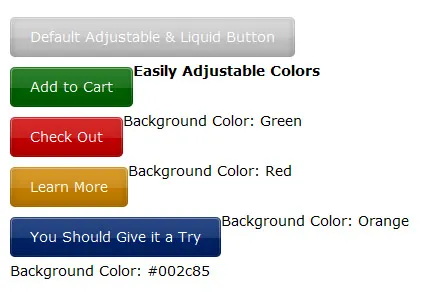
2. Liquid & Color Adjustable CSS Buttons
Learn how to save time and adjust button color with CSS.
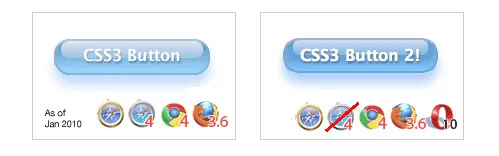
3. CSS3 Gradients: No Image Aqua Button
Create Mac OS X style aqua button with CSS3 using no images.
4. Sexy CSS Hover Button
Learn how to bring two Photoshop files into functional web buttons.
5. Creating buttons with CSS3
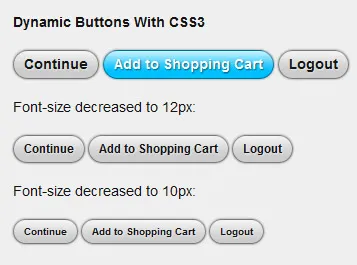
The following example demonstrates how to create nice looking, dynamic buttons that are fully scaleable using the new CSS3 properties border-radius, box-shadow and RGBa.
6. Roll Your Own Google Buttons
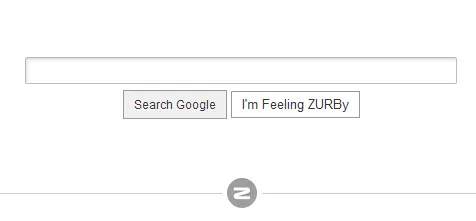
Create Google style buttons with CSS3 where no images are required.
7. How to make sexy buttons with CSS
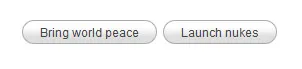
This tutorial will teach you how to create pretty looking textual buttons (with alternate pressed state) using CSS.
8. Better Button and Nav Interactions
Create iPhone style glowing button using CSS3.

9. Roll Over Button Tutorial
In this XHTML CSS tutorial you’ll learn how to create a button for a web page using Photoshop, XHTML and CSS. More specifically, you’ll learn how to create a button who’s hover state image is preloaded.
10. How to Build a Simple Button with CSS Image Sprites
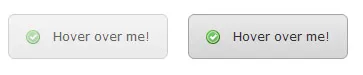
Take a look at building a simple button using CSS image sprites, starting right at the beginning in Photoshop and finishing with the complete coded example. This one’s a good one for anyone getting started with CSS!

11. Fast Rollovers Without Preload
When using CSS image rollovers, two, three, or more images must be loaded (and often be preloaded for best results). We’ve got one image for each state (normal, hover, active, visited etc). Putting all states into one image makes dynamic changes faster and requires no preload.
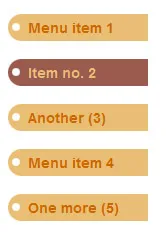
12. Pretty CSS3 buttons
Learn to create a set of styles that are both cross browser compliant and degrade gracefully for non CSS3 compliant browsers.
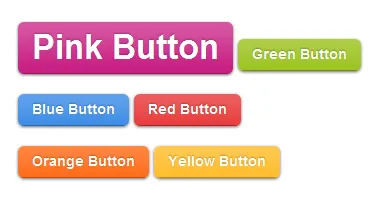
13. How To Design A Sexy Button Using CSS
Learn how to create simple good-looking button getting it by almost only by CSS.
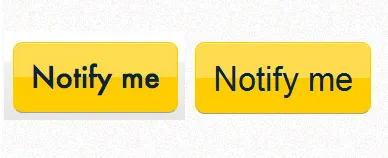
14. Radioactive Buttons
Create awesome looking and engaging buttons by using CSS animations to give them all that radioactive feel.
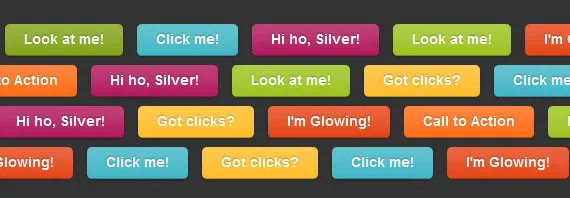
15. Beautiful CSS Buttons With Icon Set
This tutorial illustrates how to design nice clean buttons using some lines of HTML, CSS code and proxal icon set.
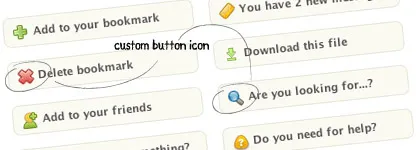
16. Building Beautiful Buttons With CSS Gradients
We’ll build a nice-looking embossed and beveled button using gradients and existing CSS properties, where you don’t have to regenerate images every time you change text, pages will load much faster because you don’t have to download separate images and it allows text to be easily localized.

17. CSS3 Gradient Buttons
In this tutorial author’s going to show you how to put the CSS gradient feature in a good practical use. Check out demo with a lot of buttons.
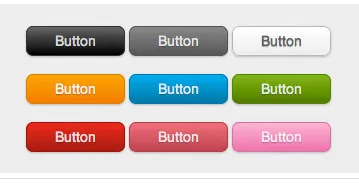
18. Build Kick-Ass Practical CSS3 Buttons
Learn to take advantage of modern CSS3 features and create pretty button just with code.
19. CSS Only Button
Another tutorial showing you that you can live with CSS only.
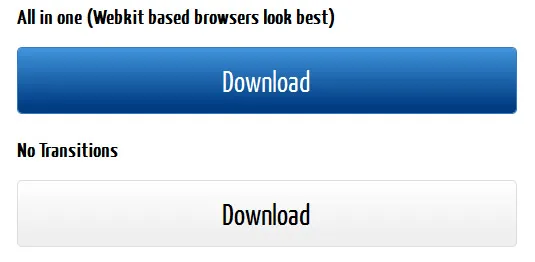
20. How to Make Nice CSS Buttons
Learn how to use pseudo-class and apply the same CSS styling for all your website’s buttons.
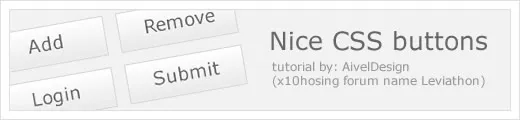
21. Cross-Browser Rounded Buttons with CSS3 and jQuery
Simple a solution for developers to create flexible buttons with easily changeable text.
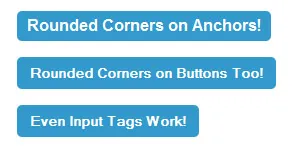
22. Making CSS Rollover Buttons
In this tutorial, we’ll show you how to create easy, search-engine-friendly rollovers, using nothing but HTML, CSS and images. No JavaScript or IMG tags in sight!
23. Recreating CNN’s Beveled Navigation Buttons with Pure CSS
This brief tutorial shows beginners that creating images for CNN’s beveled style navigation isn’t necessary.
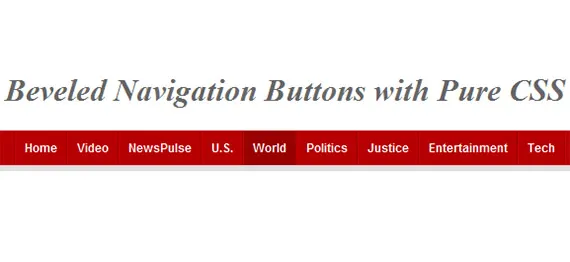
24. Creating a Glassy Non Div Navigation Bar
This tutorial will show you how to style and control lists in CSS, as well as showing you the valid ways of using lists and where to use them.

25. CSS Button Sprites Tutorial
In this post author will show you how to implement the image of a two-state button into your design.
本文转自Justin博客园博客,原文链接:http://www.cnblogs.com/justinw/archive/2010/07/08/1773960.html,如需转载请自行联系原作者