课时54:字符串拆分
摘要:在字符串处理的时候还提供一种字符串拆分的处理方法,字符串的拆分操作主要是可以根据一个指定的字符串或者是一些表达式实现字符串的拆分,并且拆分完成的数据将以字符串数组的形式返回。
1.字符串拆分方法
2.范例:观察字符串拆分处理
3.范例:拆分指定个数
4.先转义后拆分
01. 字符串拆分方法
No |
方法名称 |
类型 |
|
01 |
public String[ ] split(String regex) |
普通 |
按照指定的字符串全部拆分 |
02 |
public String[ ] split(String regex, int limit) |
普通 |
按照指定的字符串拆分为指定个数,后面不拆 |
02. 范例:观察字符串拆分处理
public class stringDemo {
public static void main (string args[ ]) {
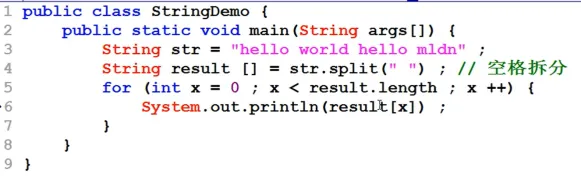
String str = "hello world hello mldn"
String result [ ] = str.split(" "); //空格拆分
for (int x = o ; x <result.length ; x++){
System. out.println (result[x]);
}
 }
}
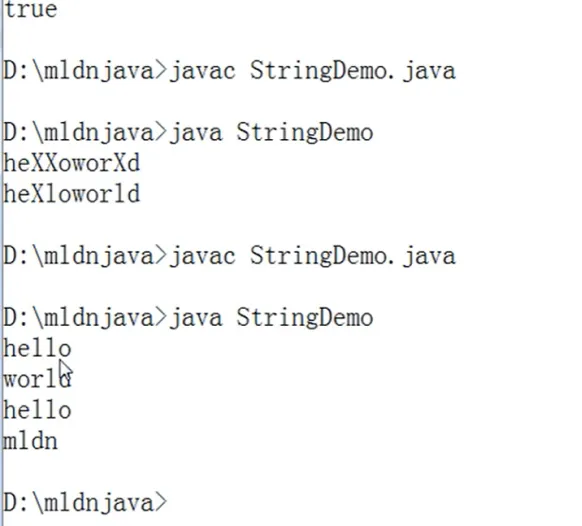
总结:除了可以全部拆分,也可以拆分为指定个数。
03. 范例:拆分指定个数
public class stringDemo {
public static void main (string args[ ]) {
String str = "hello world hello mldn"
String result [ ] = str.split(" ",2); //空格拆分
for (int x = o ; x <result.length ; x++){
System. out.println (result[x]);
}
  }
}
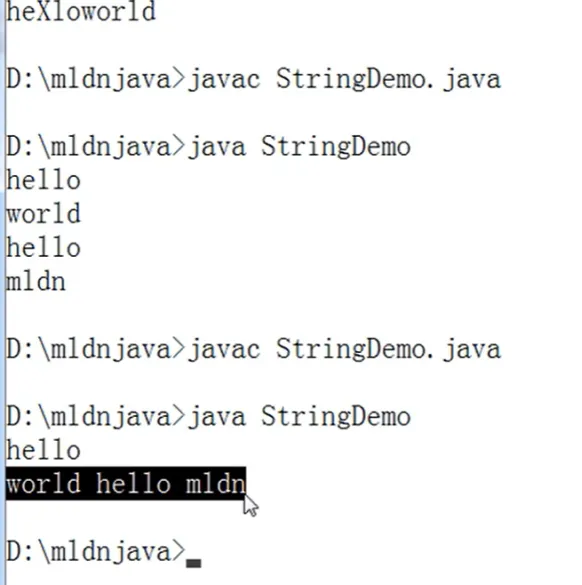
总结:但是在进行拆分时,可能会发生无法拆分的情况。这是最简单的方法就是使用“\\”进行转义。
04. 范例:先转义再拆分
public class stringDemo {
public static void main (string args[ ]) {
String str = "hello world hello mldn"
String result [ ] = str.split(" \\"); //空格拆分
for (int x = o ; x <result.length ; x++){
System. out.println (result[x]);
}
  }
}
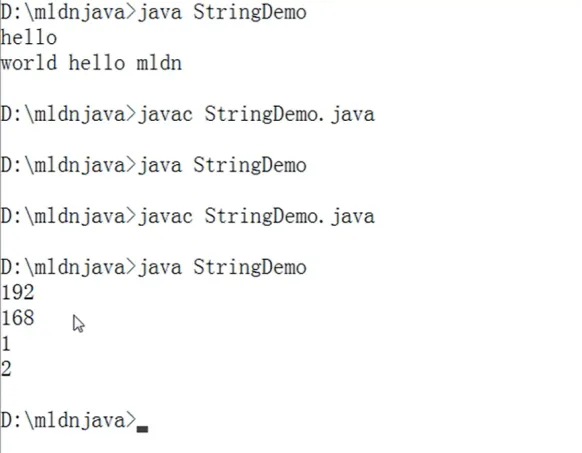
对于拆分与替换的更多操作后续才会进行,拆不开要加“\\”进行一个转义处理。