问题:
2个问题:
1. 内核都采用单位参数,可以是像素或米,文档指出:
内核的测量系统(“像素”或“米”)。如果内核以米为单位指定,则当缩放级别更改时它将调整大小。
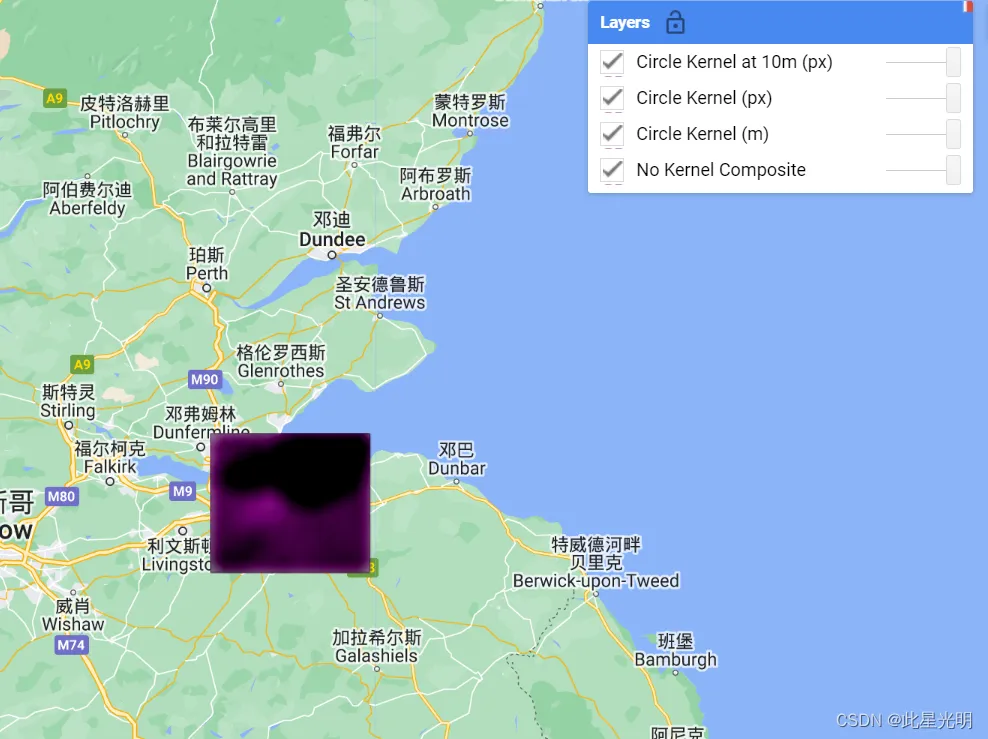
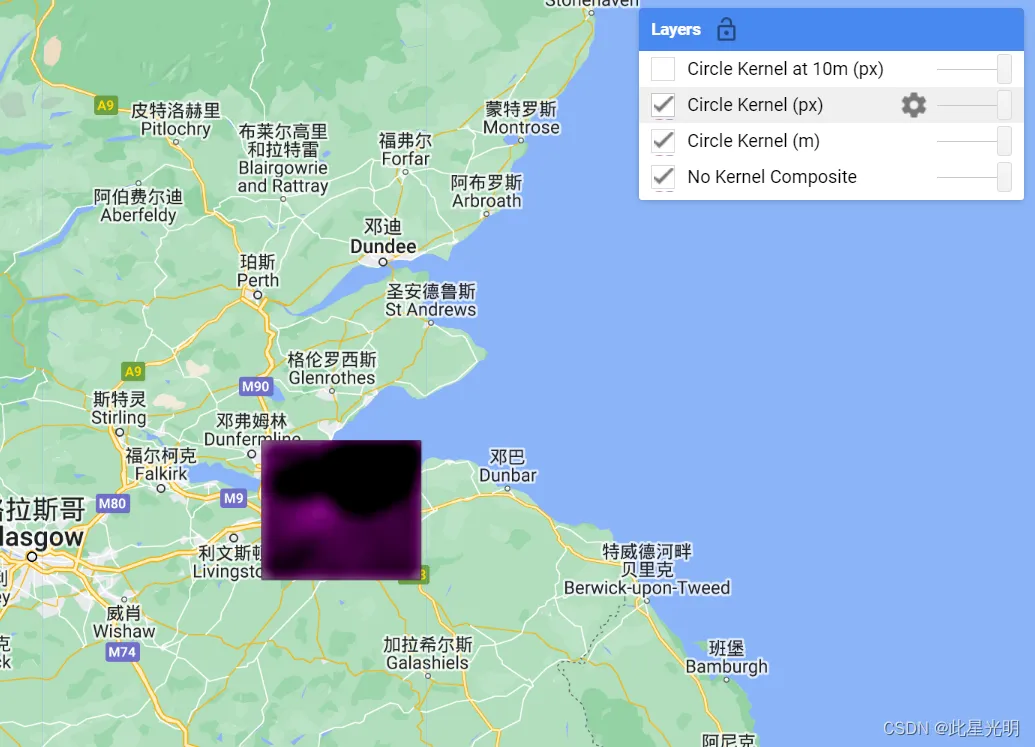
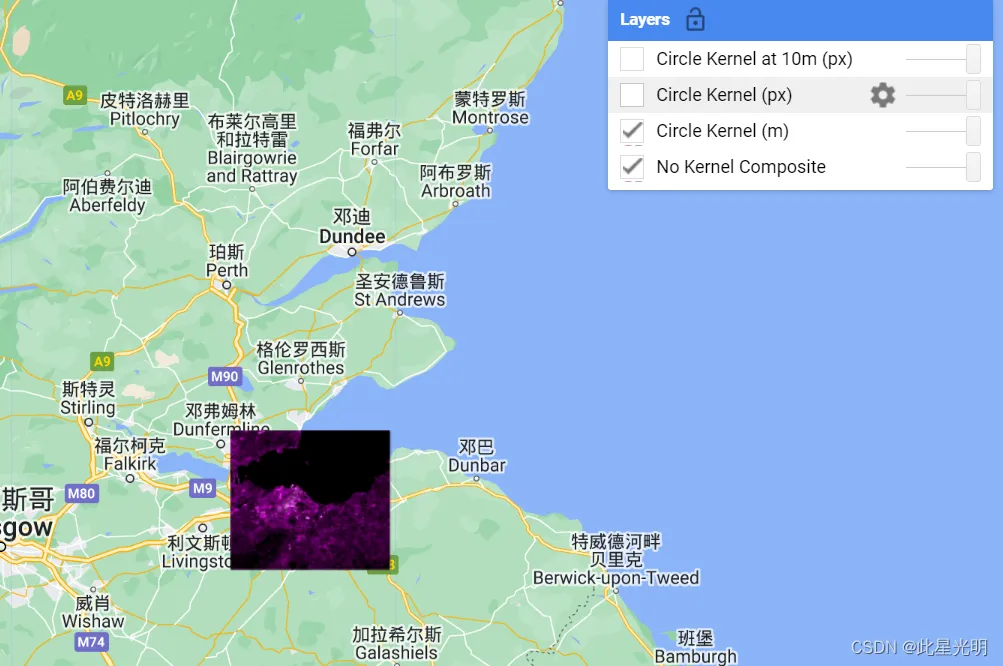
我认为这是不正确的,如果内核以像素为单位指定,它会随着金字塔级别的变化而改变缩放级别吗?您可以在上面的代码中比较圆内核 (m) 与圆内核 (px) 来确认此行为。如果放大第四个桥,您会发现在查看像素时解析细节的能力有所提高,而米细节保持不变。
2. 当内核使用米单位时,在更高的金字塔级别上是如何计算的?例如,它是在本机计算然后缩小的吗?我尝试通过在像素单元内核上使用手动重投影来测试这一点,但是它的运行速度比米版本慢得多,所以我认为这不是它的完成方式,并且它得到了完全不同的视觉结果。我要求的主要原因是计算效率,指定以米为单位的比例是否比以像素为单位的成本更高?
3.
Circle Kernel at 10m (px): Tile error: Output of image computation is too large (2 bands for 122013995 pixels = 1861.8 MiB > 80.0 MiB). If this is a reduction, try specifying a larger 'tileScale' parameter.
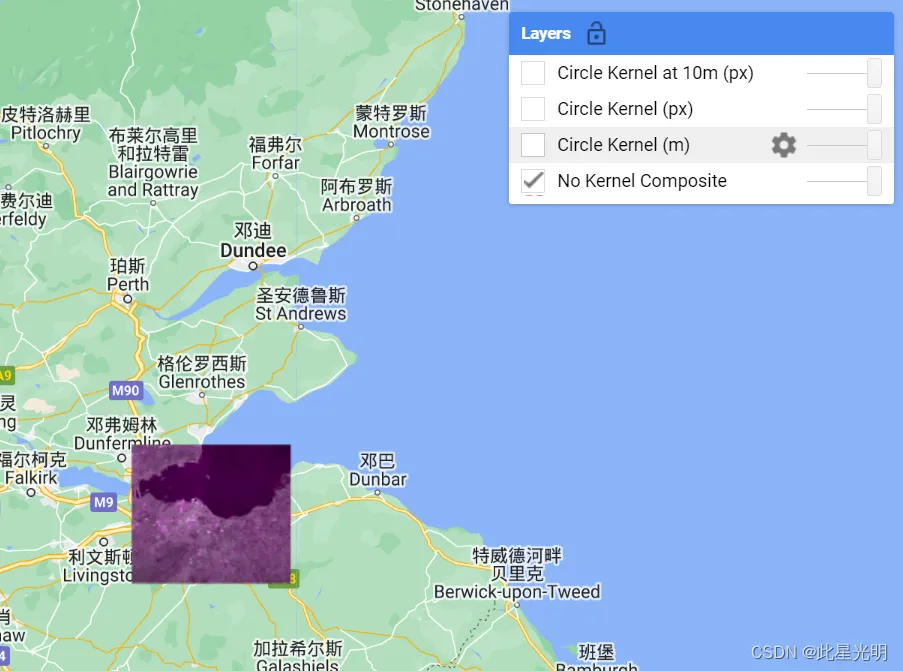
解决方案
半径为“3 像素”的内核在任何投影/比例中始终为 7x7“像素”,这将导致每个比例的米数不同。
半径为“300 米”的内核将使用覆盖 300 米所需的许多像素,当以 0.3m 的比例使用时,可能为 1000x1000 像素。
函数:
ee.Kernel.circle(radius, units, normalize, magnitude)
Generates a circle-shaped boolean kernel.
Arguments:
radius (Float):
The radius of the kernel to generate.
units (String, default: "pixels"):
The system of measurement for the kernel ('pixels' or 'meters'). If the kernel is specified in meters, it will resize when the zoom-level is changed.
normalize (Boolean, default: true):
Normalize the kernel values to sum to 1.
magnitude (Float, default: 1):
Scale each value by this amount.
Returns: Kernel
convolve(kernel)
Convolves each band of an image with the given kernel.用给定的核卷积图像的每个波段。
Arguments:
this:image (Image):
The image to convolve.
kernel (Kernel):
The kernel to convolve with.
Returns: Image
代码:
//研究区和数据集
var imageCollection = ee.ImageCollection("COPERNICUS/S1_GRD"),
    geometry =
    /* color: #98ff00 */
    /* shown: false */
    /* displayProperties: [
      {
        "type": "rectangle"
      }
    ] */
    ee.Geometry.Polygon(
        [[[-3.4157601749762367, 56.09914841569624],
          [-3.4157601749762367, 55.81469755998435],
          [-2.8334847843512367, 55.81469755998435],
          [-2.8334847843512367, 56.09914841569624]]], null, false),
    geometry2 =
    /* color: #0b4a8b */
    /* shown: false */
    /* displayProperties: [
      {
        "type": "rectangle"
      }
    ] */
    ee.Geometry.Polygon(
        [[[-3.414419891474414, 56.01742307470684],
          [-3.414419891474414, 55.98877181348714],
          [-3.3768260499216796, 55.98877181348714],
          [-3.3768260499216796, 56.01742307470684]]], null, false);
//数据过滤和筛选
var filtered = imageCollection
            .filterBounds(geometry)
            .filterDate("2023-01-01", "2023-01-31")
//影像镶嵌和裁剪
var img = filtered
            .mean()
            .select([0, 1])
            .clip(geometry)

//选择坐标系
var proj = filtered.first().select(0).projection()
//建立核函数
var circle_metres = ee.Kernel.circle({
  radius: 100,
  units: "meters",
  magnitude: 2
})
// gsd 是 ~10 米,因此将其调整为 10 像素,以便与上述原生比例相当
var circle_pixels = ee.Kernel.circle({
  radius: 10,
  units: "pixels",
  magnitude: 2
})
var circle_pixels_projected = ee.Kernel.circle({
  radius: 10,
  units: "pixels",
  magnitude: 2
})
//按照核函数进行卷积
var img_m = img.convolve(circle_metres)
var img_p = img.convolve(circle_pixels)
var img_forced_res = img.convolve(circle_pixels_projected).reproject(proj.atScale(1))
var vis = {
  "min": -26,
  "max": 10,
  "bands": ["VV", "VH", "VV"]
}
Map.centerObject(geometry2)
Map.addLayer(img, vis, "No Kernel Composite")
Map.addLayer(img_m, vis, "Circle Kernel (m)")
Map.addLayer(img_p, vis, "Circle Kernel (px)")
Map.addLayer(img_forced_res, vis, "Circle Kernel at 10m (px)")