LINUX error: Building GCC requires GMP 4.2+, MPFR 3.1.0+ and MPC 0.8.0+.

简介: LINUX error: Building GCC requires GMP 4.2+, MPFR 3.1.0+ and MPC 0.8.0+.

1、版本太低,挨个下载,解压缩

wget http://ftp.gnu.org/gnu/mpc/mpc-1.2.1.tar.gz
tar -zxvf mpc-1.2.1.tar.gz
wget http://ftp.gnu.org/gnu/mpfr/mpfr-4.1.0.tar.gz
tar -zxvf mpfr-4.1.0.tar.gz
wget http://ftp.gnu.org/gnu/gmp/gmp-6.2.1.tar.bz2
yum -y install bzip2 
tar -xjf gmp-6.2.1.tar.bz2

2、gmp编译

cd gmp-6.2.1
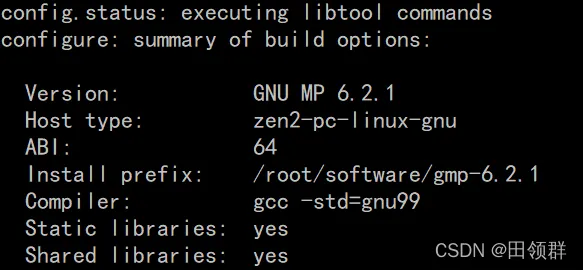
./configure --prefix=/root/software/gmp-6.2.1

97f6d090321a66f550c728b71801705.png

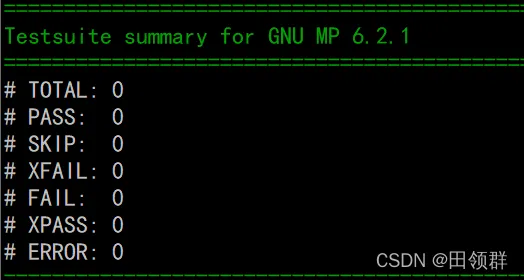
a2273981651fffde5940325c95b8349.png

make check

94c1a3d5dc1655d24594ac0a0758bab.png

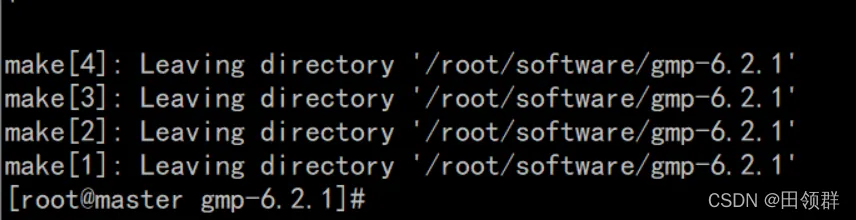
make install

61b57f2a61659ca8ac5152a9776f130.png

3、mpfr编译

cd mpfr-4.1.0
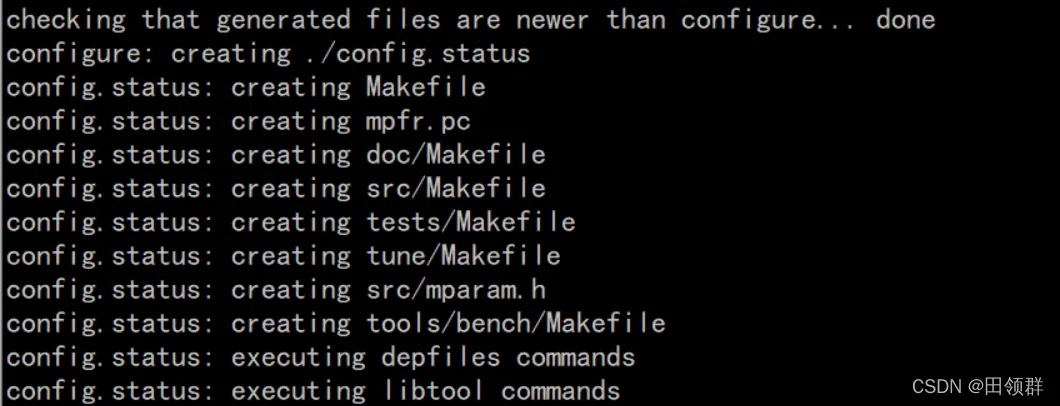
./configure --prefix=/root/software/mpfr-4.1.0 --with-gmp=/root/software/gmp-6.2.1

32d58e139c195a08576554e5ac00b30.png

make
make install

4、mpc编译

cd mpc-1.2.1
./configure --prefix=/root/software/mpc-1.2.1 --with-gmp=/root/software/gmp-6.2.1 --with-mpfr=/root/software/mpfr-4.1.0

c20e75b57c59e5659626e9f9c54799e.png

make -j 16
make install


相关文章
|
NoSQL Linux 开发工具
Linux环境基础开发工具的使用(yum、vim、gcc、g++、gdb、make/Makefile)
本文介绍了yum 包管理工具、Vim 编辑器、gcc/g++ 编译器、gdb 调试器、编译原理及 Makefile 的使用,同时还配备了如何使用,以及图解。旨在帮助读者更好地理解和应用这些工具与技术。
621 0
|
小程序 Linux 开发工具
【Linux】Linux 开发工具(vim、gcc/g++、make/Makefile)+【小程序:进度条】-- 详解
Receiving ASM traces for errors: ORA-27090, LINUX-X86_64 ERROR: 17
Receiving ASM traces for errors: ORA-27090, LINUX-X86_64 ERROR:
467 162
|
Ubuntu Linux 编译器
在ubantu/linux系统出现parse error(语法错误)
本文讨论了在Ubuntu/Linux系统中遇到"parse error"(语法错误)的问题,并提供了将非声明语句移动到所有声明语句下方以解决该问题的解决方案。
在ubantu/linux系统出现parse error(语法错误)
|
Linux C语言
成功解决 在Linux CentOS 7 中安装gcc
这篇文章介绍了如何在Linux CentOS 7系统中安装gcc (g++) 8工具集。由于CentOS 7默认的gcc版本是4.8,而这个版本与Qt 5.14、Qt 5.15或更高版本不兼容,可能会导致编译时出现系统头文件错误。文章中提到,即使在项目配置中添加了`CONFIG+=c++11`,如果仍然报错,那么很可能是gcc版本的问题。为了解决这个问题,文章提供了使用CentOS的Software Collections (scl)来安装更新版本的gcc的步骤。
成功解决 在Linux CentOS 7 中安装gcc
|
Linux 编译器 C语言
【Linux快速入门(一)】Linux与ROS学习之编译基础(gcc编译)
577 2
|
Oracle Java 关系型数据库
Linux下JDK环境的配置及 bash: /usr/local/java/bin/java: cannot execute binary file: exec format error问题的解决
如果遇到"exec format error"问题,文章建议先检查Linux操作系统是32位还是64位,并确保安装了与系统匹配的JDK版本。如果系统是64位的,但出现了错误,可能是因为下载了错误的JDK版本。文章提供了一个链接,指向Oracle官网上的JDK 17 Linux版本下载页面,并附有截图说明。
Linux下JDK环境的配置及 bash: /usr/local/java/bin/java: cannot execute binary file: exec format error问题的解决
|
Linux 编译器 C语言
Linux内核对GCC版本的检测
Linux内核对GCC版本的检测
|
Shell Linux 网络安全
Linux怎样在使用ssh 链接时就指定gcc 的版本
271 7
|
Unix Docker 容器
使用docker 启动naocs 报错出现:standard_init_linux.go:241: exec user process caused "exec format error"
```markdown Error in Docker container startup: "standard_init_linux.go:241: exec user process caused \"exec format error\"". Occurred at 2024-06-29 09:26:19.910, followed by a failed hook with a syslog delivery error at 09:27:20.193. Seeking solutions from experts. ```