三、 解决方案
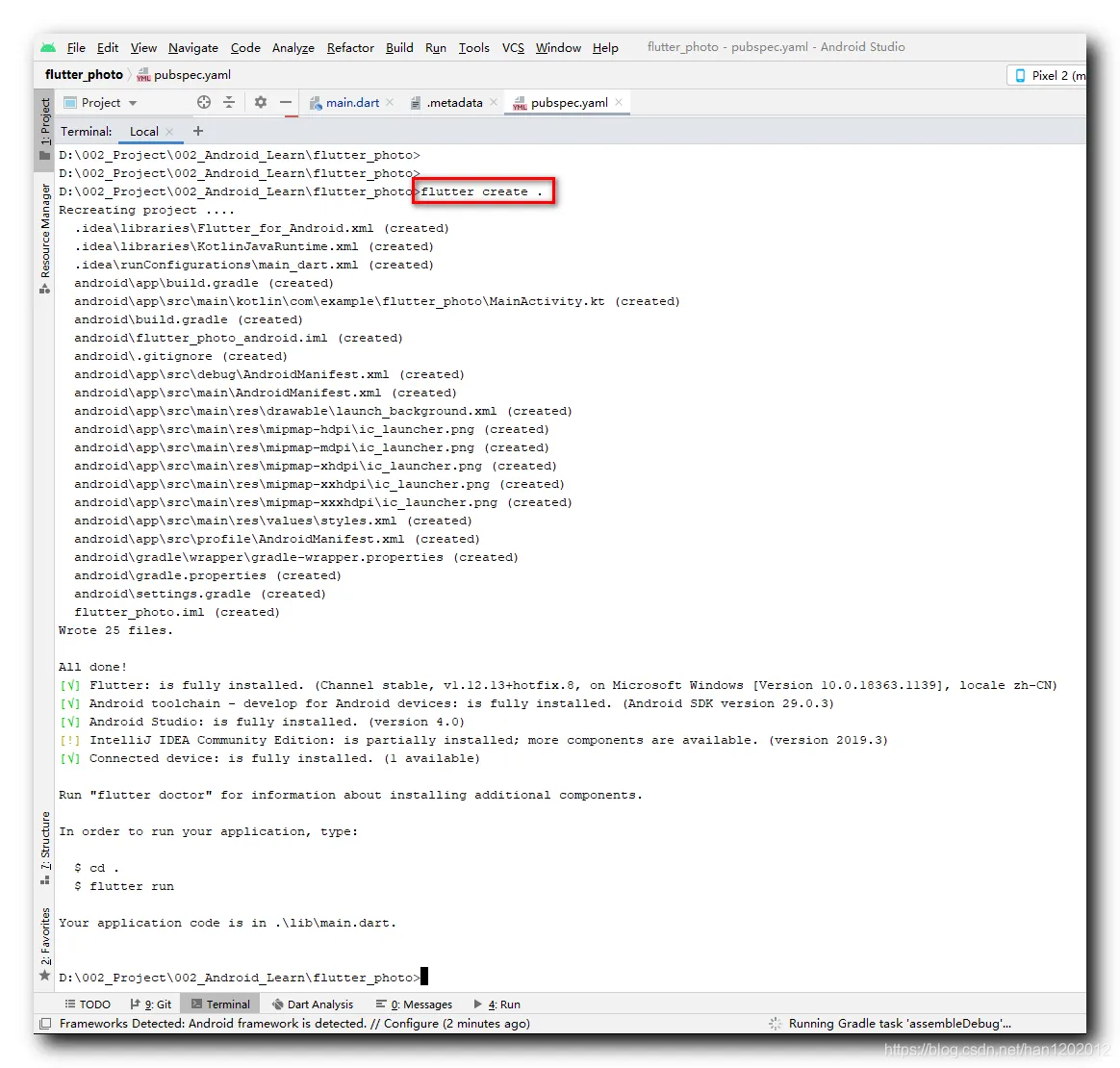
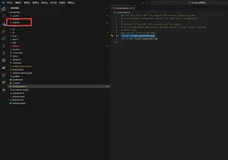
删除源码中的 android 目录 , 整个删除 , 然后在 Terminal 中进入 源码根目录 , 执行
flutter create .
1
命令 , 就会重新生成 android 目录 ;
命令行打印数据如下 : flutter_photo 就是源码的根目录 ;
D:\002_Project\002_Android_Learn\flutter_photo>flutter create .
Recreating project ....
  .idea\libraries\Flutter_for_Android.xml (created)
  .idea\libraries\KotlinJavaRuntime.xml (created)
  .idea\runConfigurations\main_dart.xml (created)
  android\app\build.gradle (created)
  android\app\src\main\kotlin\com\example\flutter_photo\MainActivity.kt (created)
  android\build.gradle (created)
  android\flutter_photo_android.iml (created)
  android\.gitignore (created)
  android\app\src\debug\AndroidManifest.xml (created)
  android\app\src\main\AndroidManifest.xml (created)
  android\app\src\main\res\drawable\launch_background.xml (created)
  android\app\src\main\res\mipmap-hdpi\ic_launcher.png (created)
  android\app\src\main\res\mipmap-mdpi\ic_launcher.png (created)
  android\app\src\main\res\mipmap-xhdpi\ic_launcher.png (created)
  android\app\src\main\res\mipmap-xxhdpi\ic_launcher.png (created)
  android\app\src\main\res\mipmap-xxxhdpi\ic_launcher.png (created)
  android\app\src\main\res\values\styles.xml (created)
  android\app\src\profile\AndroidManifest.xml (created)
  android\gradle\wrapper\gradle-wrapper.properties (created)
  android\gradle.properties (created)
  android\settings.gradle (created)
  flutter_photo.iml (created)
Wrote 25 files.
All done!
[√] Flutter: is fully installed. (Channel stable, v1.12.13+hotfix.8, on Microsoft Windows [Version 10.0.18363.1139], locale zh-CN)
[√] Android toolchain - develop for Android devices: is fully installed. (Android SDK version 29.0.3)
[√] Android Studio: is fully installed. (version 4.0)
[!] IntelliJ IDEA Community Edition: is partially installed; more components are available. (version 2019.3)
[√] Connected device: is fully installed. (1 available)
Run "flutter doctor" for information about installing additional components.
In order to run your application, type:
  $ cd .
  $ flutter run
Your application code is in .\lib\main.dart.
D:\002_Project\002_Android_Learn\flutter_photo>
然后编译运行 , 成功 ;