问题
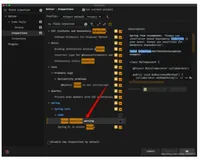
在IDEA中通过@Autowired注入时在变量名下方一直有红色的标记线进行提示
解决
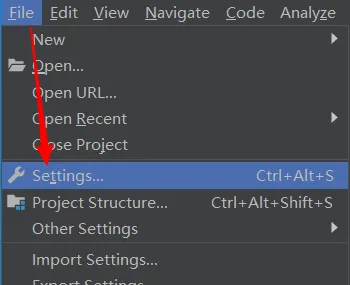
- 在IDEA中:File -> Settings 打开设置页面
- 搜索
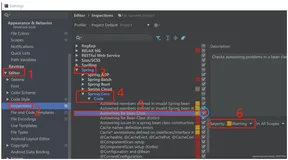
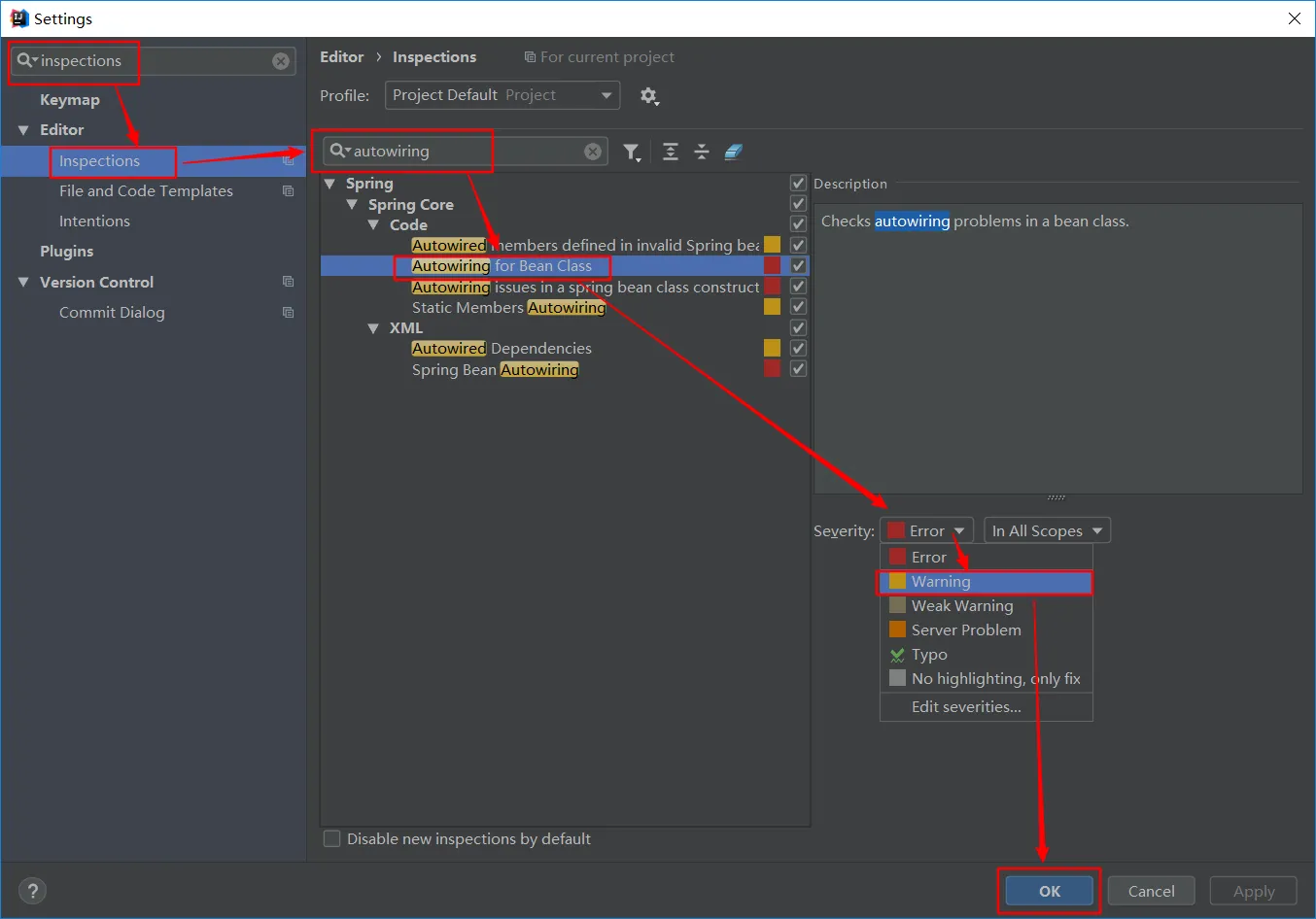
inspections-> 搜索autowiring->Autowiring for Bean Class-> 将Error修改为Warning-> 点击OK
在IDEA中通过@Autowired注入时在变量名下方一直有红色的标记线进行提示
inspections -> 搜索autowiring -> Autowiring for Bean Class -> 将Error修改为Warning -> 点击OK