🎬 艳艳耶✌️:个人主页
🔥 个人专栏 :《Spring与Mybatis集成整合》《Vue.js使用》
⛺️ 越努力 ,越幸运。
1.单机项目的部署
1.1们需要将要进行部署的项目共享到虚拟机中
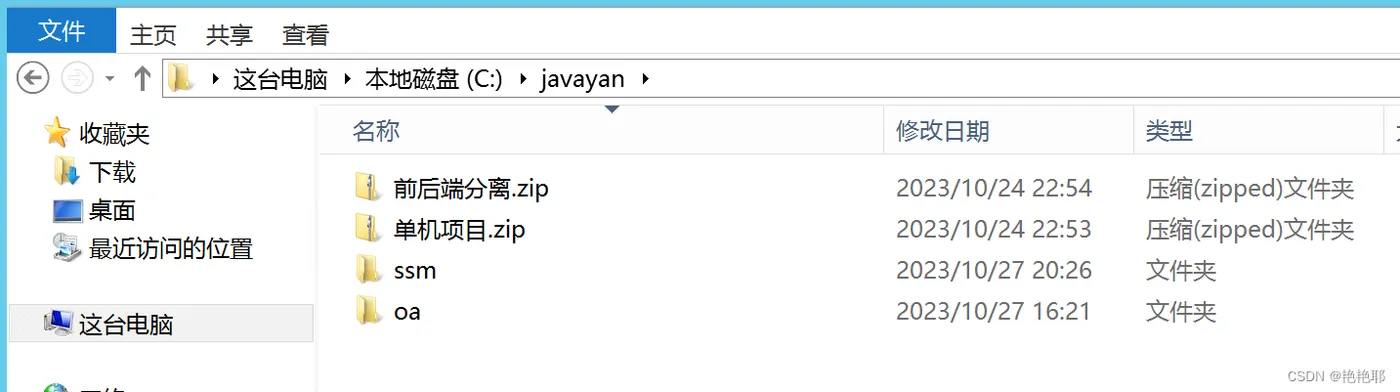
在部署项目之前,我们先要检查一下sql脚本以及项目的本身是否有问题
将sql脚本导入

1.2.测试项目
找到本地电脑中的tomcat,打开至webapps这个目录,将项目的war包拷贝进去

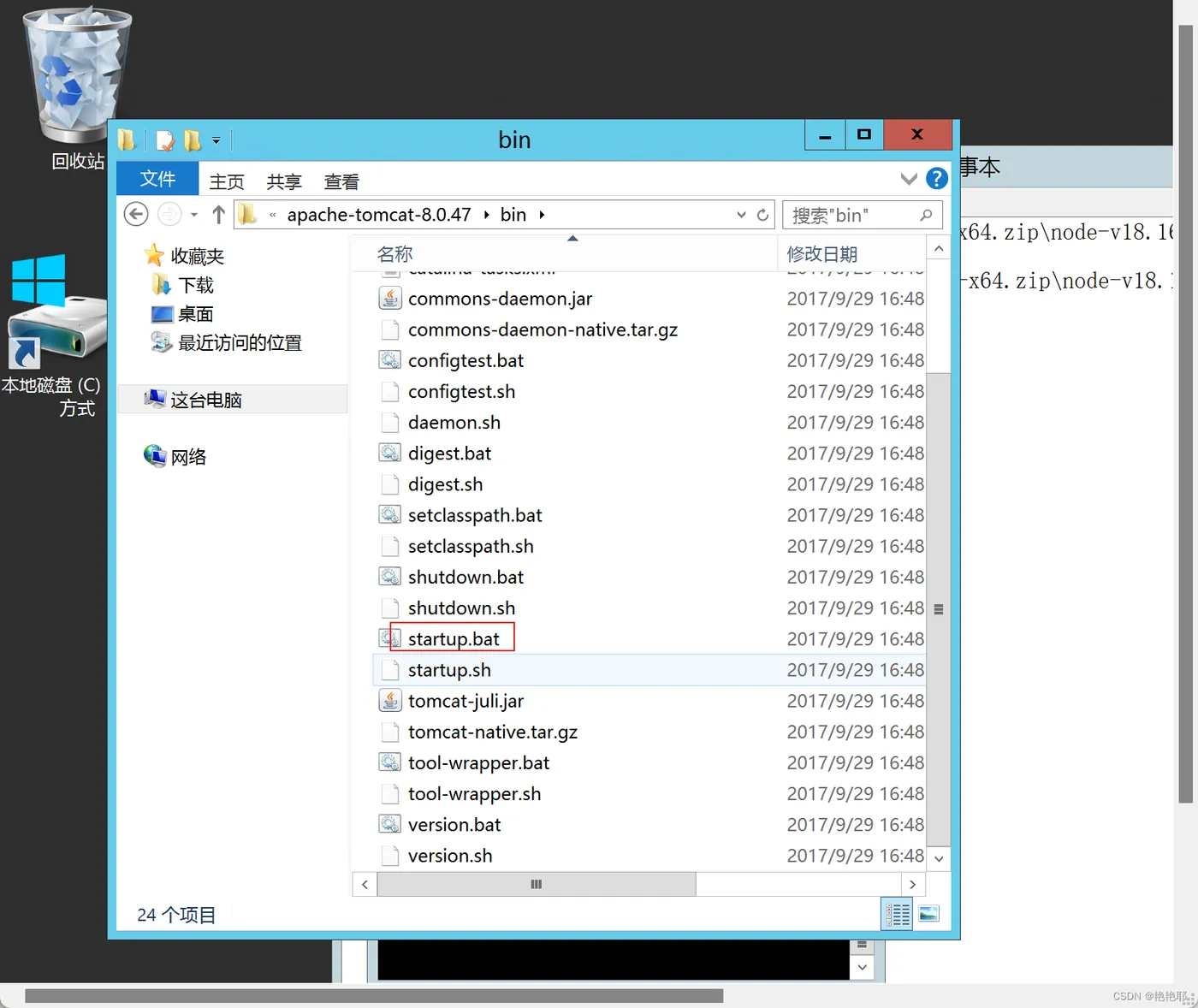
打开tomcat中的bin目录
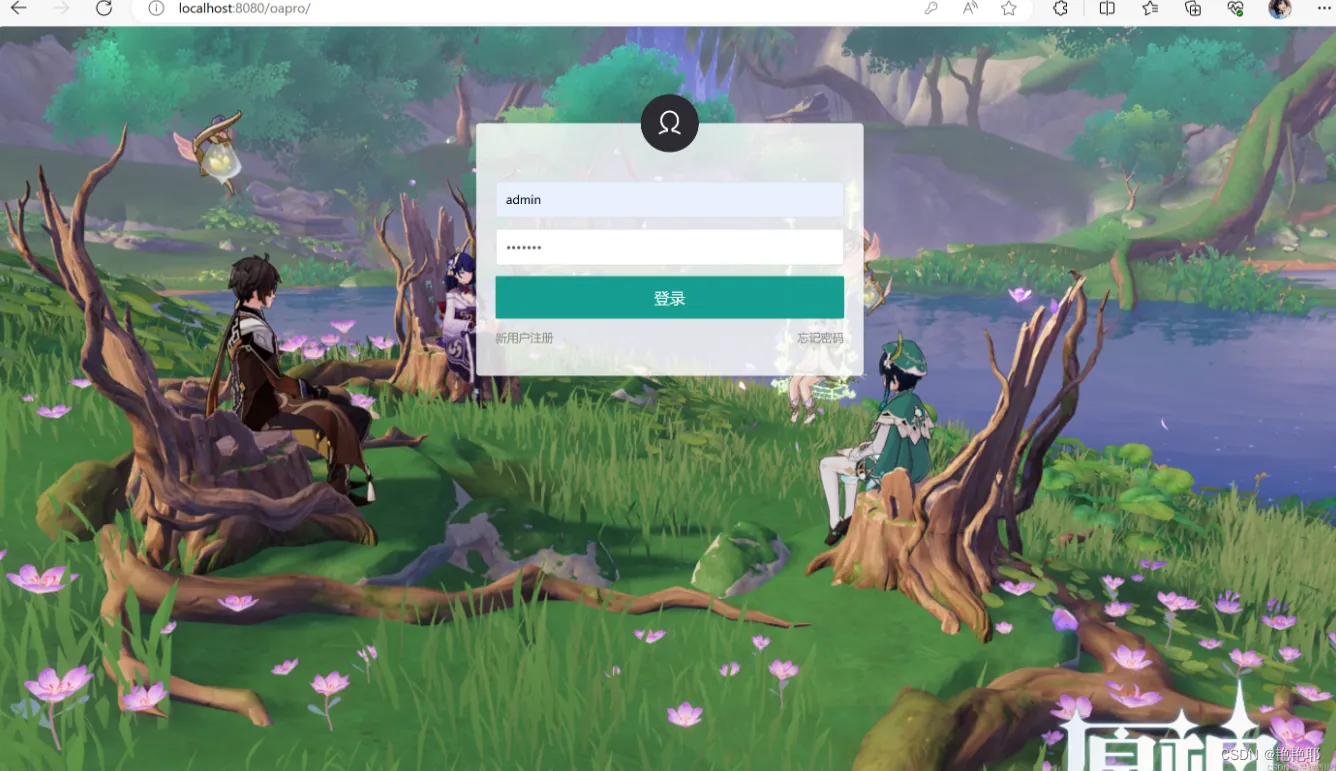
运行好之后,在浏览器输入地址,
1.3.在虚拟机【客户的电脑】上面进行一样的部署工作
导入sql脚本,
操作tomcat,
然后效果就出来了。
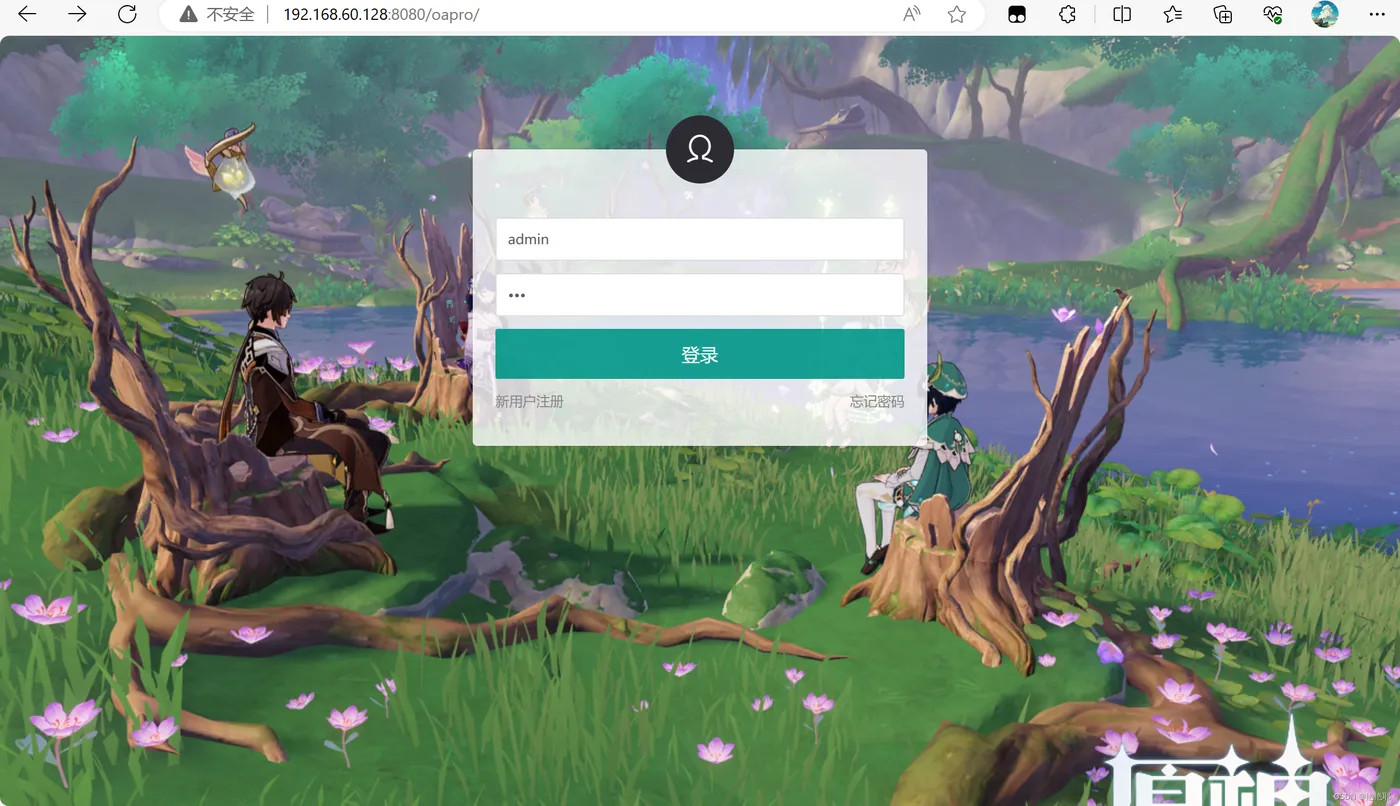
但是出现了一个错误,就是客户的数据库密码与本机的数据库密码不一致。

然后需要去修改一下密码,在tomcat中已经将war自动解压了

接着需要找到关于数据库的配置文件【WEB-INF/classes/】
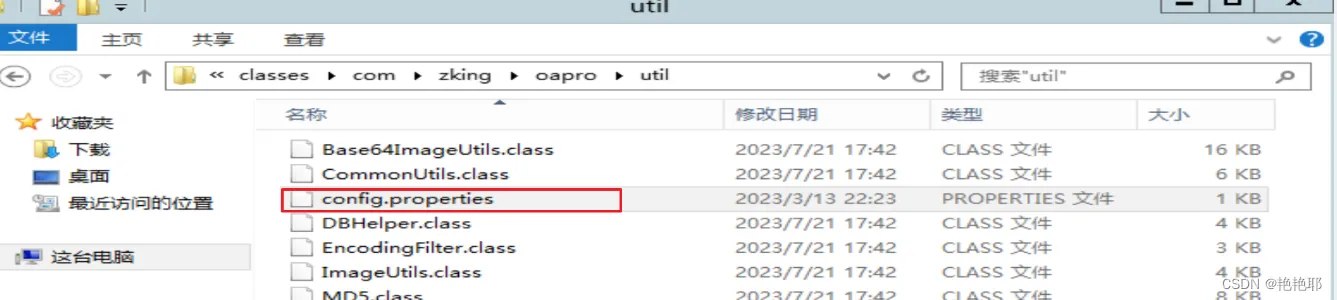
将密码修改成客户的密码(虚拟机)
然后就可以登录成功了。
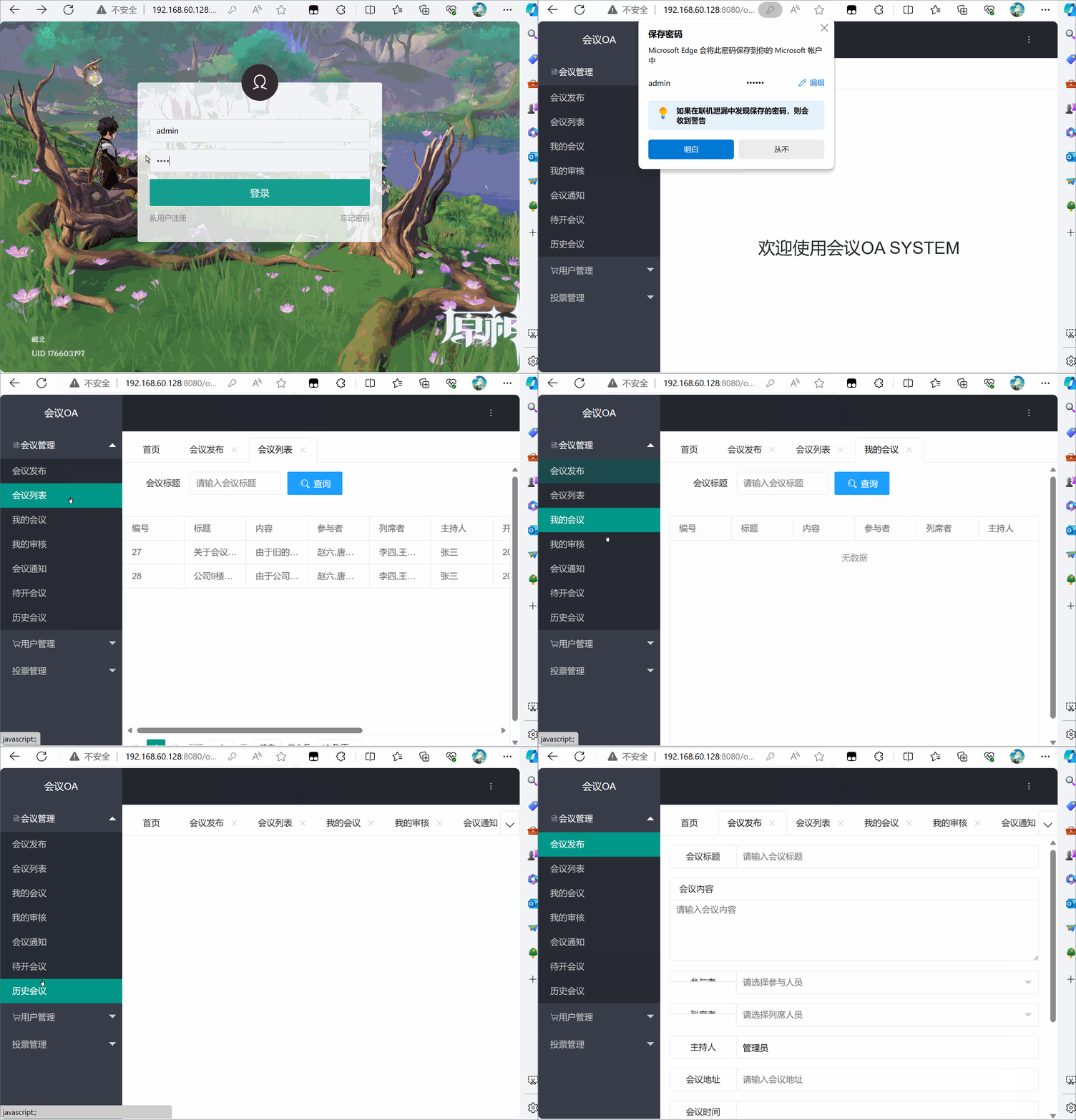
2.前后端分离项目的部署 【Linux+Nginx】
前面已经有本机电脑进行演示,我就直接将项目部署到虚拟机【客户的电脑】了。
2.1.导入sql脚本
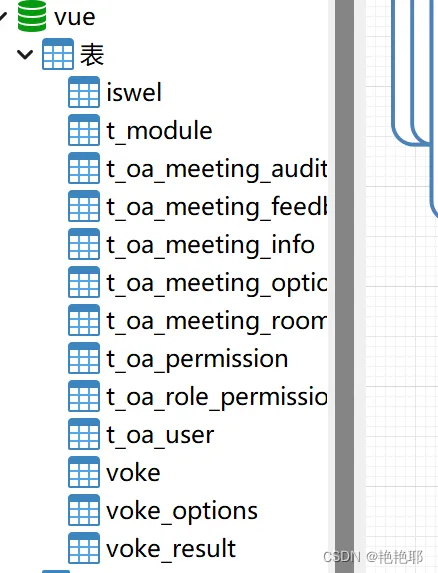
2.2.操作tomcat
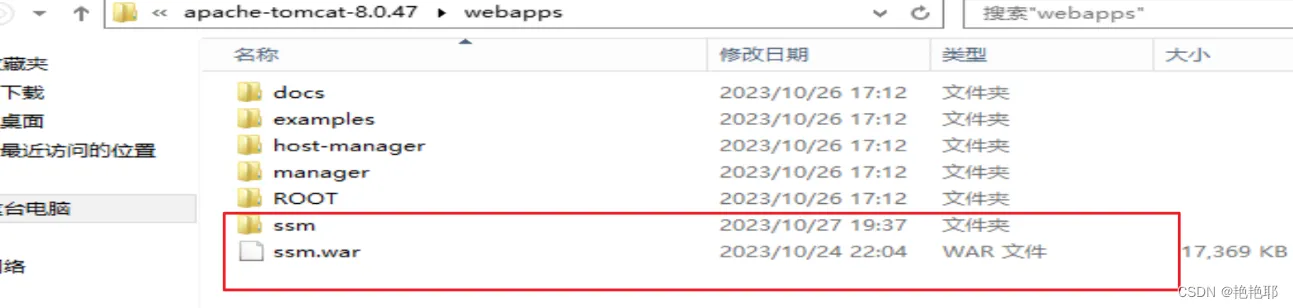
2.3.将数据库密码修改
2.4.配置nodejs环境
因为是前后端分离的项目,所以需要用到nodejs
npm config set cache "D:\tools\nodejs\node-v10.15.3-win-x64\node-v10.15.3-win-x64\node_cache"
npm config set prefix "D:\tools\nodejs\node-v10.15.3-win-x64\node-v10.15.3-win-x64\node_global"
//设置淘宝源
npm config set registry https://registry.npm.taobao.org/
5.启动后端
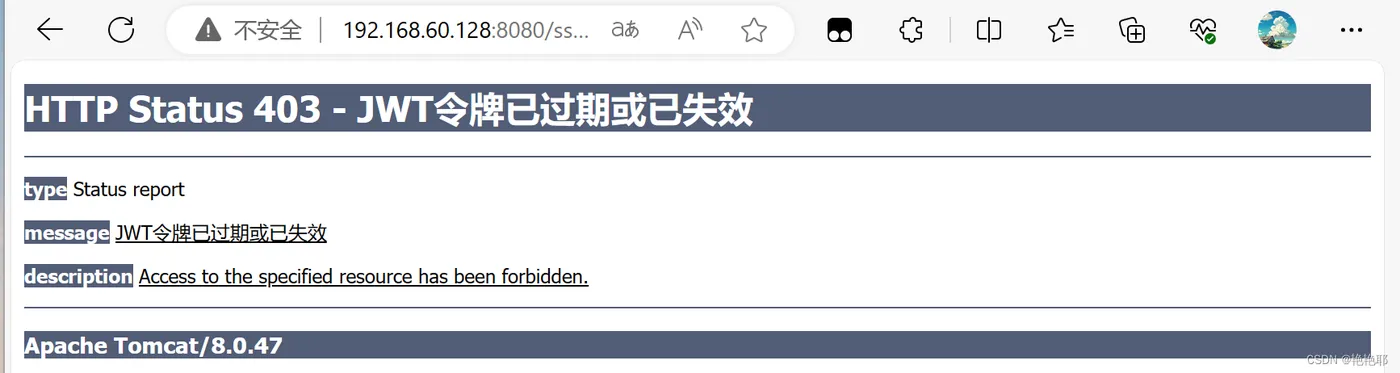
6.启动前端
但是出现了错,项目启动不了

解决方法:
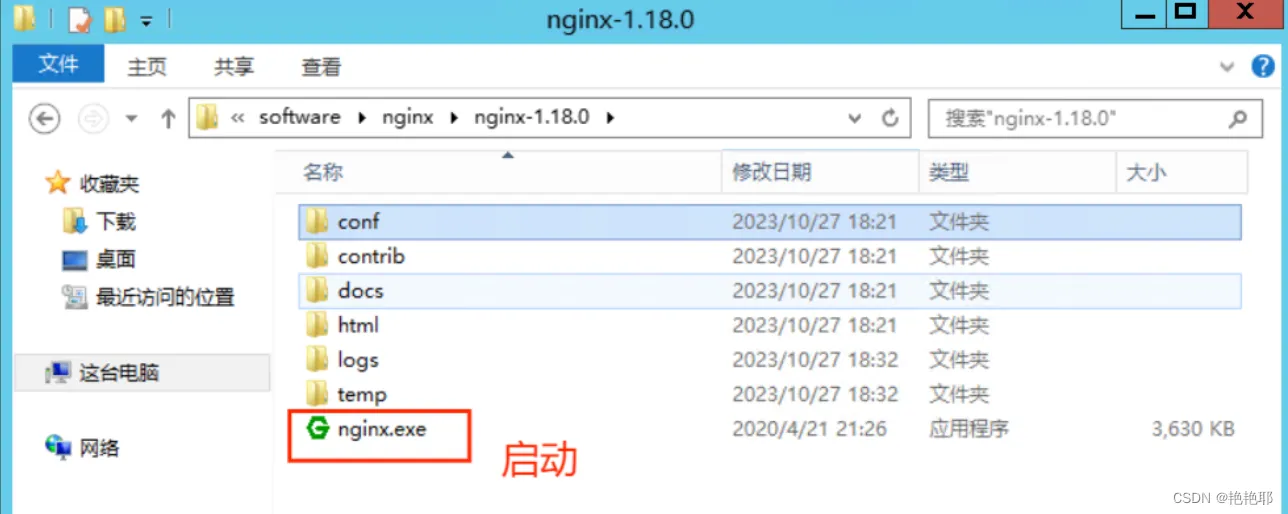
nginx介绍
Nginx是一款高性能的Web服务器和反向代理服务器,它可以处理高并发的请求,支持多种协议和编程语言,具有高度的可扩展性和稳定性。Nginx最初是由Igor Sysoev编写的,于2004年首次发布。
在nginx文件中找到nginx.conf 文件,将文件种的 location 进行修改,将端口代理访问
#access_log  logs/host.access.log  main;
        location / {
            proxy_pass   http://localhost:8081;
        }
#error_page  404              /404.html;
nginx.conf全部代码
#user  nobody;
worker_processes  1;
#error_log  logs/error.log;
#error_log  logs/error.log  notice;
#error_log  logs/error.log  info;
#pid        logs/nginx.pid;
events {
    worker_connections  1024;
}
http {
    include       mime.types;
    default_type  application/octet-stream;
    #log_format  main  '$remote_addr - $remote_user [$time_local] "$request" '
    #                  '$status $body_bytes_sent "$http_referer" '
    #                  '"$http_user_agent" "$http_x_forwarded_for"';
    #access_log  logs/access.log  main;
    sendfile        on;
    #tcp_nopush     on;
    #keepalive_timeout  0;
    keepalive_timeout  65;
    #gzip  on;
    server {
        listen       80;
        server_name  localhost;
        #charset koi8-r;
        #access_log  logs/host.access.log  main;
        location / {
            proxy_pass   http://localhost:8081;
        }
        #error_page  404              /404.html;
        # redirect server error pages to the static page /50x.html
        #
        error_page   500 502 503 504  /50x.html;
        location = /50x.html {
            root   html;
        }
        # proxy the PHP scripts to Apache listening on 127.0.0.1:80
        #
        #location ~ \.php$ {
        #    proxy_pass   http://127.0.0.1;
        #}
        # pass the PHP scripts to FastCGI server listening on 127.0.0.1:9000
        #
        #location ~ \.php$ {
        #    root           html;
        #    fastcgi_pass   127.0.0.1:9000;
        #    fastcgi_index  index.php;
        #    fastcgi_param  SCRIPT_FILENAME  /scripts$fastcgi_script_name;
        #    include        fastcgi_params;
        #}
        # deny access to .htaccess files, if Apache's document root
        # concurs with nginx's one
        #
        #location ~ /\.ht {
        #    deny  all;
        #}
    }
    # another virtual host using mix of IP-, name-, and port-based configuration
    #
    #server {
    #    listen       8000;
    #    listen       somename:8080;
    #    server_name  somename  alias  another.alias;
    #    location / {
    #        root   html;
    #        index  index.html index.htm;
    #    }
    #}
    # HTTPS server
    #
    #server {
    #    listen       443 ssl;
    #    server_name  localhost;
    #    ssl_certificate      cert.pem;
    #    ssl_certificate_key  cert.key;
    #    ssl_session_cache    shared:SSL:1m;
    #    ssl_session_timeout  5m;
    #    ssl_ciphers  HIGH:!aNULL:!MD5;
    #    ssl_prefer_server_ciphers  on;
    #    location / {
    #        root   html;
    #        index  index.html index.htm;
    #    }
    #}
}
效果如图所示:

第二种
在前端项目的路径中,找到index.js文件,将端口改为开放式的端口,在前端路径下的跟目录中的 config 文件中.
打开 index. js 文件,找到 location 配置端口的位置,修改为 : 0.0.0.0
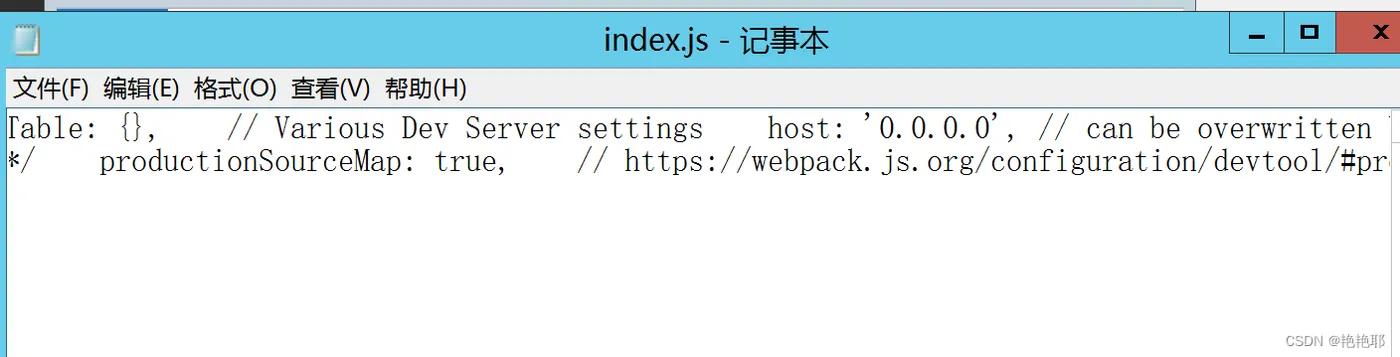
然后重启,效果图: