我正在参加「初夏创意投稿大赛」详情请看:初夏创意投稿大赛
我们还记得童年时抓青蛙的场景吗,今天我就用CSS实现一个小青蛙
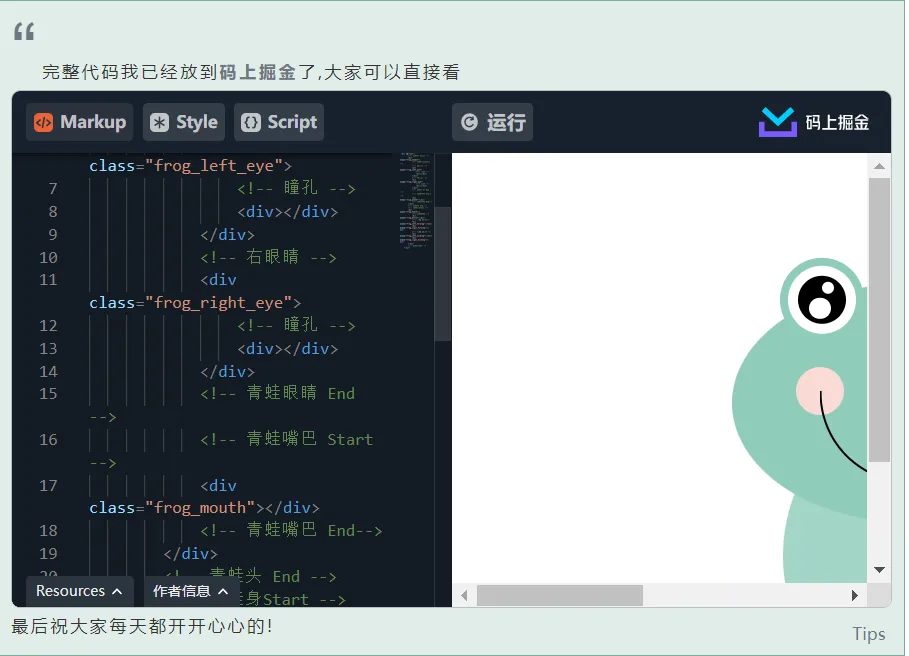
效果图

实现思路
有一个大盒子承载着整个青蛙的布局,青蛙分为俩个盒子,一个承载头部,一个承载底部,然后通过定位进行实现位置排版
页面结构
<div id="box">
        <!-- 青蛙头 Start -->
        <div class="frog_header">
            <!-- 青蛙眼睛Start -->
            <!-- 左眼睛 -->
            <div class="frog_left_eye">
                <!-- 瞳孔 -->
                <div></div>
            </div>
            <!-- 右眼睛 -->
            <div class="frog_right_eye">
                <!-- 瞳孔 -->
                <div></div>
            </div>
            <!-- 青蛙眼睛 End -->
            <!-- 青蛙嘴巴 Start -->
            <div class="frog_mouth"></div>
            <!-- 青蛙嘴巴 End-->
        </div>
        <!-- 青蛙头 End -->
        <!-- 青蛙身Start -->
        <div class="frog_footer">
            <!-- 青蛙肚子 -->
            <div class="frog_belly"></div>
            <!-- 前腿 左/右-->
            <div class="frog_left_foreleg"></div>
            <div class="frog_right_foreleg"></div>
            <!-- 后腿 左/右 -->
            <div class="frog_left_hindleg"></div>
            <div class="frog_right_hindleg"></div>
        </div>
        <!-- 青蛙身End -->
    </div>
青蛙头部
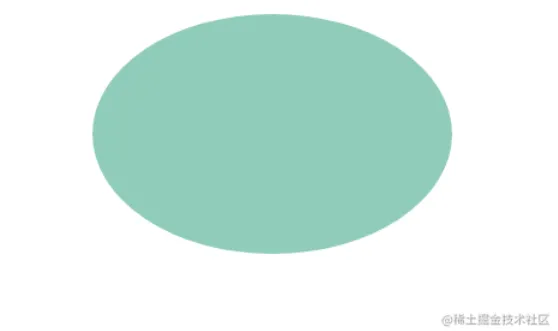
我们先画一个青蛙头部盒子,以便于承载头部的眼睛嘴巴,酒窝
/* 青蛙头 */
        .frog_header {
            width: 300px;
            height: 200px;
            border-radius: 50%;
            background: #90ccba;
        }
青蛙眼睛
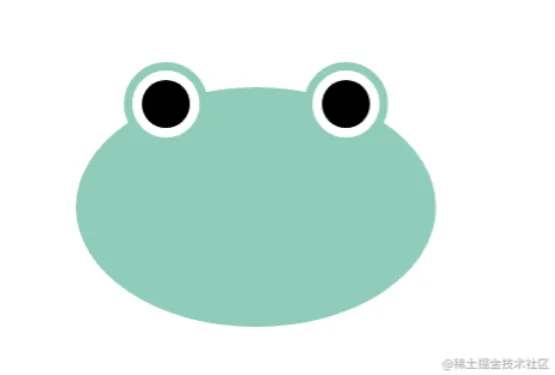
头部做好以后,我们开始做眼睛,我们往头部盒子里面放俩个盒子,分别为左眼睛右眼睛,在通过给头部flex布局的属性设置,让俩个眼睛分被在头部俩边的中心位置,在往顶部移出眼睛盒子的百分之30%左右,这样显得比较好看,然后再给每一个眼睛里面放一个盒子充当瞳孔的样式,瞳孔设置成黑色,也是利用flex布局的属性设置实现垂直水平居中
/* 青蛙头 */
        .frog_header {
            position: relative;
            z-index: 3;
            width: 300px;
            height: 200px;
            border-radius: 50%;
            background: #90ccba;
            display: flex;
            justify-content: space-around;
        }
/* 左眼睛 / 右眼睛 */
        .frog_left_eye,
        .frog_right_eye {
            position: relative;
            box-sizing: border-box;
            width: 70px;
            height: 70px;
            border-radius: 50%;
            border: 7px solid #90ccba;
            background: #fff;
            display: flex;
            justify-content: center;
            align-items: center;
        }
        .frog_left_eye {
            transform: translate(0, -30%);
        }
        .frog_right_eye {
            transform: translate(0, -30%);
        }
           /* 瞳孔 */
        .frog_left_eye>div,
        .frog_right_eye>div {
            position: relative;
            width: 40px;
            height: 40px;
            background: #000;
            border-radius: 50%;
        }
青蛙瞳孔优化
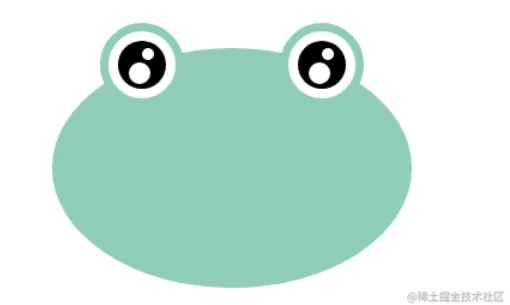
我们这么看着青蛙眼睛有些空洞,我们给他增加一些目光的点缀,目光通过瞳孔盒子的::after和::before实现目光,我们使用给目光设置成白色,然后通过定位的方式给目光进行定位到每个瞳孔的位置,这样看起来比较好看一些
/* 瞳孔*/
        .frog_left_eye>div,
        .frog_right_eye>div {
            position: relative;
            width: 40px;
            height: 40px;
            background: #000;
            border-radius: 50%;
        }
        .frog_left_eye>div::after,
        .frog_right_eye>div::after {
            content: "";
            position: absolute;
            top: 46%;
            left: 24%;
            width: 18px;
            height: 18px;
            background: #fff;
            border-radius: 50%;
        }
        .frog_left_eye>div::before,
        .frog_right_eye>div::before {
            content: "";
            position: absolute;
            top: 14%;
            left: 50%;
            width: 10px;
            height: 10px;
            background: #fff;
            border-radius: 50%;
        }
青蛙嘴巴
嘴巴这块我们在头部在放一个盒子,然后设置成半圆,通过定位,定位到头部合适的位置
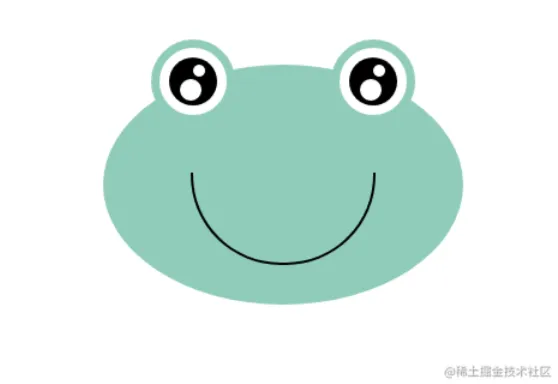
/* 青蛙嘴巴 */
        .frog_mouth {
            position: absolute;
            top: 90px;
            left: 50%;
            z-index: 3;
            transform: translate(-50%);
            width: 150px;
            height: 75px;
            border-bottom-right-radius: 75px;
            border-bottom-left-radius: 75px;
            border: 2px solid #000;
            border-top: none;
        }
青蛙酒窝
酒窝这块我们采用头部的::after和::before进行实现,这样避免了酒窝遮盖住了嘴巴,显得好看一些,然后再通过定位的方式,定位到嘴巴的左右俩侧
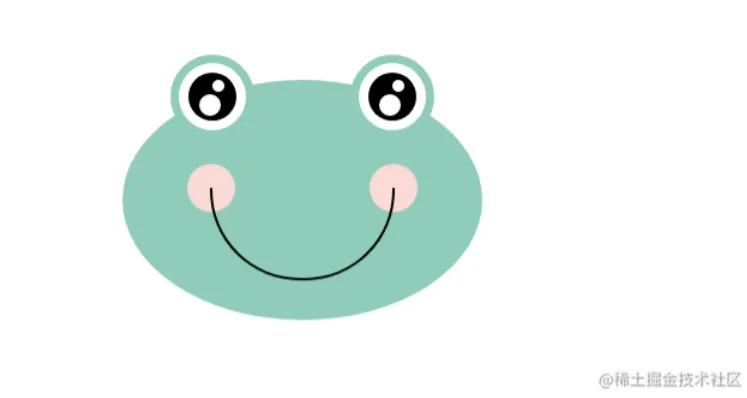
/* 青蛙嘴巴小圆点 */
        .frog_header::before,
        .frog_header::after {
            content: '';
            position: absolute;
            top: 35%;
            width: 40px;
            height: 40px;
            background: rgb(249, 218, 213);
            border-radius: 50%;
        }
        .frog_header::before {
            left: 18%;
        }
        .frog_header::after {
            right: 18%;
        }
青蛙肚子
青蛙肚子这块我们在单开一个盒子,这样头部和脚部就分开了,便于样式排版,然后再脚部盒子里面在设置一个肚子盒子,在通过定位的方式,实现头部和脚部的链接,这个时候头部要使用定位,把层级调高,防止脚部的盒子的层级高于头部
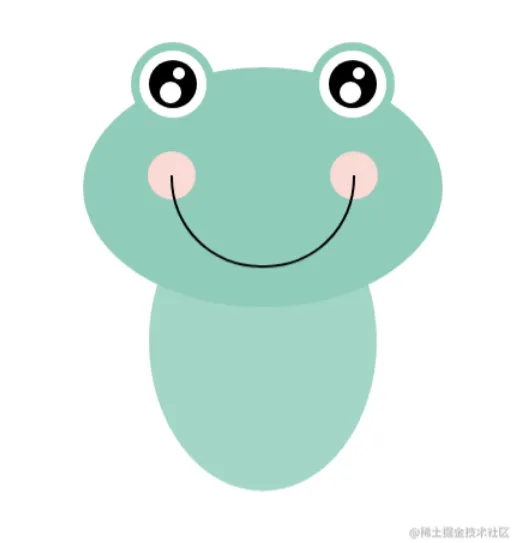
/* 青蛙下半身 */
        .frog_footer {
            position: absolute;
            top: 203px;
        }
        /* 青蛙肚子 */
        .frog_belly {
            position: relative;
            z-index: 1;
            height: 250px;
            width: 215px;
            border-radius: 50%;
            background: #a3d5c7;
            overflow: hidden;
        }
青蛙肚皮
肚皮这块我们采用青蛙肚子的::after来做,在通过定位的方式定位到合适的位置,肚子需要设置溢出隐藏,这样显得更为美观
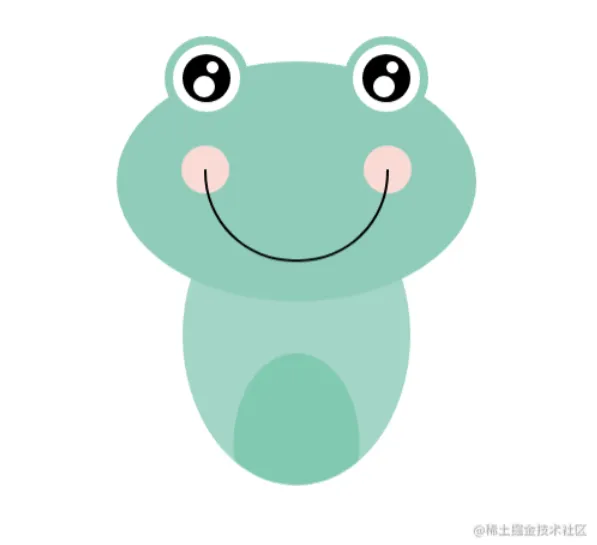
.frog_belly::after {
            content: '';
            position: absolute;
            top: 140px;
            left: 50%;
            transform: translate(-50%);
            height: 150px;
            width: 105px;
            border-radius: 50%;
            background: #81c9b1;
        }
青蛙前腿
前腿这块我们在底部放俩个盒子,分别作为青蛙的前左腿和前右腿,然后通过定位,定位到合适的位置
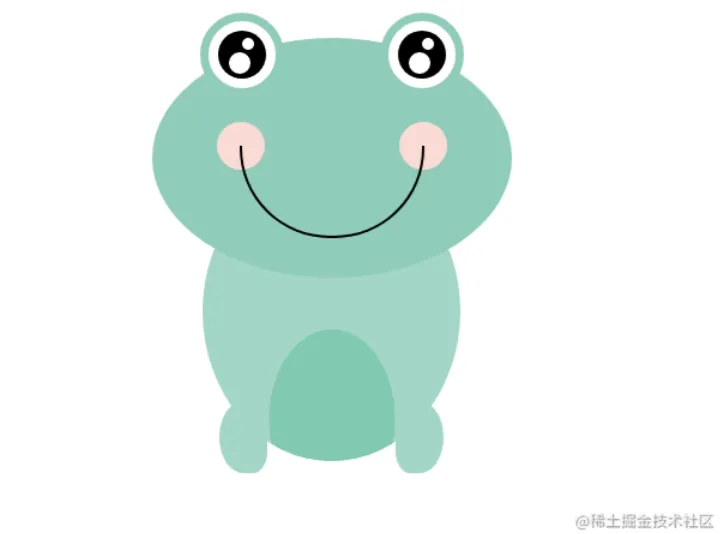
/* 前腿 左/右 */
        .frog_right_foreleg,
        .frog_left_foreleg {
            position: absolute;
            z-index: 4;
            width: 40px;
            height: 60px;
            background: #a3d5c7;
        }
        .frog_left_foreleg {
            bottom: -10px;
            left: 14px;
            border-top-left-radius: 50%;
            border-bottom-left-radius: 50%;
            border-bottom-right-radius: 30%;
        }
        .frog_right_foreleg {
            bottom: -10px;
            right: 14px;
            border-top-right-radius: 50%;
            border-bottom-right-radius: 50%;
            border-bottom-left-radius: 30%;
        }
前腿做好后,在通过前左右盒子的::after实现前左右腿的脚掌,在通过定位的方式定位到合适的位置
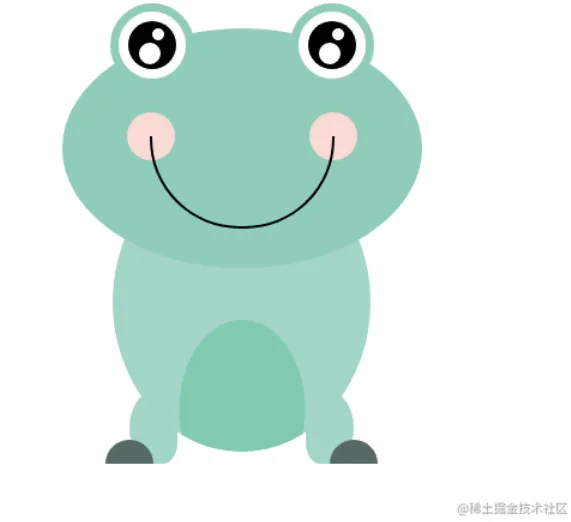
/* 前脚 */
        .frog_right_foreleg::after,
        .frog_left_foreleg::after {
            content: '';
            position: absolute;
            bottom: 0;
            width: 40px;
            height: 20px;
            border-top-left-radius: 20px;
            border-top-right-radius: 20px;
            background: #a3d5c7;
        }
        .frog_left_foreleg::after {
            transform: translate(-50%);
        }
        .frog_right_foreleg::after {
            transform: translate(50%);
        }
青蛙后腿
前腿做完后,我们开始做青蛙的后腿,后腿也是和前腿一样的逻辑,不过比前腿多了旋转,我们在开俩个盒子,然后通过css旋转属性和边框圆角属性做出来大腿的模样,定位到肚子周围合适的位置
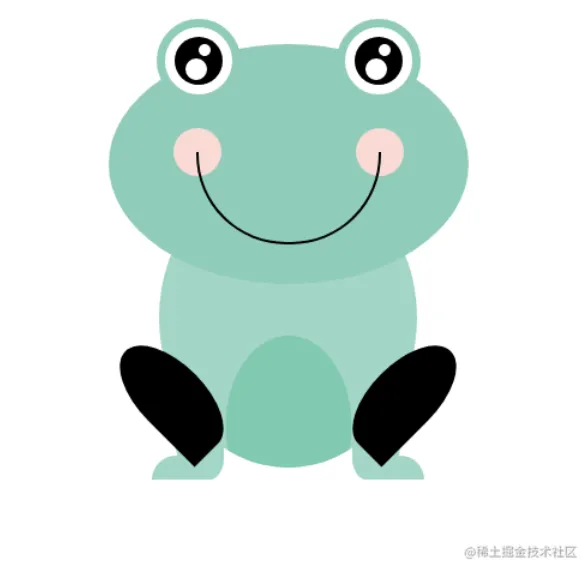
/* 后腿 */
        .frog_left_hindleg,
        .frog_right_hindleg{
            position: absolute;
            width: 109px;
            height: 55px;
            border-top-left-radius: 50%;
            border-top-right-radius: 50%;
             background: #81c9b1;
        }
        .frog_left_hindleg{
            top: 164px;
            left: -44px;
            border-bottom-right-radius: 0;
            border-bottom-left-radius: 50%;
            transform: rotate(45deg) ;
        }
        .frog_right_hindleg{
            top: 164px;
            right: -44px;
            border-bottom-right-radius: 50%;
            border-bottom-left-radius: 0;
            transform: rotate(-45deg) ;
        }
后大腿做完后,我们就差一步后脚掌,我们后脚掌也通过伪元素的方式来实现,由于后腿的盒子因需做出大腿的模样而发生了旋转,所以我们需要把后脚掌旋转过来因为后脚掌不需要,然后再通过定位的方式,定位到合适的位置,改变一下颜色,一个小青蛙就完成了
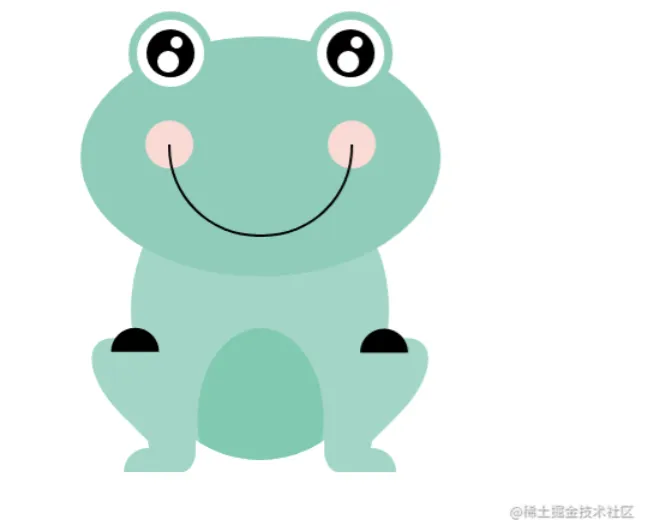
.frog_left_hindleg::after,
        .frog_right_hindleg::after{
            content: '';
            position: absolute;
            width: 40px;
            height: 20px;
            border-top-left-radius: 20px;
            border-top-right-radius: 20px;
            background: #81c9b1;
        }
        .frog_left_hindleg::after{
            top: 50px;
            left: 50px;
transform:  rotate(-45deg);
        }
        .frog_right_hindleg::after{
            top: 50px;
            right: 50px;
            transform:  rotate(45deg);
        }