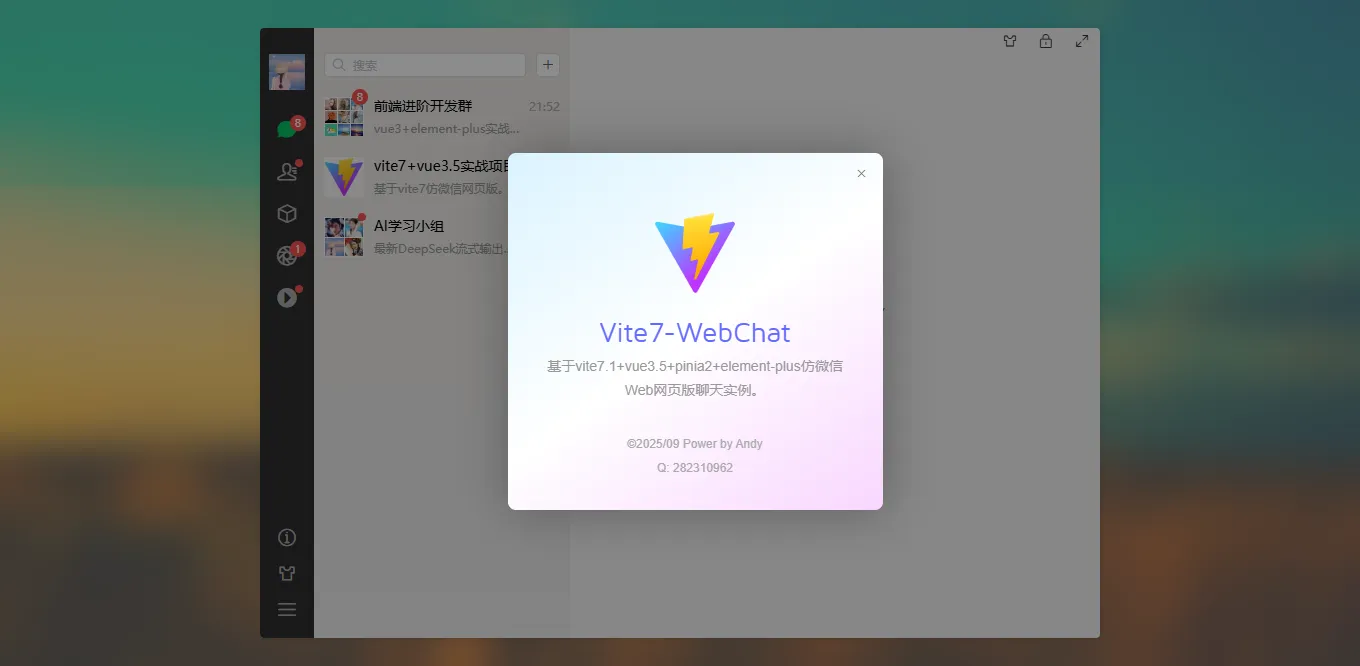
2025最新版原创vite7.1+vue3+pinia3+elementPlus网页端仿微信web聊天系统。
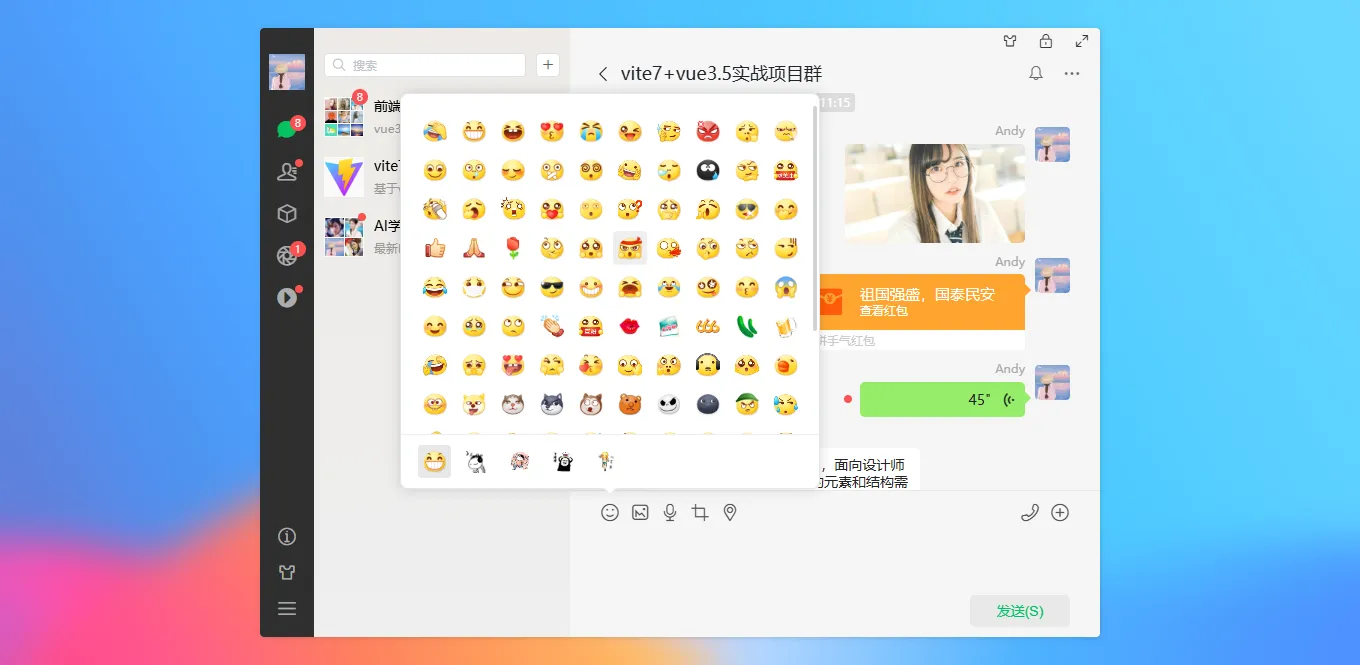
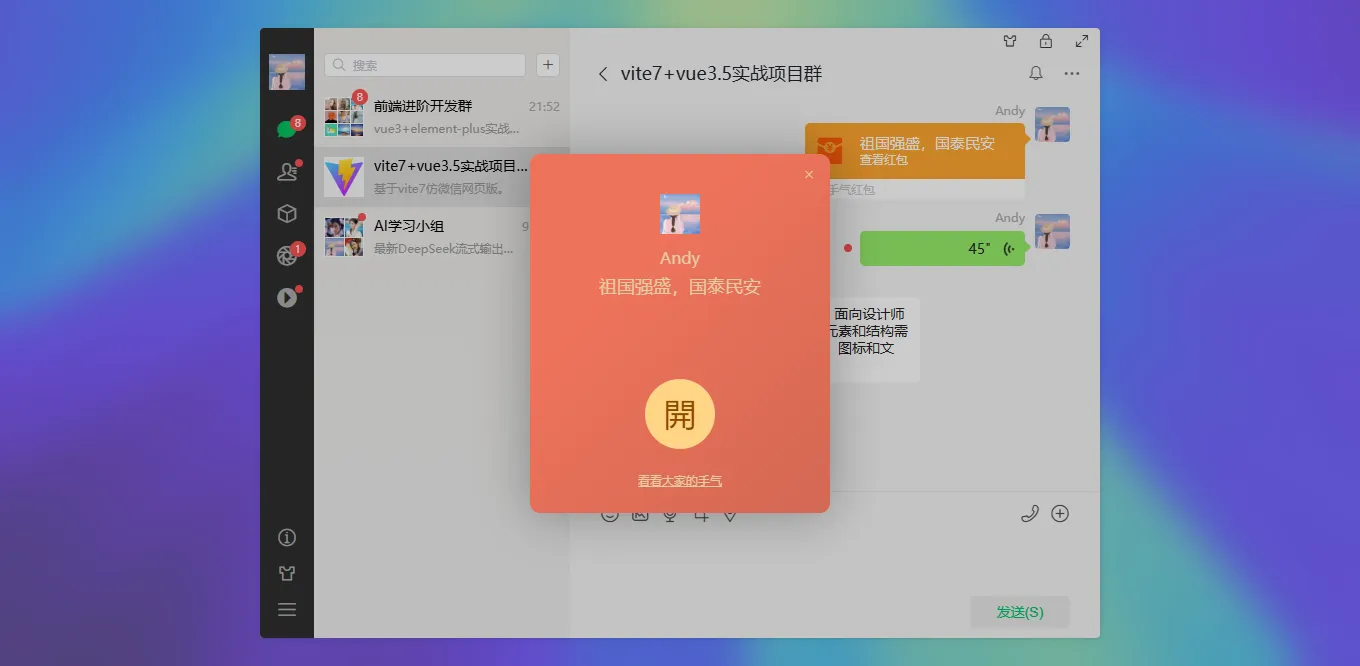
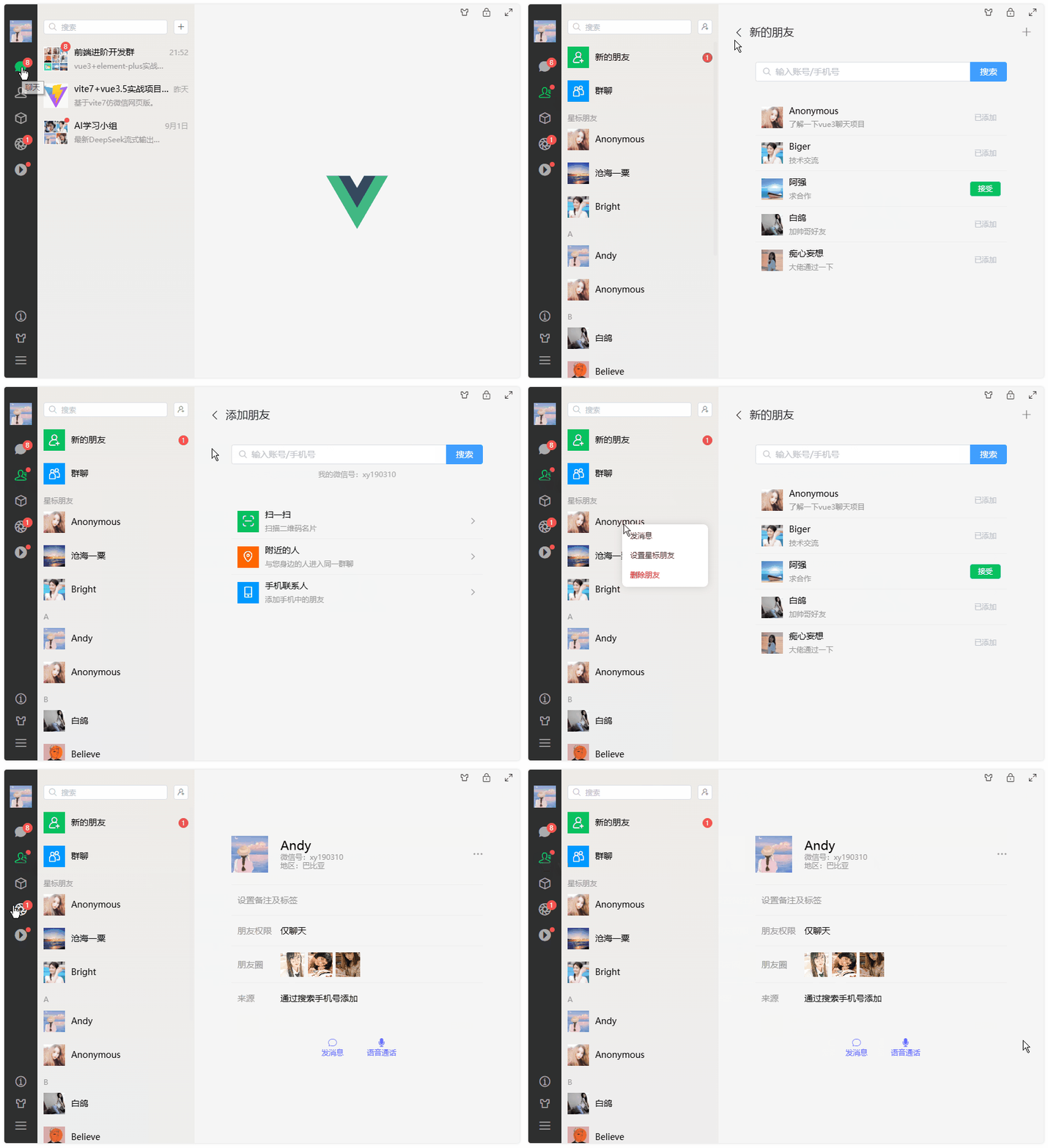
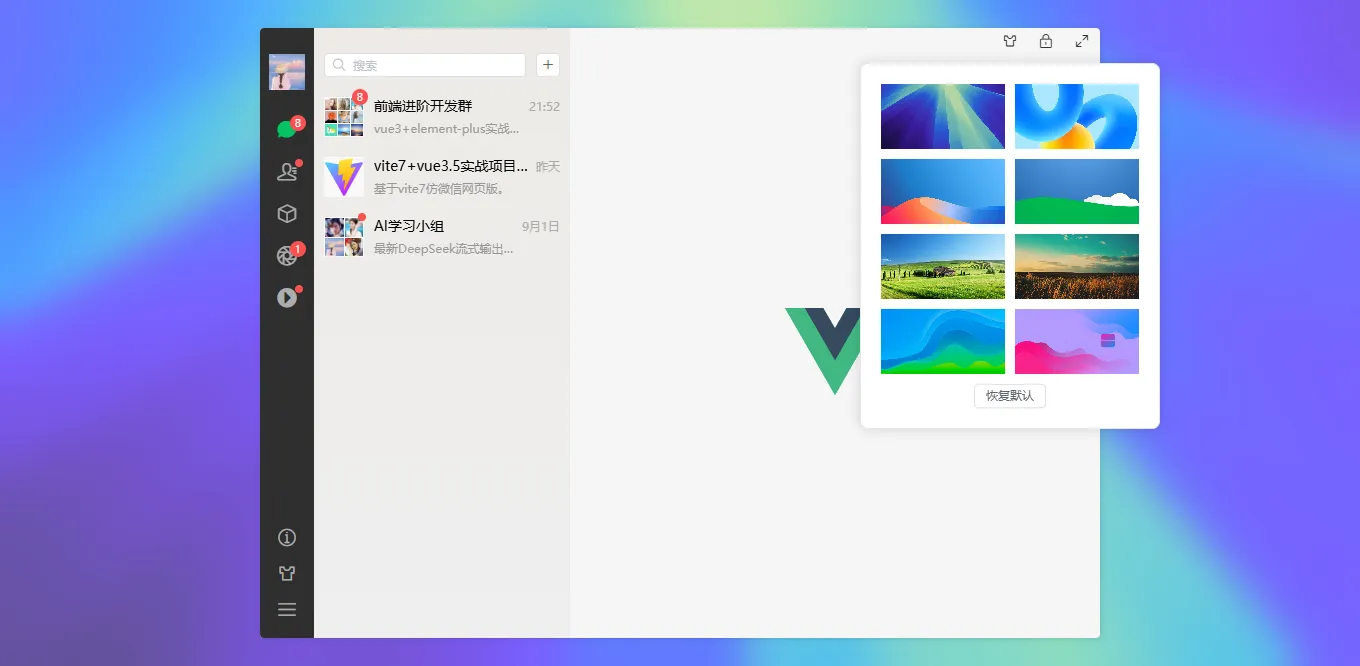
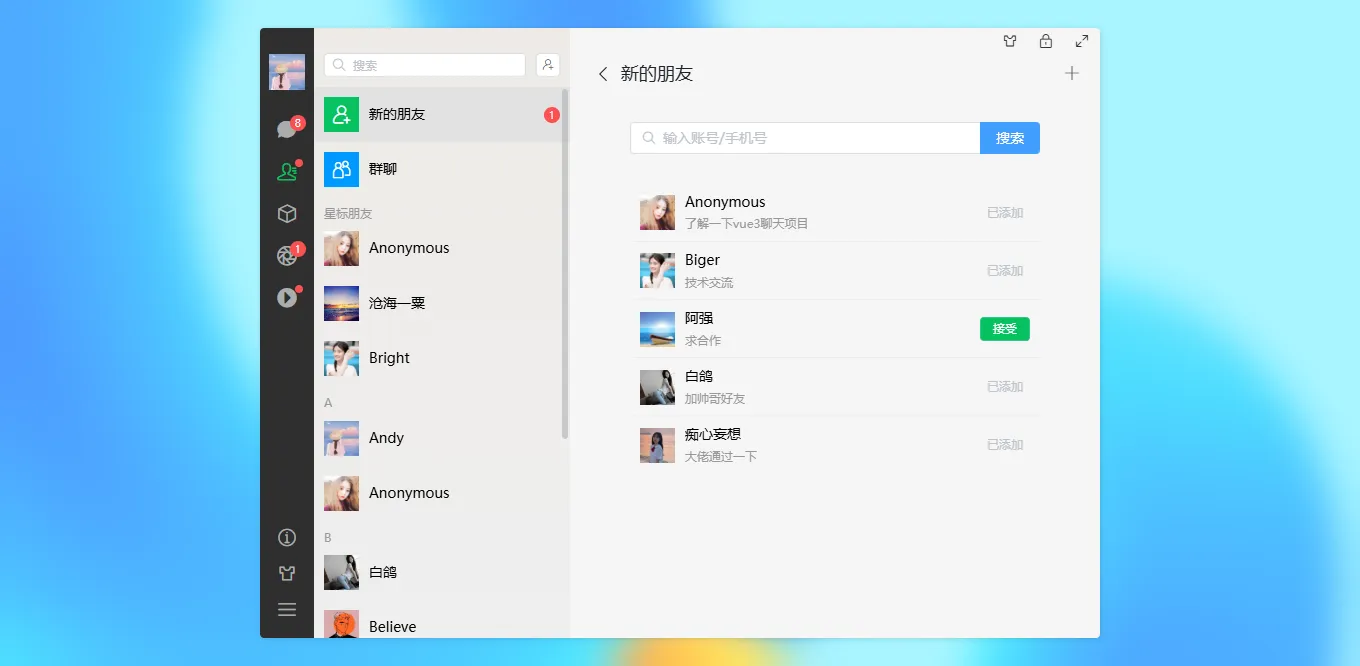
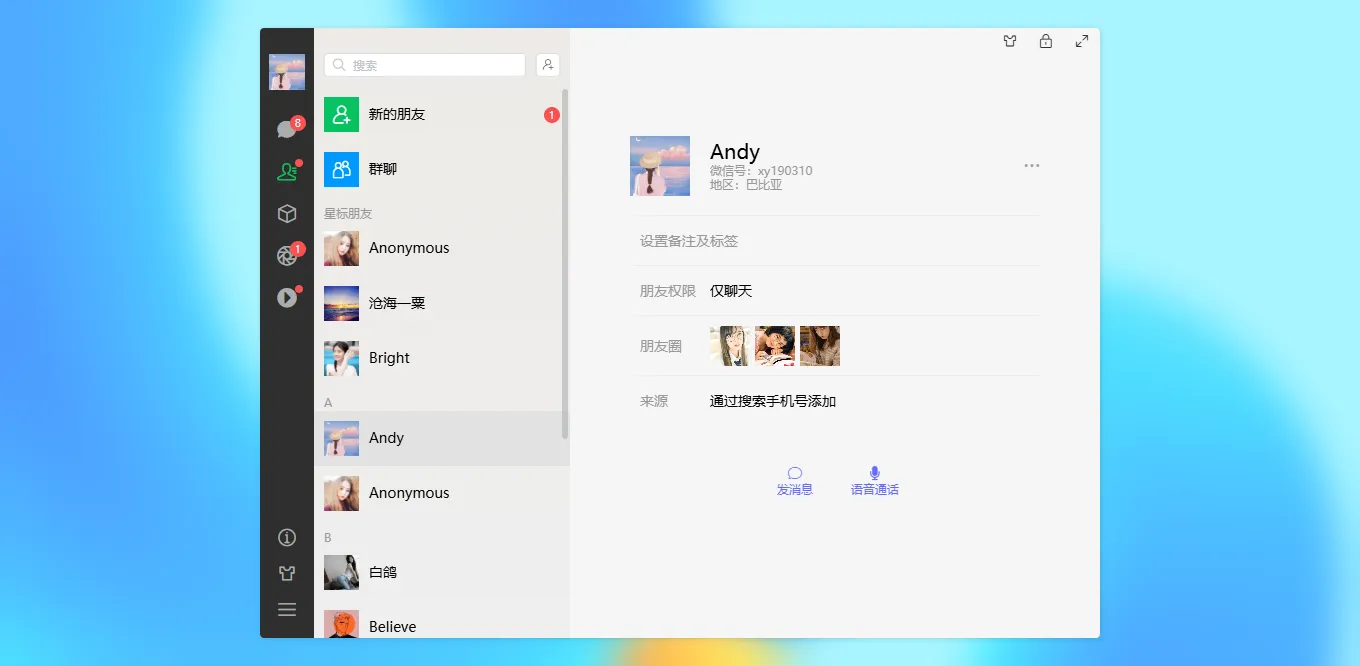
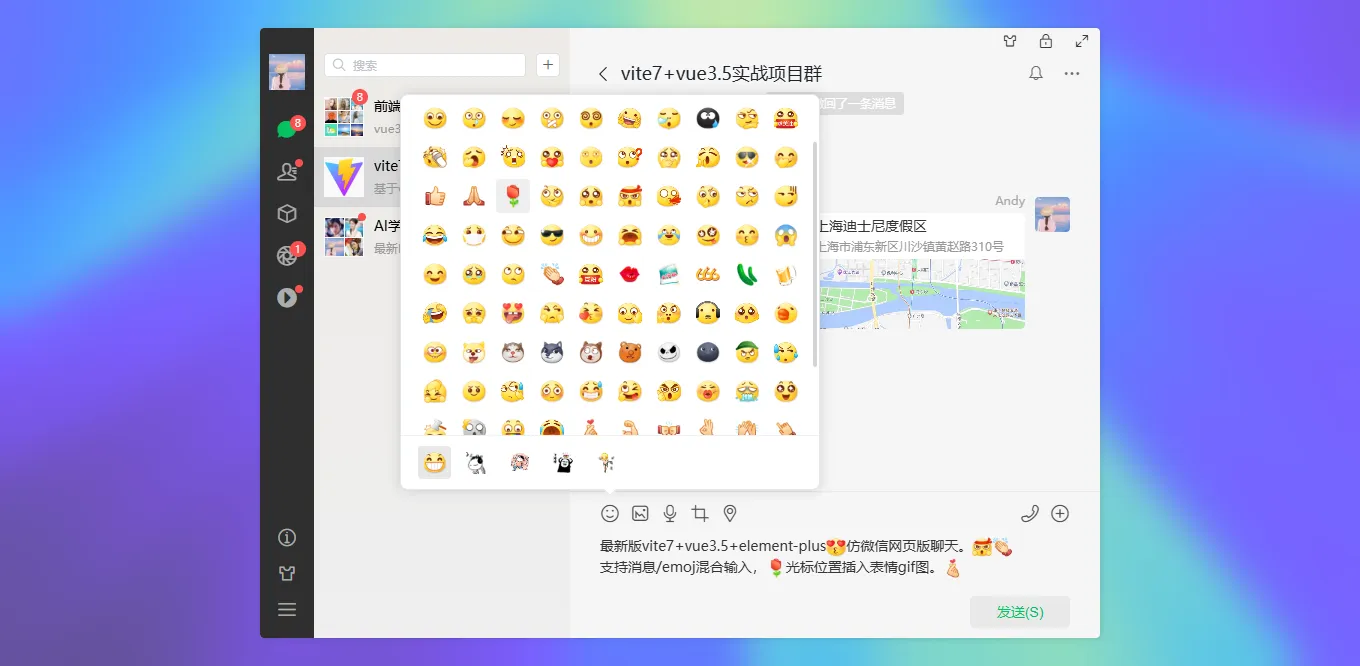
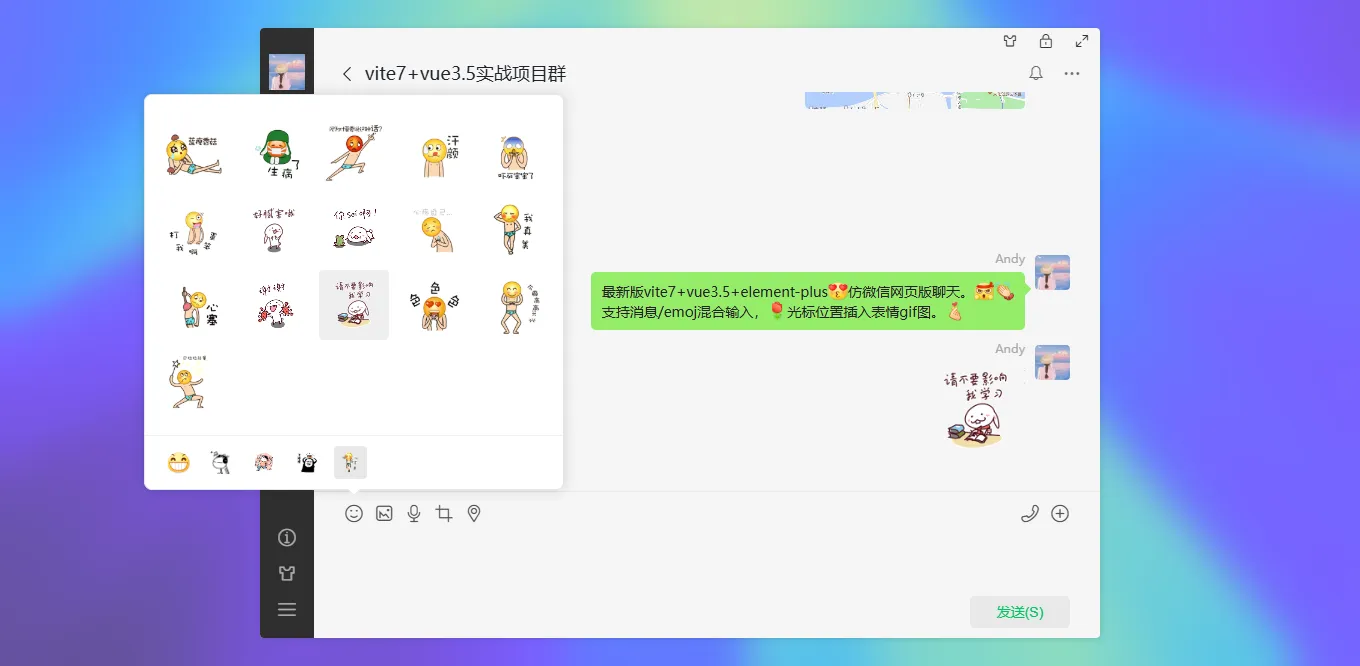
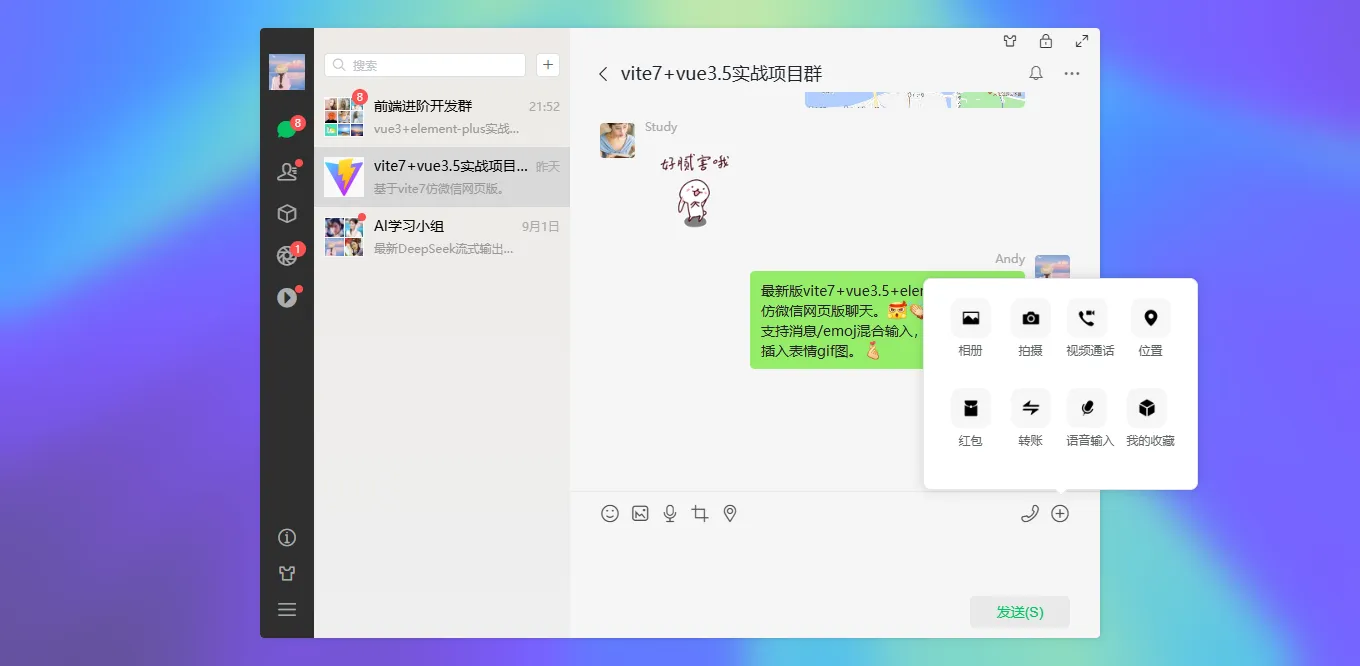
vite7-vue3-wechat基于vite7+vue3搭建仿微信界面网页端聊天模板。实现了聊天、联系人、收藏、朋友圈、小视频、我的等模块。
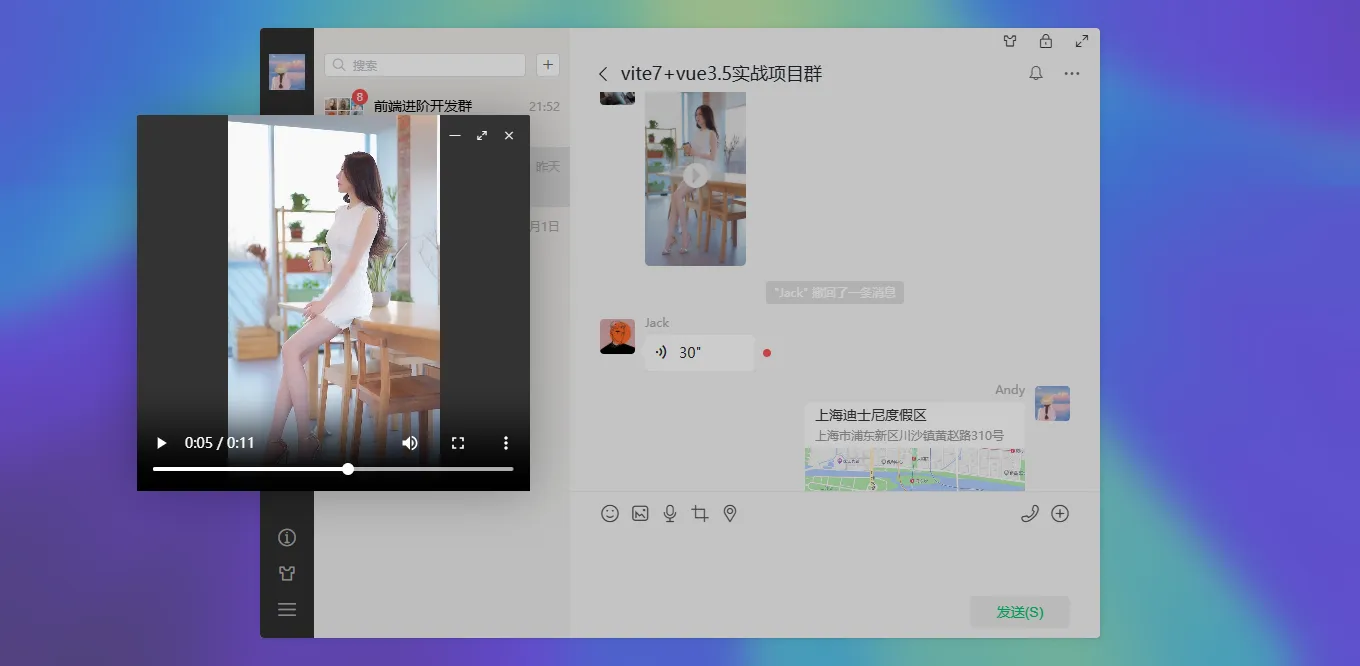
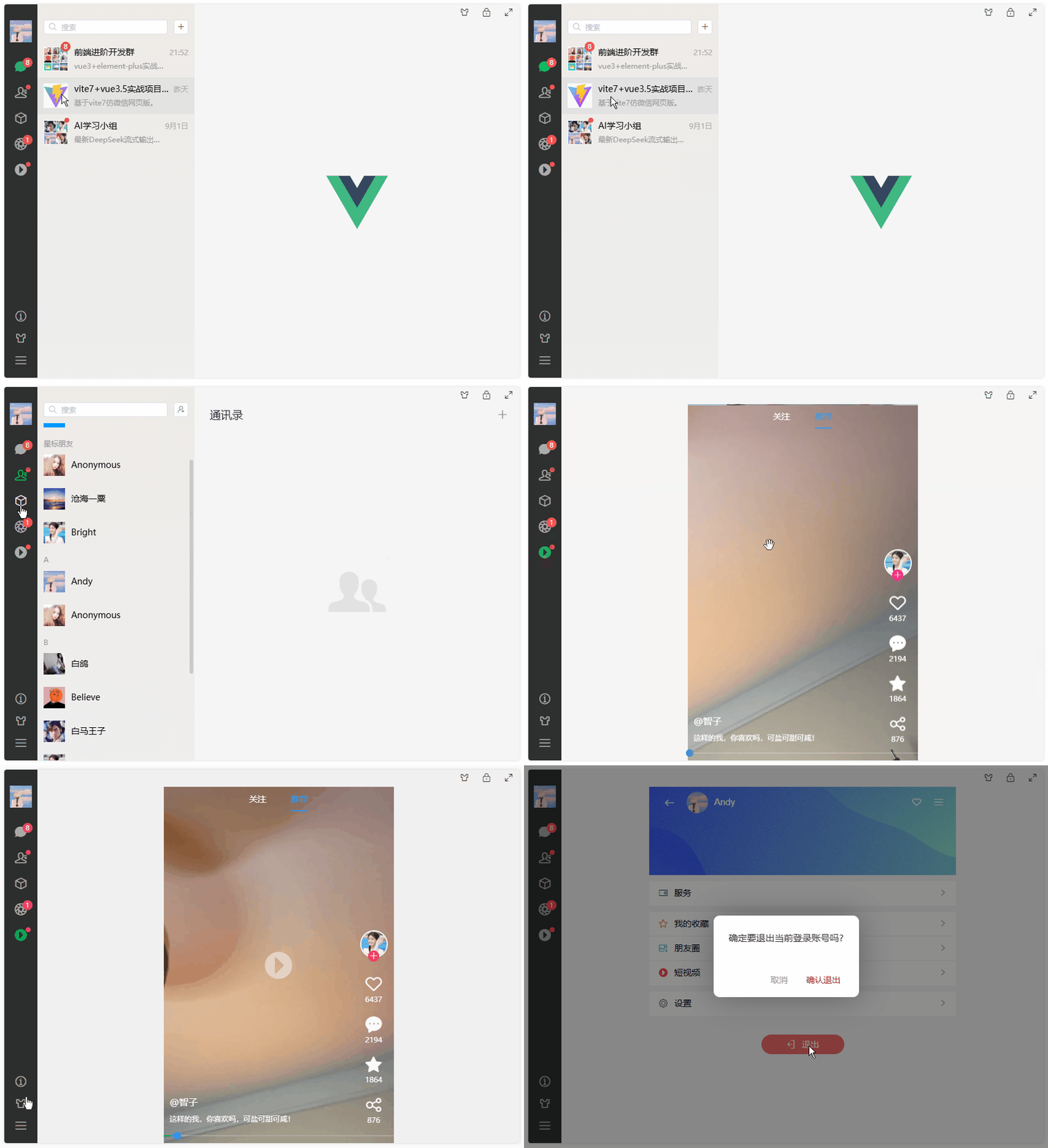
运用技术
- 技术框架:vite7.1+vue3.5+vue-router4.5+pinia3
- 组件库:element-plus^2.11.1 (饿了么网页端vue3组件库)
- 状态管理:pinia^3.0.3
- 地图插件:@amap/amap-jsapi-loader(高德地图组件)
- 视频滑动:swiper^11.2.10
- 富文本编辑器:wangeditor^4.7.15
- 样式编译:sass^1.91.0
- 构建工具:vite^7.1.2

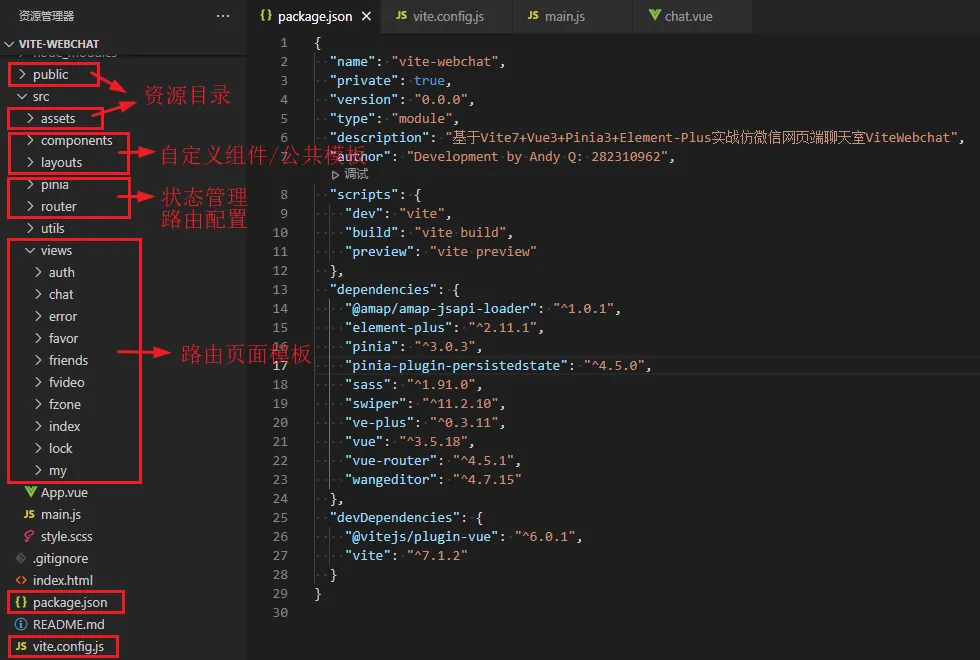
项目结构
使用全新的vite7构建项目,vue3 setup语法编码。

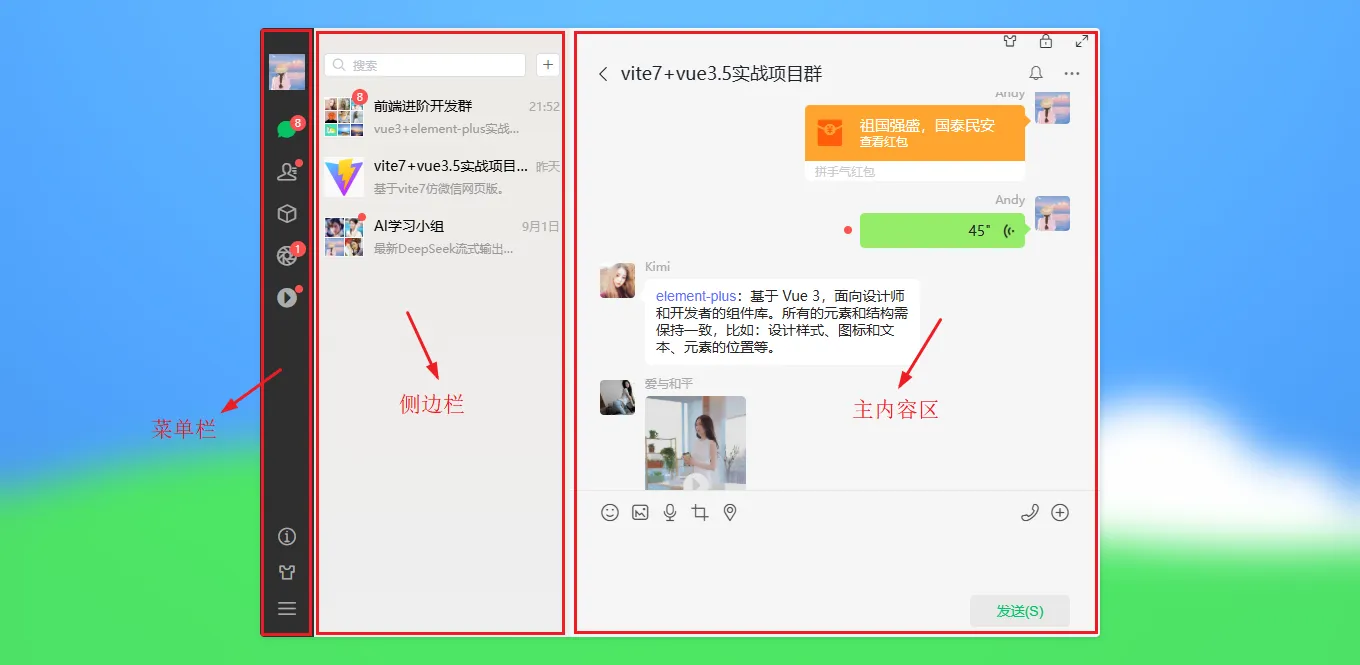
项目布局模板
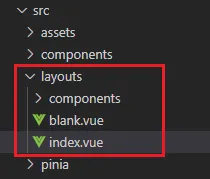
<script setup>
  import { useRoute } from 'vue-router'
  import { appState } from '@/pinia/modules/app'

  import MenuBar from './components/menubar/index.vue'
  import SideBar from './components/sidebar/index.vue'
  import Winbtn from './components/winbtn.vue'

  const route = useRoute()
  const appstate = appState()
</script>

<template>
  <div class="vu__container" :class="{'fullscreen': appstate.config.fullscreen}" :style="{'--themeSkin': appstate.config.skin}">
    <div class="vu__layout flexbox flex-col">
      <div class="vu__layout-body flex1 flexbox" @contextmenu.prevent>
        <!-- 菜单栏 -->
        <slot v-if="!route?.meta?.hideMenuBar" name="menubar">
          <MenuBar />
        </slot>

        <!-- 侧边栏 -->
        <div v-if="route?.meta?.showSideBar" class="vu__layout-sidebar flexbox" :class="{'hidden': appstate.config.collapsed}">
          <aside class="vu__layout-sidebar__body flexbox flex-col">
            <slot name="sidebar">
              <SideBar />
            </slot>
          </aside>
        </div>

        <!-- 主内容区 -->
        <div class="vu__layout-main flex1 flexbox flex-col">
          <Winbtn v-if="!route?.meta?.hideWinBar" />
          <router-view v-slot="{ Component, route }">
            <keep-alive>
              <component :is="Component" :key="route.path" />
            </keep-alive>
          </router-view>
        </div>
      </div>
    </div>
  </div>
</template>

vue3-router路由配置
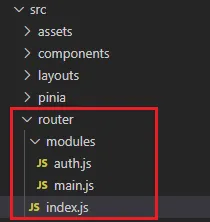
import { createRouter, createWebHashHistory } from 'vue-router' import { authState } from '@/pinia/modules/auth' import Layout from '@/layouts/index.vue' // 批量导入路由 const modules = import.meta.glob('./modules/*.js', { eager: true }) console.log(modules) const patchRouters = Object.keys(modules).map(key => modules[key].default).flat() console.log(patchRouters) /** * meta配置 * @param meta.requireAuth 需登录验证页面 * @param meta.hideWinBar 隐藏右上角按钮组 * @param meta.hideMenuBar 隐藏菜单栏 * @param meta.showSideBar 显示侧边栏 * @param meta.canGoBack 是否可回退上一页 */ const routes = [ patchRouters, // 错误模块 { path: '/:pathMatch(.*)*', redirect: '/404', component: Layout, meta: { title: '404error', hideMenuBar: true, hideWinBar: true, }, children: [ { path: '404', component: () => import('@/views/error/404.vue'), } ] }, ] const router = createRouter({ history: createWebHashHistory(), routes, }) // 全局路由钩子拦截 router.beforeEach((to, from) => { const authstate = authState() if(to?.meta?.requireAuth && !authstate.authorization) { return { path: '/login' } } }) router.afterEach((to, from) => { // 阻止浏览器回退 if(to?.meta?.canGoBack == false && from.path != null) { history.pushState(history.state, '', document.URL) } }) router.onError(error => { console.warn('[Router Error]', error) }) export default router

原创开发不易,感谢大家的阅读与支持。