DT MongoDB | Client
Create MongoDB Client
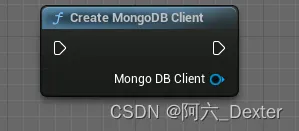
Create an MongoDB client object
Connect By Url
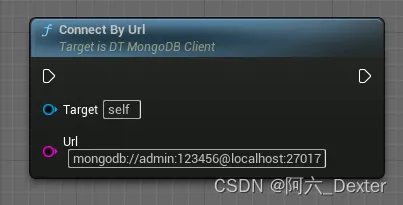
ConnectB MongoDB server
Param Url : mongoDB://account:password@ip:port e.g. mongodb://admin:123456@127.0.0.1:27017
or mongoDB://ip:port e.g. mongodb://127.0.0.1:27017
Get Collection
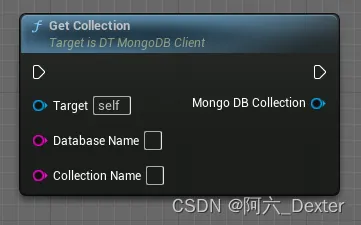
DT MongoDB | Collection
Insert One
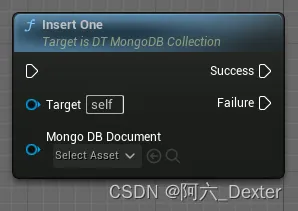
Inserts a single document into the collection. If the document is missing an identifier
(_id field) one will be generated for it.
Param MongoDB Document : The document to insert.
Insert Many
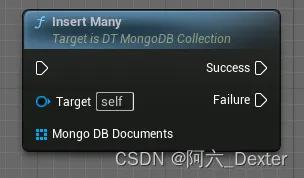
Inserts multiple documents into the collection. If any of the documents are missing
identifiers the driver will generate them.
Warning This method uses the bulk insert command to execute the insertion as opposed to
the legacy OP_INSERT wire protocol message. As a result, using this method to insert many
documents on MongoDB < 2.6 will be slow.
Param MongoDB Documents : Array of a documents to insert.
Delete One
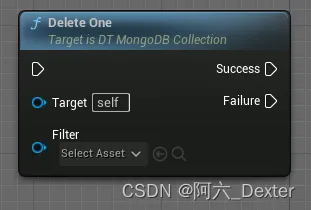
Deletes a single matching document from the collection.
Param Filter : Document view representing the data to be deleted.
Delete Many
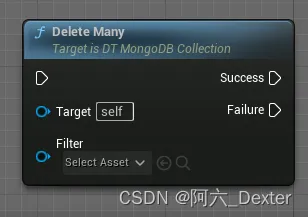
Deletes all matching documents from the collection.
Param Filter : Document view representing the data to be deleted.
Replace One
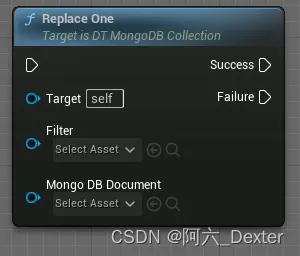
Replaces a single document matching the provided filter in this collection.
Param Filter : Document representing the match criteria.
Param MongoDB Document : The replacement document.
Update One
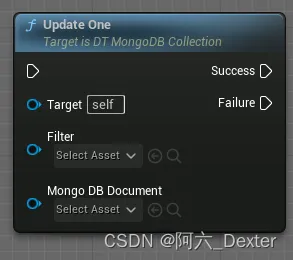
Updates a single document matching the provided filter in this collection.
Param Filter : Document representing the match criteria.
Param MongoDB Document : Document representing the update to be applied to a matching document.
Update Many
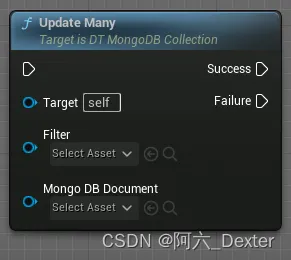
Updates multiple documents matching the provided filter in this collection.
Param Filter : Document representing the match criteria.
Param MongoDB Document : Document representing the update to be applied to matching documents.
Find
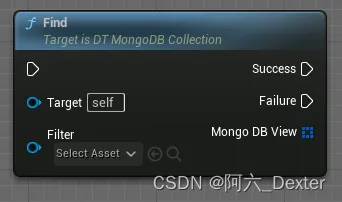
Finds a single document in this collection that match the provided filter.
Param Filter : Document view representing a document that should match the query.
Find One
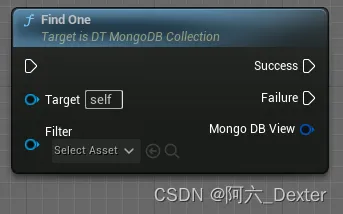
Finds a single document in this collection that match the provided filter.
Param Filter : Document view representing a document that should match the query.
DT MongoDB | Document
Create MongoDB Document
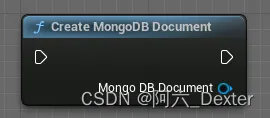
Create an MongoDB document object
To MongoDB Document (MongoDB Oid)
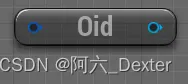
MongoDB Oid to MongoDB document
To MongoDB Document (Json)

Json String to MongoDB document
To MongoDB Document (MongoDB View)
DT MongoDB View to MongoDB document
To MongoDB Document (Map String)
Map String to MongoDB document
To MongoDB Document (Map Int32)
Map Int to MongoDB document
To MongoDB Document (Map Int64)
Map Int64 to MongoDB document
To MongoDB Document (Map Float)
Map Float to MongoDB document
To MongoDB Document (Map Double)
Map Double to MongoDB document
To MongoDB Document (Map MongoDB Document)
Map MongoDB document to MongoDB document
To Map String (MongoDB Document)
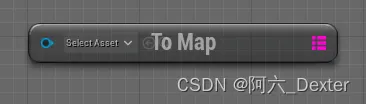
MongoDB document to Map String
To Map String (MongoDB Document)
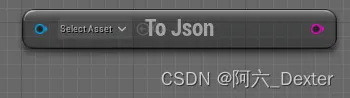
MongoDB document to Json String
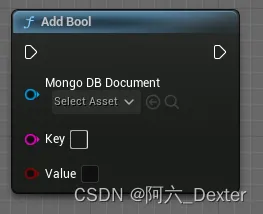
Add Bool
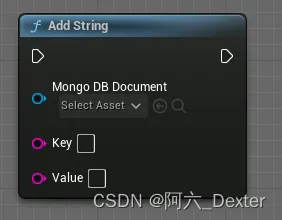
Add String
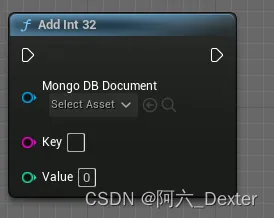
Add Int 32
Add Int 64
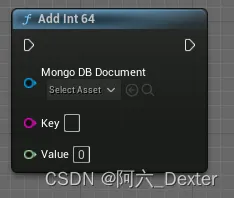
Add Float
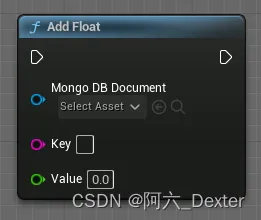
Add Double
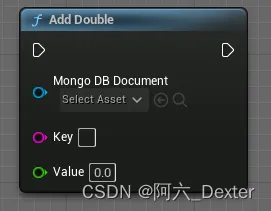
Add Document

Add View
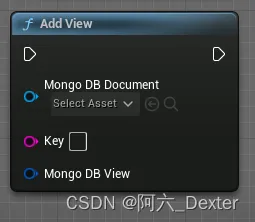
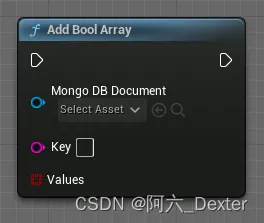
Add Bool Array
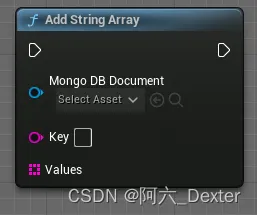
Add String Array
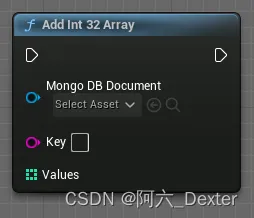
Add Int 32 Array
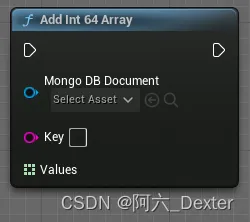
Add Int 64 Array
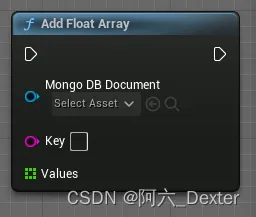
Add Float Array
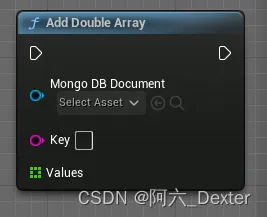
Add Double Array
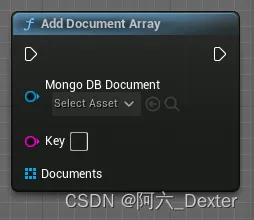
Add Document Array