对于测试用例来说,断言是最重要的,通过断言我们来判断测试通过没有。那么如何写好API测试的断言呢?
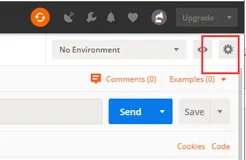
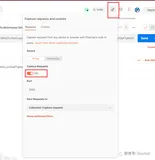
断言书写的位置见下图。
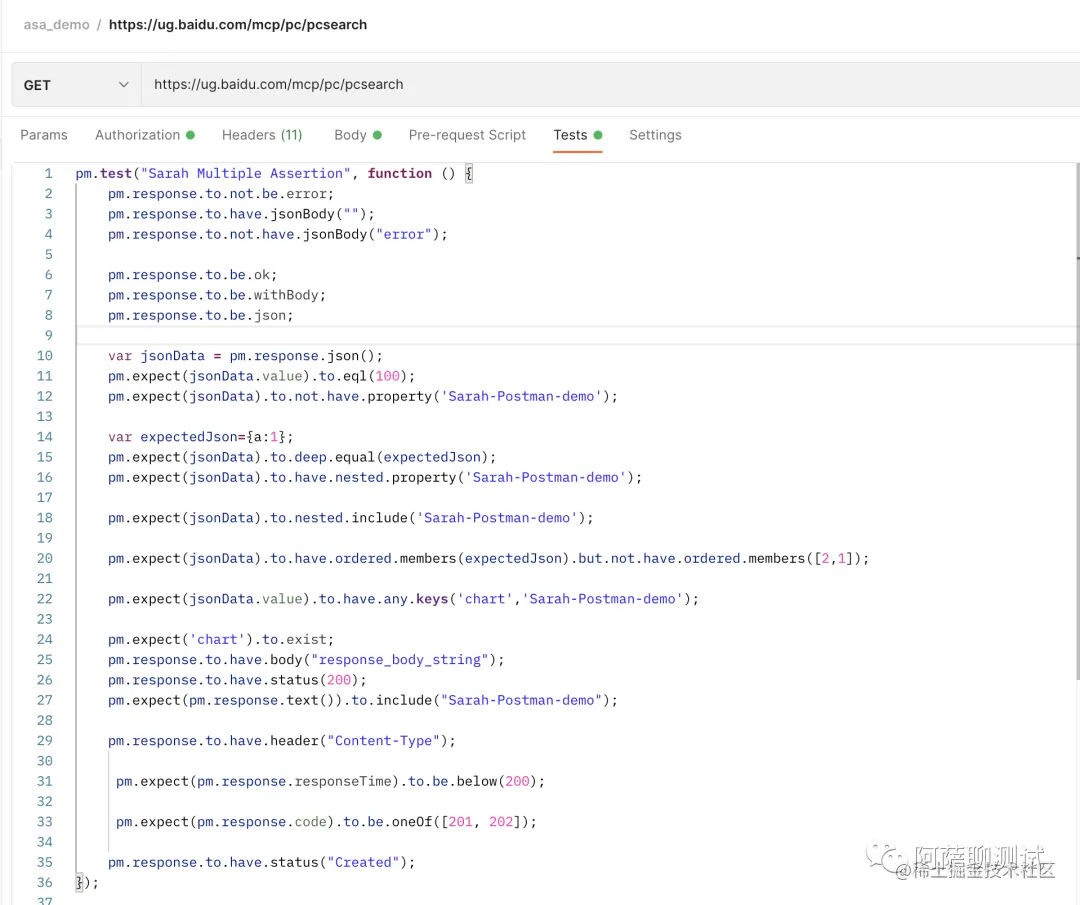
今天我们列举下Postman API常见断言写法。
Postman 使用chai 这个语言去写的脚本。
chai 写断言分2种:
- 1.BDD
- 2.TDD
Postman 采用的是BDD的写法。
Postman BDD 的常见写法有:
    pm.response.to.not.be.error;    pm.response.to.have.jsonBody("");    pm.response.to.not.have.jsonBody("error");
    pm.response.to.be.ok;    pm.response.to.be.withBody;    pm.response.to.be.json;
    var jsonData = pm.response.json();    pm.expect(jsonData.value).to.eql(100);    pm.expect(jsonData).to.not.have.property('Sarah-Postman-demo');
    var expectedJson={a:1};    pm.expect(jsonData).to.deep.equal(expectedJson);    pm.expect(jsonData).to.have.nested.property('Sarah-Postman-demo');
    pm.expect(jsonData).to.nested.include('Sarah-Postman-demo');
    pm.expect(jsonData).to.have.ordered.members(expectedJson).but.not.have.ordered.members([2,1]);
    pm.expect(jsonData.value).to.have.any.keys('chart','Sarah-Postman-demo');
    pm.expect('chart').to.exist;    pm.response.to.have.body("Sarah-Postman-demo");    pm.response.to.have.status(200);    pm.expect(pm.response.text()).to.include("Sarah-Postman-demo");
    pm.response.to.have.header("Content-Type");         pm.expect(pm.response.responseTime).to.be.below(200);
     pm.expect(pm.response.code).to.be.oneOf([201, 202]);
    pm.response.to.have.status("Sarah-Postman-demo");
断言可以写在一个function里也可以写在多个functon里。 断言可以使用自己熟悉的javascript 语言去写。另外除了断言,前置条件中也可以写javascript。 后续会介绍javascript如何写前置条件。
你学会了吗?
如果你也想学习如何使用Postman 工具,欢迎跟着阿萨 一起完成21天打卡学习。