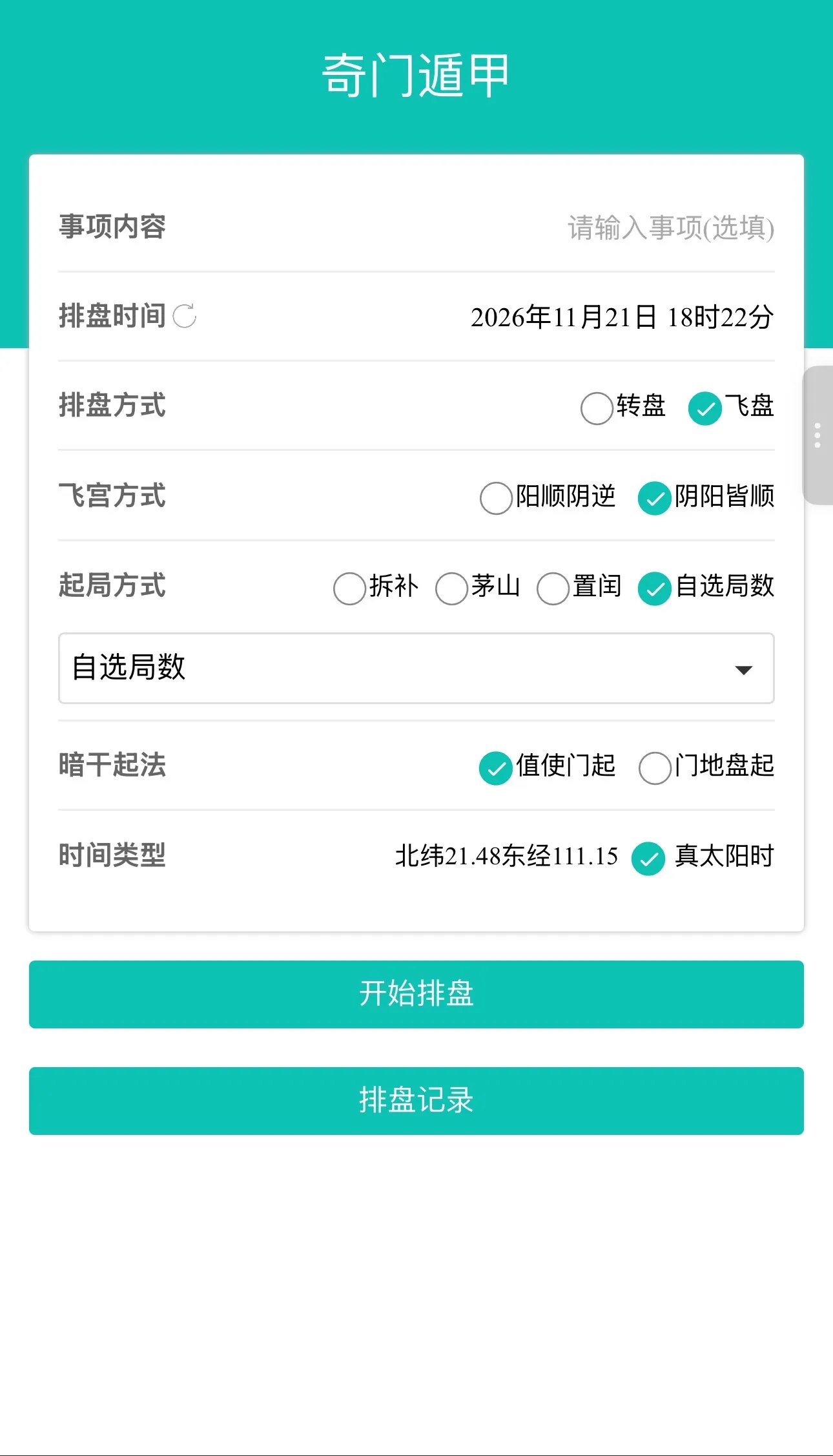
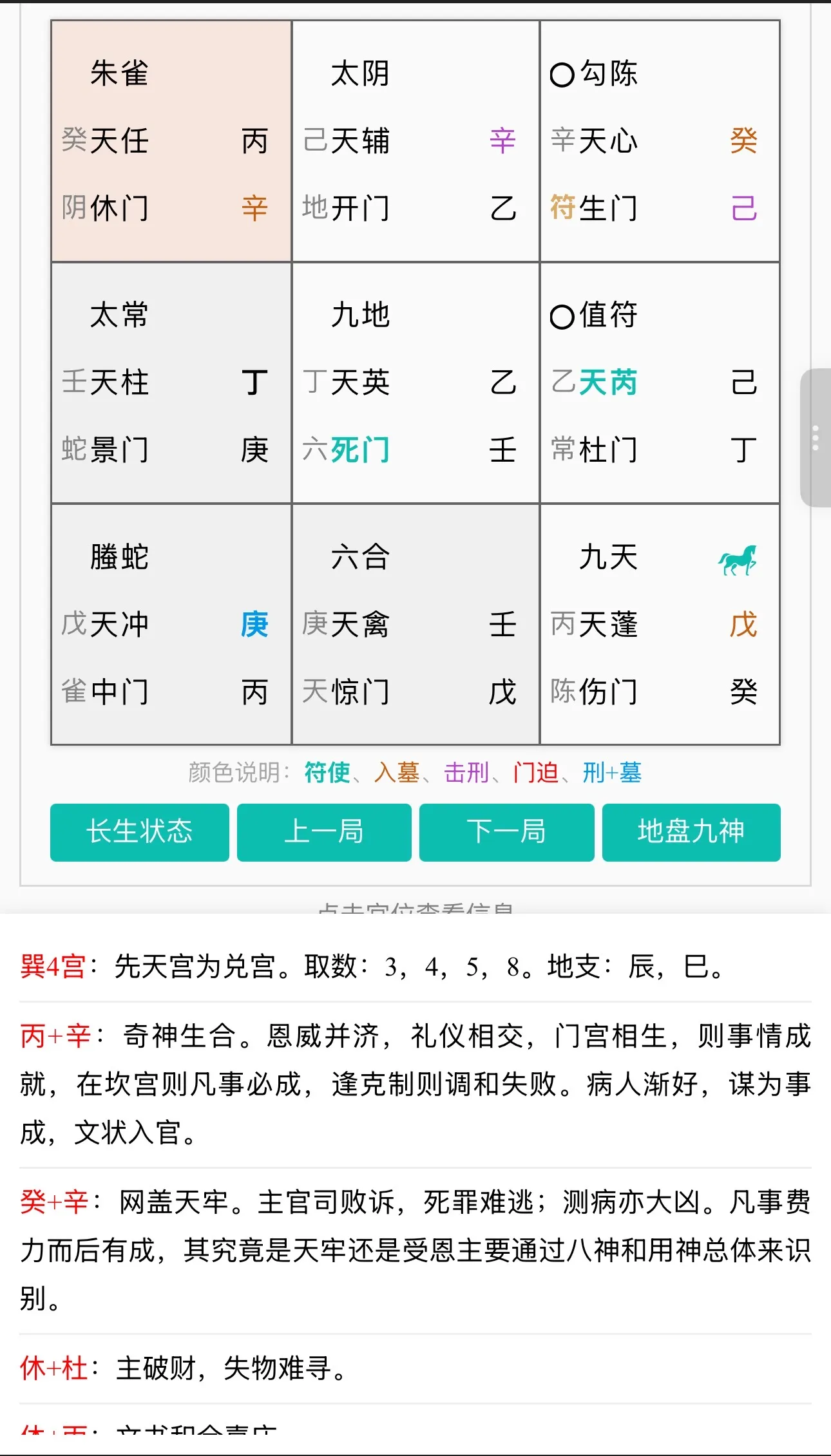
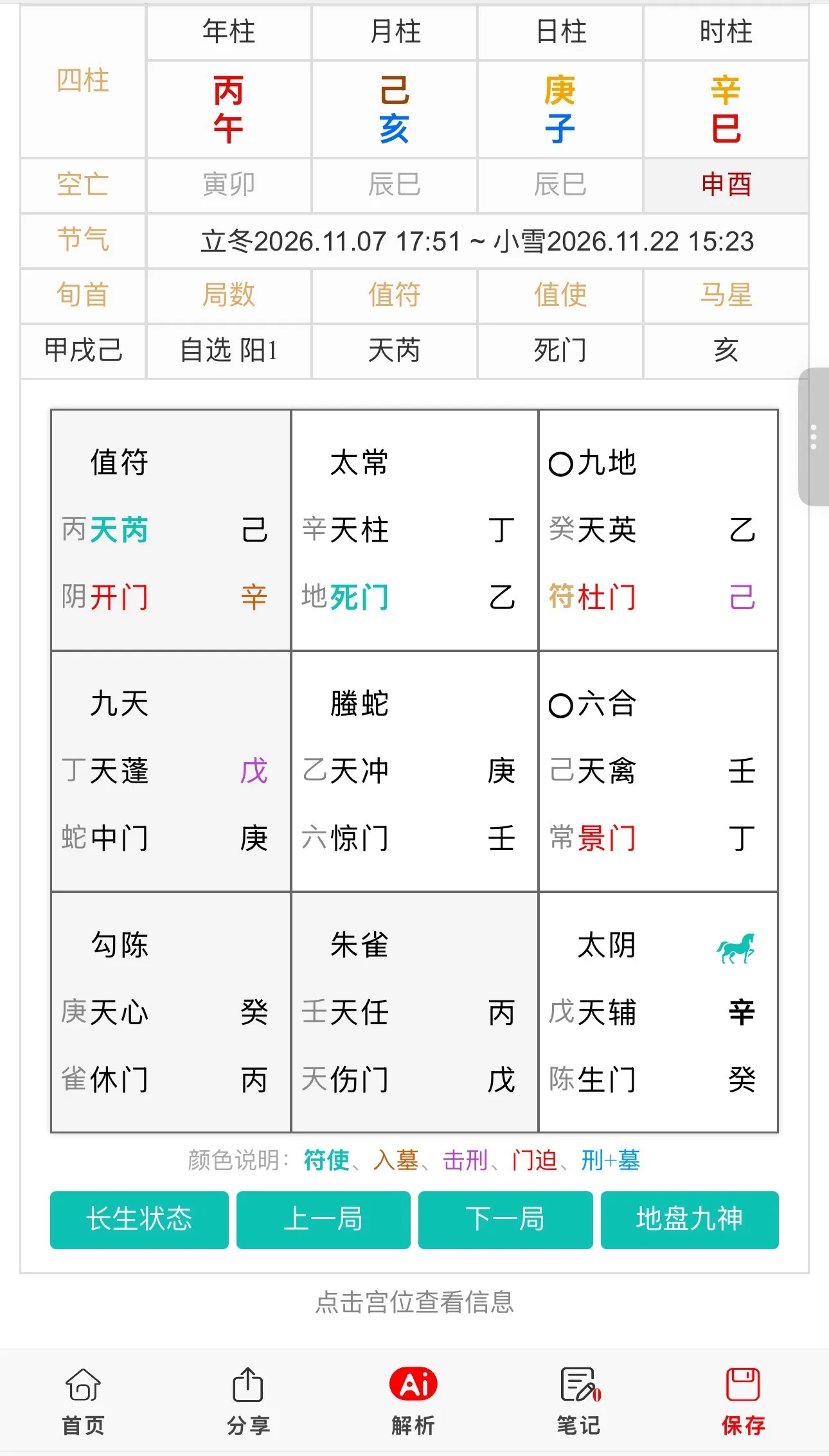
在传统文化数字化展示中,奇门遁甲转盘网站的核心挑战在于多层级罗盘的高帧率渲染与复杂交互的流畅度。传统基于DOM或SVG的动画方案在处理数十个同心圆环、上百个符号节点时,极易引发浏览器重排重绘,导致页面卡顿。本文从前端图形学与渲染引擎视角,探讨奇门遁甲罗盘动画演示系统的设计与实现,重点解决多层级罗盘高效渲染、动画状态机管理以及交互事件精准命中等技术难点。
一、 业务背景与架构设计
奇门遁甲罗盘动画演示系统通常包含:多层级同心圆环渲染、天干地支符号动态绘制、旋转动画控制、交互事件响应、盘局数据绑定等功能。在系统架构上,需要解决三个核心问题:一是多层级罗盘高效渲染,奇门罗盘通常包含地盘、人盘、天盘、神盘等多个层级,每个层级分布着多个符号,需通过Canvas或WebGL实现高效绘制;二是动画状态机管理,罗盘旋转、缩放、高亮等动画状态需统一管理,避免状态混乱导致的动画异常;三是交互事件精准命中,需根据鼠标点击坐标精准判断命中的符号节点,实现点击高亮、详情展示等交互。推荐采用“Canvas分层渲染+requestAnimationFrame动画循环+四叉树空间索引”的架构,通过Canvas分层绘制减少重绘区域,利用requestAnimationFrame保障动画流畅度,结合四叉树实现高效的事件命中检测。
二、 核心代码实现
1. 基于Canvas分层渲染的罗盘绘制
通过Canvas分层绘制技术,将静态背景与动态符号分离,减少重绘区域,提升渲染性能。
// 罗盘渲染引擎(Canvas分层)
class LuoPanRenderer {
    constructor(container) {
        this.container = container;
        // 创建多层Canvas
        this.bgCanvas = this.createCanvas('bg-layer'); // 背景层(静态)
        this.symbolCanvas = this.createCanvas('symbol-layer'); // 符号层(动态)
        this.interactionCanvas = this.createCanvas('interaction-layer'); // 交互层

        this.bgCtx = this.bgCanvas.getContext('2d');
        this.symbolCtx = this.symbolCanvas.getContext('2d');

        this.layers = []; // 罗盘层级数据
        this.rotation = 0; // 当前旋转角度
    }

    createCanvas(className) {
        const canvas = document.createElement('canvas');
        canvas.className = className;
        canvas.width = 800;
        canvas.height = 800;
        this.container.appendChild(canvas);
        return canvas;
    }

    // 绘制静态背景(仅初始化时调用)
    drawBackground() {
        const ctx = this.bgCtx;
        const centerX = 400, centerY = 400;

        // 绘制同心圆环
        ctx.beginPath();
        ctx.arc(centerX, centerY, 350, 0, Math.PI * 2);
        ctx.strokeStyle = '#333';
        ctx.stroke();

        // 绘制八卦方位线
        for (let i = 0; i < 8; i++) {
            const angle = (i * 45) * Math.PI / 180;
            ctx.beginPath();
            ctx.moveTo(centerX, centerY);
            ctx.lineTo(centerX + 350 * Math.cos(angle), centerY + 350 * Math.sin(angle));
            ctx.stroke();
        }
    }

    // 绘制动态符号层(每帧调用)
    drawSymbols() {
        const ctx = this.symbolCtx;
        ctx.clearRect(0, 0, 800, 800); // 清空符号层

        const centerX = 400, centerY = 400;

        // 遍历各层级绘制符号
        this.layers.forEach((layer, layerIndex) => {
            const radius = 100 + layerIndex * 80; // 各层级半径
            const symbols = layer.symbols; // 符号数组

            symbols.forEach((symbol, index) => {
                const angle = (index * (360 / symbols.length) + this.rotation) * Math.PI / 180;
                const x = centerX + radius * Math.cos(angle);
                const y = centerY + radius * Math.sin(angle);

                ctx.save();
                ctx.translate(x, y);
                ctx.rotate(angle + Math.PI / 2); // 符号旋转对齐

                // 绘制符号文本
                ctx.font = '16px SimSun';
                ctx.fillStyle = symbol.color || '#000';
                ctx.textAlign = 'center';
                ctx.textBaseline = 'middle';
                ctx.fillText(symbol.text, 0, 0);

                ctx.restore();
            });
        });
    }

    // 动画循环
    animate() {
        this.rotation += 0.5; // 旋转速度
        if (this.rotation >= 360) this.rotation = 0;

        this.drawSymbols();
        requestAnimationFrame(() => this.animate());
    }
}
2. 基于四叉树的事件命中检测
通过四叉树空间索引结构,实现鼠标点击坐标到符号节点的快速查找,提升交互响应效率。
// 四叉树空间索引
class QuadTree {
    constructor(bounds, capacity = 4) {
        this.bounds = bounds; // {x, y, width, height}
        this.capacity = capacity;
        this.symbols = []; // 存储符号节点
        this.divided = false;
        this.northeast = null;
        this.northwest = null;
        this.southeast = null;
        this.southwest = null;
    }

    // 插入符号节点
    insert(symbol) {
        if (!this.contains(symbol)) return false;

        if (this.symbols.length < this.capacity) {
            this.symbols.push(symbol);
            return true;
        }

        // 容量已满,分割子节点
        if (!this.divided) this.subdivide();

        return this.northeast.insert(symbol) ||
               this.northwest.insert(symbol) ||
               this.southeast.insert(symbol) ||
               this.southwest.insert(symbol);
    }

    // 查询指定点命中的符号
    query(point) {
        const found = [];

        if (!this.containsPoint(point)) return found;

        // 检查当前节点的符号
        this.symbols.forEach(symbol => {
            const dx = point.x - symbol.x;
            const dy = point.y - symbol.y;
            const distance = Math.sqrt(dx * dx + dy * dy);
            if (distance <= symbol.radius) {
                found.push(symbol);
            }
        });

        // 递归查询子节点
        if (this.divided) {
            found.push(...this.northeast.query(point));
            found.push(...this.northwest.query(point));
            found.push(...this.southeast.query(point));
            found.push(...this.southwest.query(point));
        }

        return found;
    }

    subdivide() {
        const { x, y, width, height } = this.bounds;
        const halfW = width / 2;
        const halfH = height / 2;

        this.northeast = new QuadTree({ x: x + halfW, y: y, width: halfW, height: halfH });
        this.northwest = new QuadTree({ x: x, y: y, width: halfW, height: halfH });
        this.southeast = new QuadTree({ x: x + halfW, y: y + halfH, width: halfW, height: halfH });
        this.southwest = new QuadTree({ x: x, y: y + halfH, width: halfW, height: halfH });

        this.divided = true;
    }

    contains(symbol) {
        const { x, y, width, height } = this.bounds;
        return symbol.x >= x && symbol.x <= x + width &&
               symbol.y >= y && symbol.y <= y + height;
    }

    containsPoint(point) {
        const { x, y, width, height } = this.bounds;
        return point.x >= x && point.x <= x + width &&
               point.y >= y && point.y <= y + height;
    }
}

// 交互事件处理
class InteractionManager {
    constructor(renderer) {
        this.renderer = renderer;
        this.quadTree = new QuadTree({ x: 0, y: 0, width: 800, height: 800 });

        // 绑定点击事件
        renderer.interactionCanvas.addEventListener('click', (e) => {
            const rect = renderer.interactionCanvas.getBoundingClientRect();
            const point = {
                x: e.clientX - rect.left,
                y: e.clientY - rect.top
            };

            // 使用四叉树快速查找命中的符号
            const hitSymbols = this.quadTree.query(point);
            if (hitSymbols.length > 0) {
                this.onSymbolClick(hitSymbols[0]);
            }
        });
    }

    onSymbolClick(symbol) {
        console.log('点击符号:', symbol.text);
        // 触发符号高亮、详情展示等交互
    }
}
三、 总结
奇门遁甲罗盘动画演示系统的技术核心在于图形渲染性能与交互响应效率的平衡。通过Canvas分层渲染技术,将静态背景与动态符号分离,显著减少重绘区域,保障高帧率动画流畅度;结合四叉树空间索引结构,实现鼠标点击坐标到符号节点的快速查找,将事件命中检测的时间复杂度从O(n)降低至O(log n)。这种架构不仅适用于奇门遁甲罗盘展示,也可推广至其他需要复杂图形渲染与高频交互的前端可视化应用中,为高性能、高流畅度的Web图形系统提供通用解决方案。