一、Minimalist-web-notepad介绍
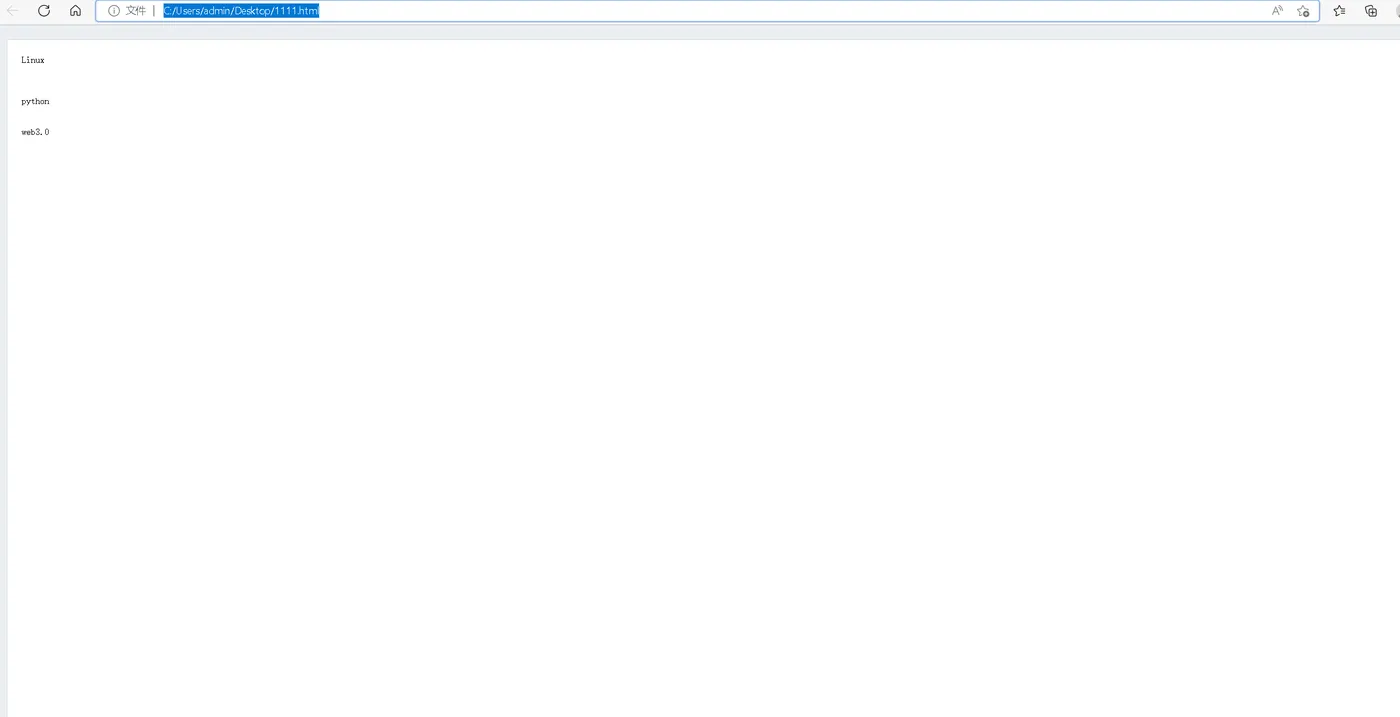
Minimalist-web-notepad是一款类似于notepad的纯文本笔记本,可以用来做记事本,也可以用来做临时记录的工具。
二、检查docker状态
1.检查docker版本
[root@docker ~]# docker -v
Docker version 20.10.18, build b40c2f6
2.检查docker状态
[root@docker ~]# systemctl status docker
● docker.service - Docker Application Container Engine
   Loaded: loaded (/usr/lib/systemd/system/docker.service; enabled; vendor preset: disabled)
   Active: active (running) since Wed 2022-10-26 13:21:18 CST; 11h ago
     Docs: https://docs.docker.com
 Main PID: 9793 (dockerd)
    Tasks: 36
   Memory: 1.3G
   CGroup: /system.slice/docker.service
           ├─  9793 /usr/bin/dockerd -H fd:// --containerd=/run/containerd/containerd.sock
           ├─173082 /usr/bin/docker-proxy -proto tcp -host-ip 0.0.0.0 -host-port 3000 -container-ip 172.25.0.3 -container-port 3000
           └─173091 /usr/bin/docker-proxy -proto tcp -host-ip :: -host-port 3000 -container-ip 172.25.0.3 -container-port 3000

Oct 26 16:59:06 docker dockerd[9793]: time="2022-10-26T16:59:06.456488535+08:00" level=error msg="42d62e81dc88347ac44d0ef315bef17c064cb...ntainer"
Oct 26 16:59:06 docker dockerd[9793]: time="2022-10-26T16:59:06.456534462+08:00" level=error msg="Handler for POST /v1.25/containers/42d62e81dc...
Oct 26 17:00:42 docker dockerd[9793]: time="2022-10-26T17:00:42.218302334+08:00" level=info msg="ignoring event" container=3e3b26f20611...kDelete"
Oct 26 17:00:42 docker dockerd[9793]: time="2022-10-26T17:00:42.227578258+08:00" level=info msg="ignoring event" container=0bd46f5d8ec4...kDelete"
Oct 26 17:00:43 docker dockerd[9793]: time="2022-10-26T17:00:43.707019873+08:00" level=info msg="ignoring event" container=250cba155045...kDelete"
Oct 26 17:00:44 docker dockerd[9793]: time="2022-10-26T17:00:44.228501588+08:00" level=info msg="ignoring event" container=d1ad595bda8b...kDelete"
Oct 26 17:00:45 docker dockerd[9793]: time="2022-10-26T17:00:45.161097871+08:00" level=info msg="ignoring event" container=66dd8a21b646...kDelete"
Oct 26 17:00:45 docker dockerd[9793]: time="2022-10-26T17:00:45.276369806+08:00" level=info msg="ignoring event" container=3aa83e0effdb...kDelete"
Oct 26 17:00:45 docker dockerd[9793]: time="2022-10-26T17:00:45.392793529+08:00" level=info msg="ignoring event" container=12cc3dae3933...kDelete"
Oct 26 17:00:45 docker dockerd[9793]: time="2022-10-26T17:00:45.669979290+08:00" level=info msg="ignoring event" container=03d669438b91...kDelete"
Hint: Some lines were ellipsized, use -l to show in full.
三、下载Minimalist-web-notepad镜像
[root@docker ~]# docker pull jdreinhardt/minimalist-web-notepad
Using default tag: latest
latest: Pulling from jdreinhardt/minimalist-web-notepad
bf5952930446: Pull complete
a409b57eb464: Pull complete
3192e6c84ad0: Pull complete
43553740162b: Pull complete
d8b8bba42dea: Pull complete
eb10907c0110: Pull complete
10568906f34e: Pull complete
03fe17709781: Pull complete
98171b7166c8: Pull complete
3978c2fb05b8: Pull complete
71bf21524fa8: Pull complete
24fe81782f1c: Pull complete
7a2dfd067aa5: Pull complete
4f55e0effe4d: Pull complete
e796f788f07f: Pull complete
7c215e9ce78c: Pull complete
Digest: sha256:efc19bf1e39f520fe4757606f78811b1f6e7a770b560e269631c384adf019910
Status: Downloaded newer image for jdreinhardt/minimalist-web-notepad:latest
docker.io/jdreinhardt/minimalist-web-notepad:latest
四、创建Minimalist-web-notepad容器
1.创建数据目录
[root@docker ~]# mkdir -p /data/webnotepad
[root@docker ~]# cd /data/webnotepad/
2.目录授权
chmod -R 777 /data/webnotepad/
3.创建Minimalist-web-notepad容器容器
[root@docker webnotepad]# docker run -d --name notepad --restart always -p 89:80 -v /data/webnotepad/data:/var/www/html/_tmp jdreinhardt/minimalist-web-notepad:latest
a13c1003805a79d8164ea9d286b4fcdaeac1be21fbba5b63d95a3a843aba3fa8
4.查看容器状态
[root@docker webnotepad]# docker ps
CONTAINER ID   IMAGE                                       COMMAND                  CREATED          STATUS          PORTS                                       NAMES
a13c1003805a   jdreinhardt/minimalist-web-notepad:latest   "minimalist-web-note…"   29 seconds ago   Up 28 seconds   0.0.0.0:89->80/tcp, :::89->80/tcp           notepad
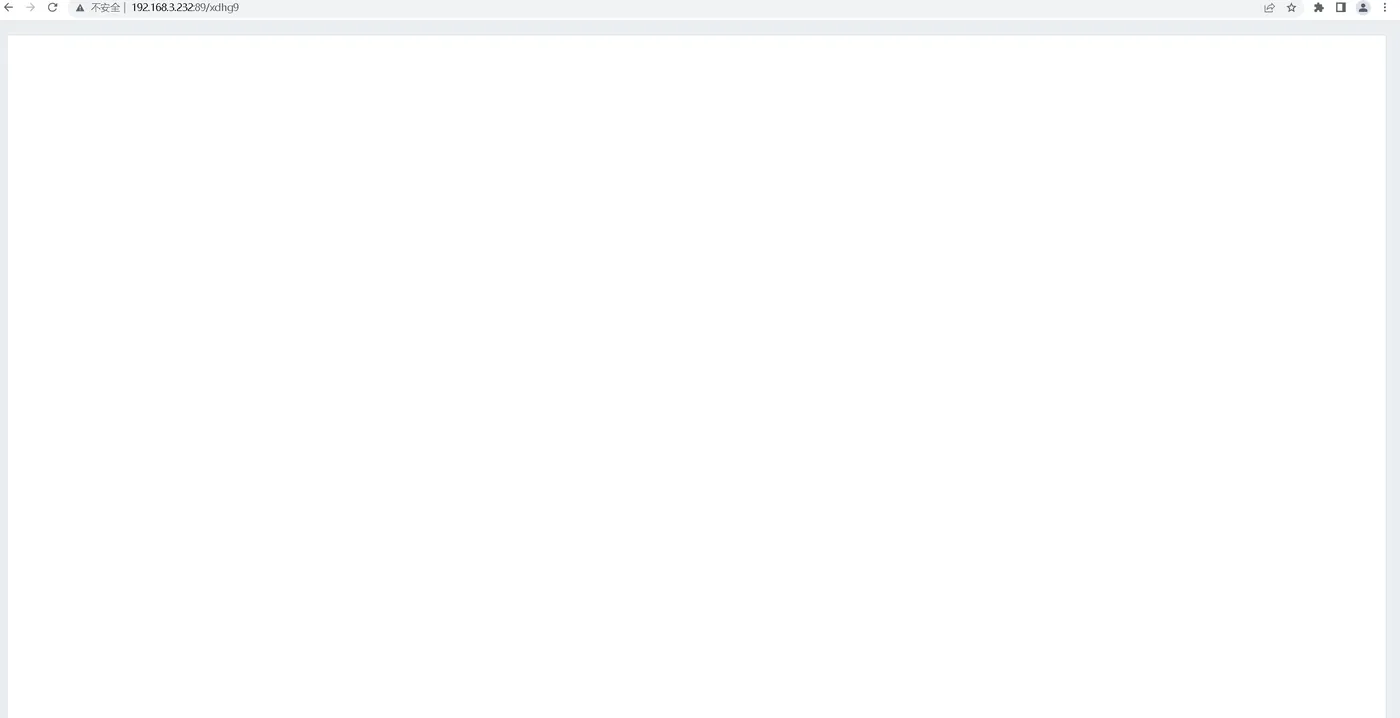
五、访问Minimalist-web-notepad
六、使用Minimalist-web-notepad
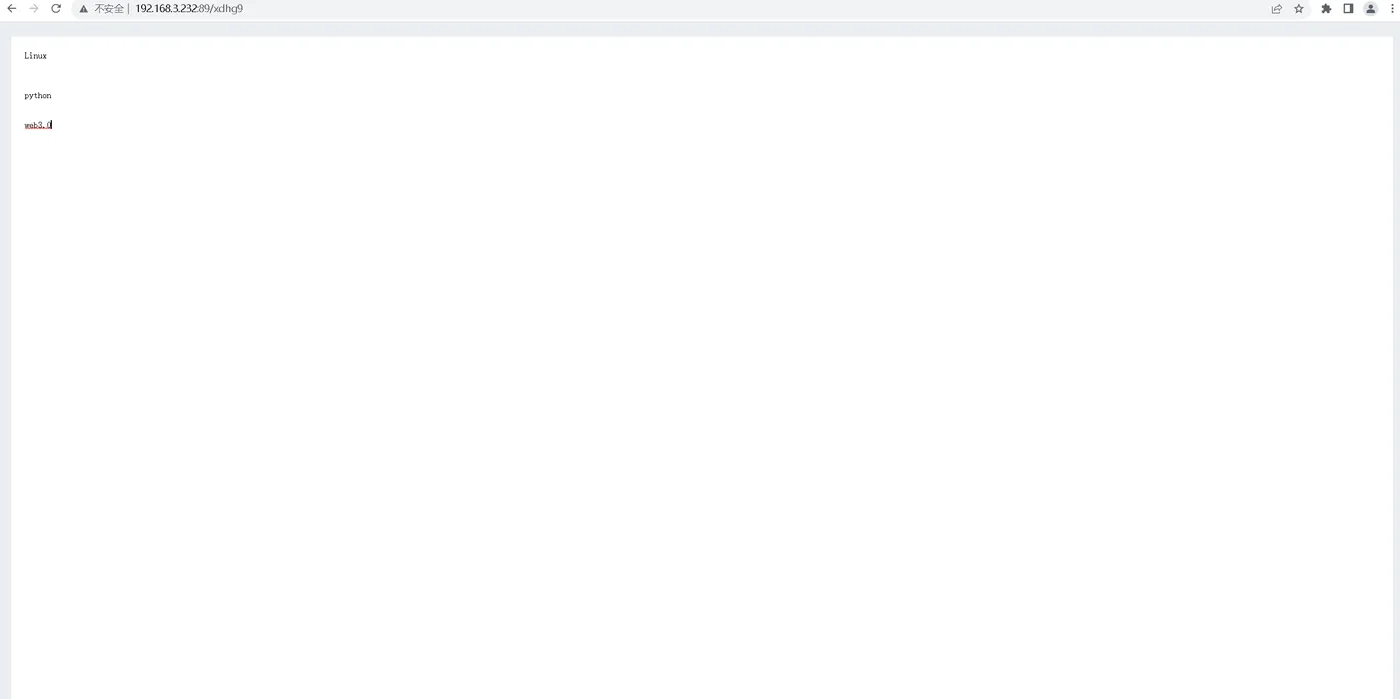
1.新建在线文本
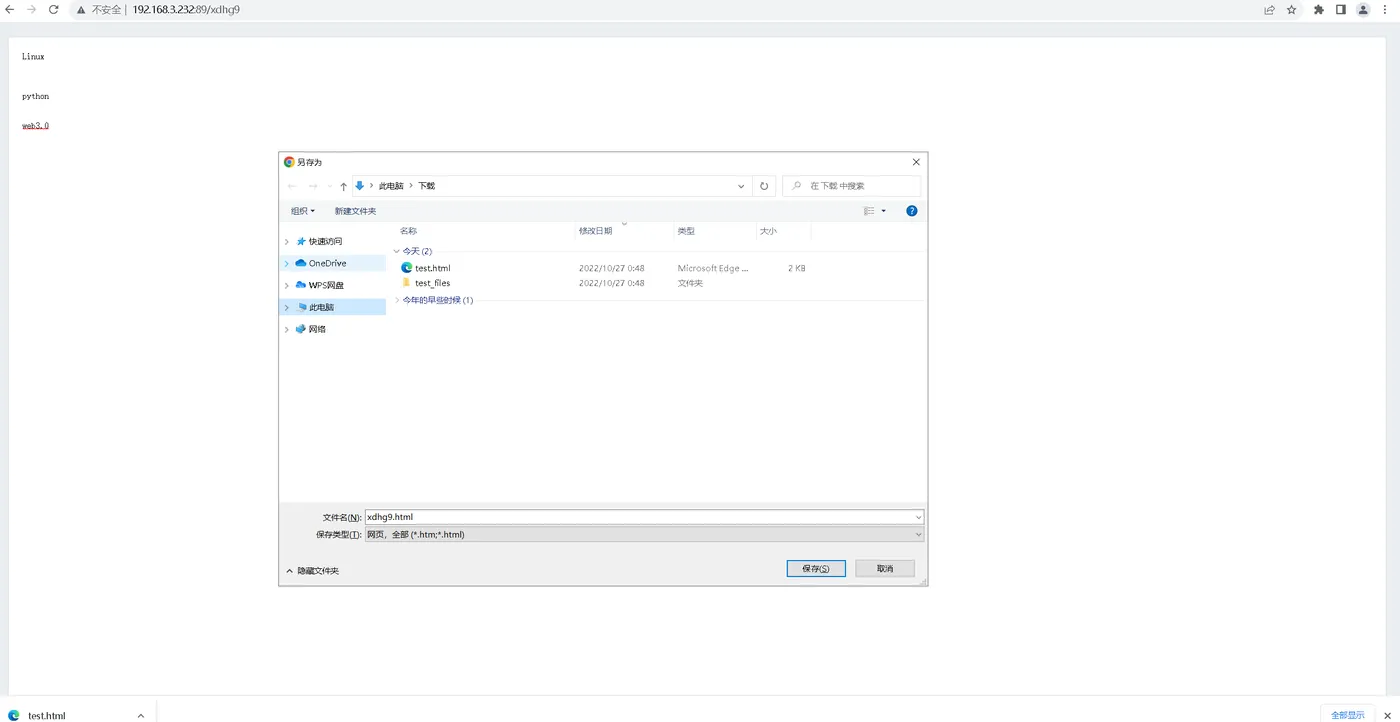
2.保存文件
ctrl +s保存
3.查看保存的文件